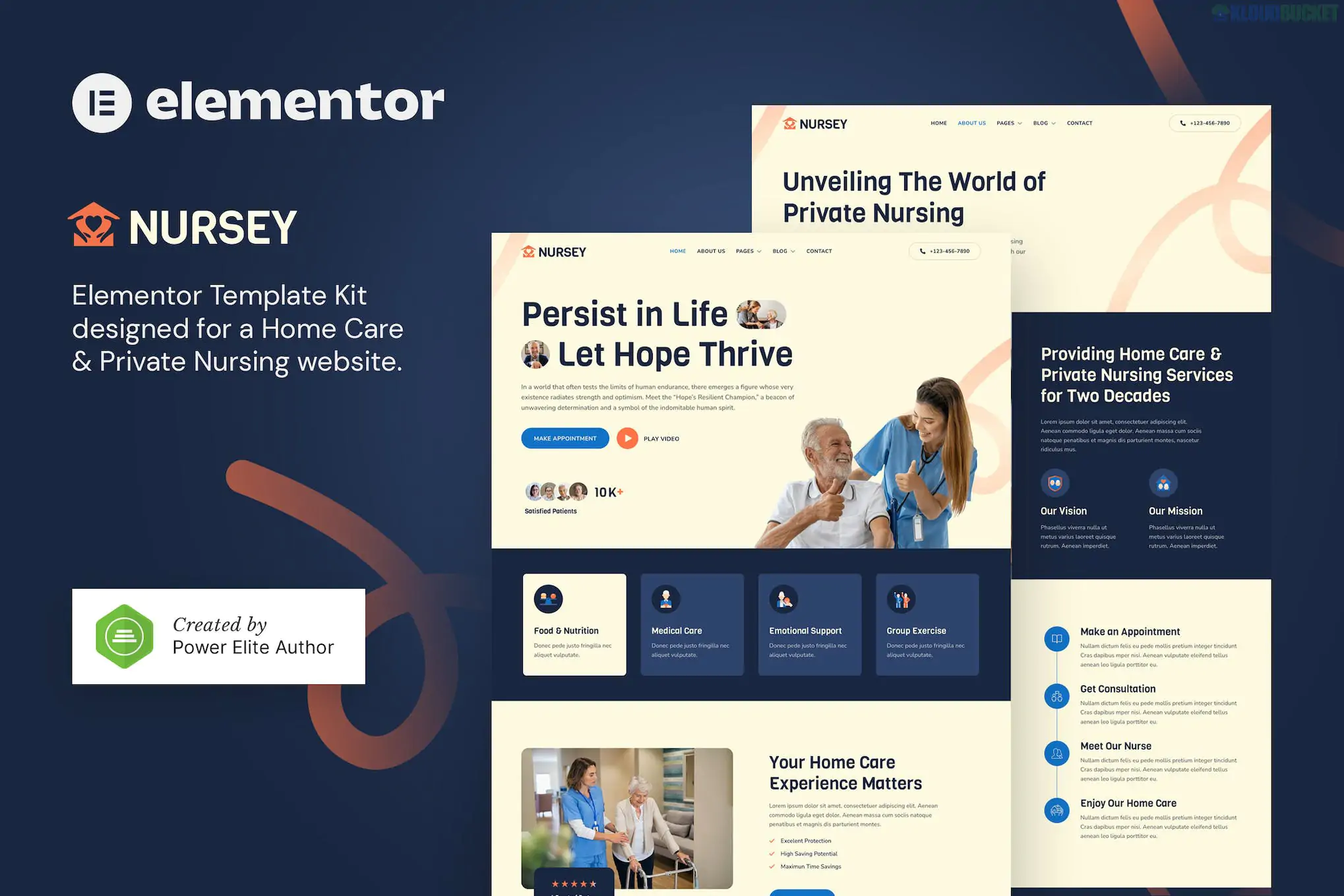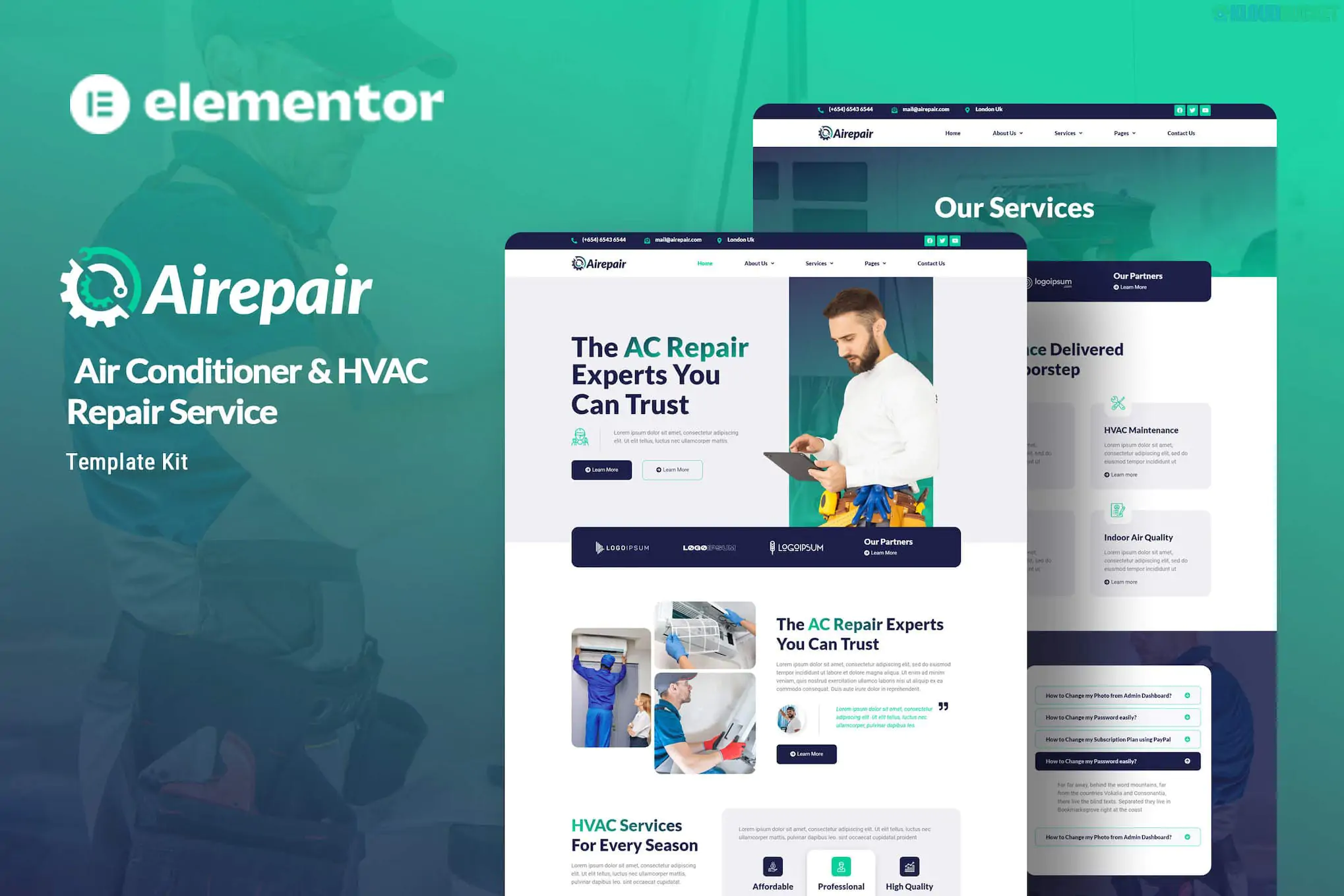
**Airepair** is a professional **Elementor Template Kit** specifically designed for businesses in the HVAC industry, including air conditioning repair, heating maintenance, and general handyman services.
Developed by **Kitpro** (and often found on Envato Elements), it is highly regarded for being "Free-Plugin Friendly"—meaning it achieves a premium look using primarily free tools rather than requiring an Elementor Pro subscription.
---
### Key Features
* **12+ Specialized Templates:** Includes layouts for Home, About Us, Technicians/Team, Pricing, FAQs, Services, Single Service details, Blog, and Contact.
* **Fully Responsive:** The design is "mobile-first," ensuring that customers can easily book a repair from their smartphones.
* **Clean & Modern Aesthetic:** Uses a professional color palette (typically blues and oranges) and clear typography (**Lato** and **Roboto**) to build trust with homeowners.
* **No Coding Required:** Every element is customizable via Elementor’s visual drag-and-drop interface.
---
### Technical Requirements
To get the exact look of the demo, you will need the following plugins (all available for free in the WordPress repository):
1. **Elementor (Free):** The core builder.
2. **ElementsKit Lite:** For advanced header/footer layouts and widgets.
3. **Jeg Elementor Kit:** Used for specific UI components like service cards or carousels.
4. **Metform:** Handles the service booking and contact forms.
5. **Header, Footer & Blocks Template:** Ensures your global site navigation works without Elementor Pro.
---
### How to Install Airepair
1. **Theme Setup:** Install and activate the **Hello Elementor** theme (recommended for its speed).
2. **Install the Importer:** Go to **Plugins > Add New** and install **Envato Elements**.
3. **Upload the Kit:** Navigate to **Elements > Installed Kits**, click **Upload Template Kit ZIP File**, and select your downloaded `airepair.zip`.
4. **Install Requirements:** Click the orange **"Install Requirements"** banner to automatically activate the necessary helper plugins (Metform, etc.).
5. **Global Styles First:** Always click **Import** on the **Global Kit Styles** first. This sets your site's default colors and fonts.
6. **Import Pages:** Import your Home page and other pages one by one.
### Special Note on Forms
Since Airepair uses **MetForm**, you will need to create a new form in the MetForm menu, import the specific "Form Template" from the kit, and then select that form within the Elementor editor on your Contact or Booking page.
**Would you like me to provide the specific steps for setting up the MetForm booking system, or do you need help troubleshooting the header/footer import?**
Subscribe to access unlimited downloads of themes, videos, graphics, plugins, and more premium assets for your creative needs.
.jpg) Help Us to Buy More New Theme/Plugin
Help Us to Buy More New Theme/Plugin
Published:
Dec 29, 2025 16:26 PM
Category:
Author:
OtherLicense:
GPL v2 or Later