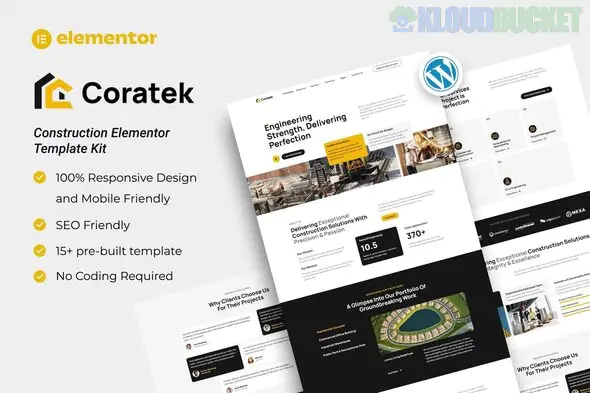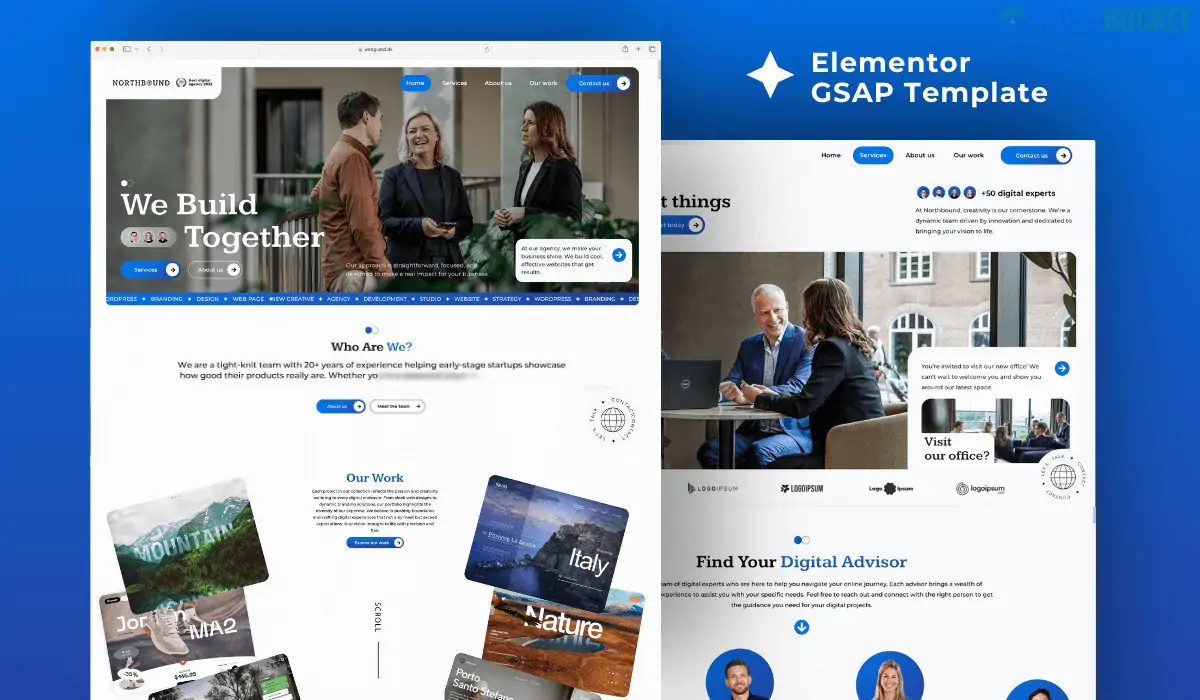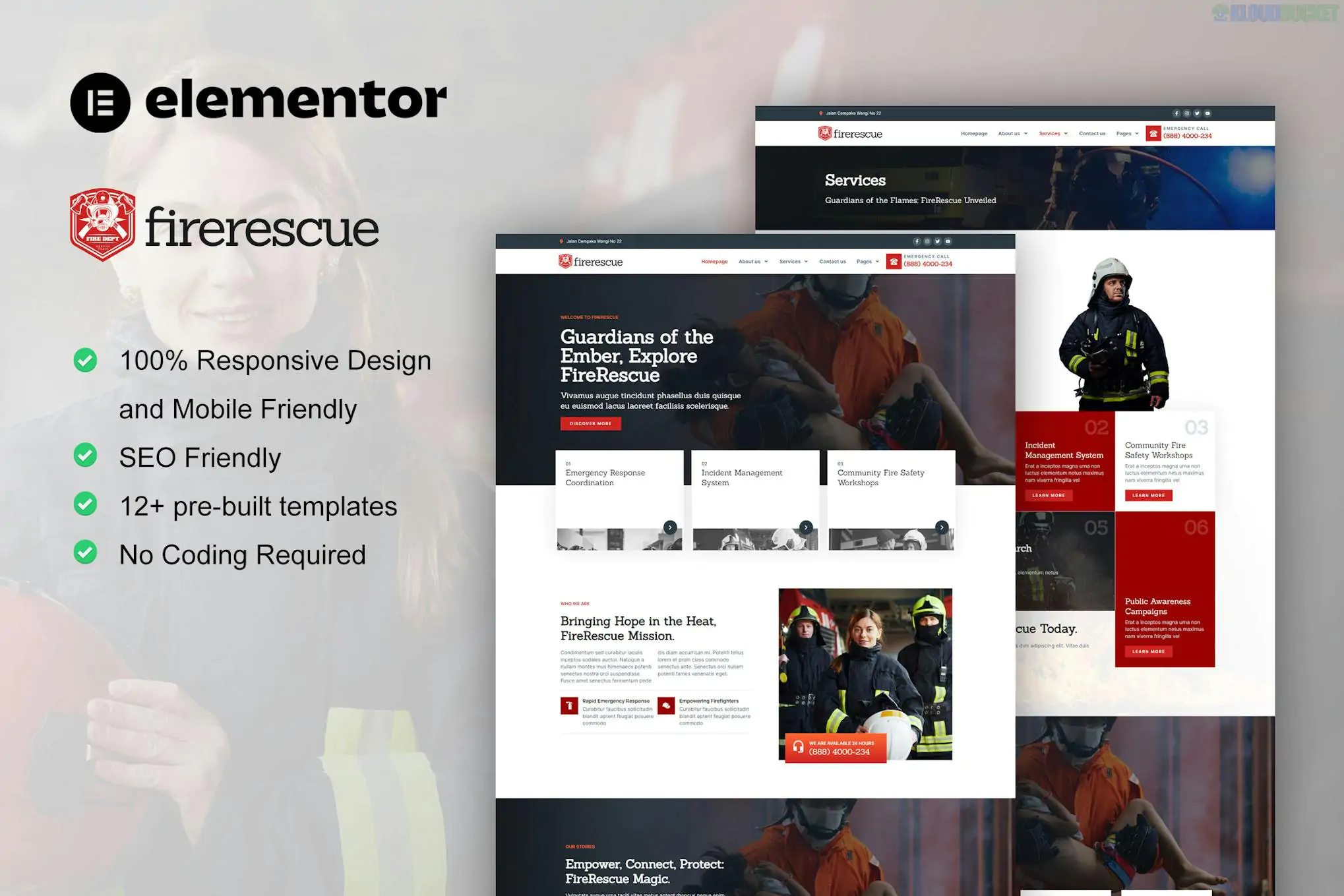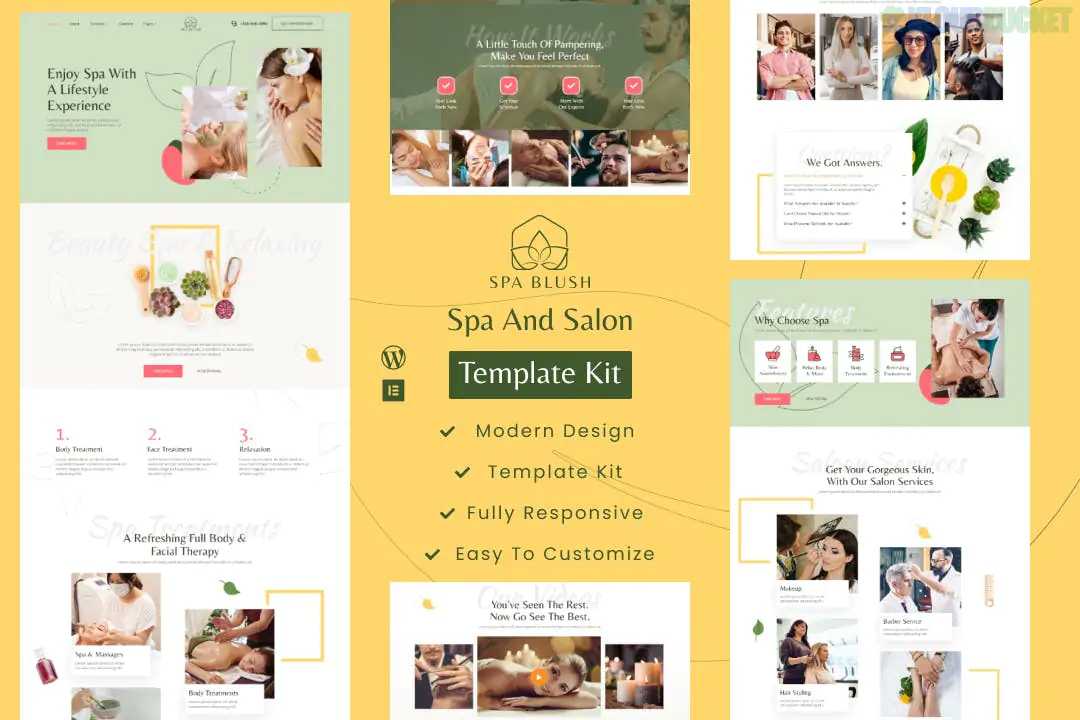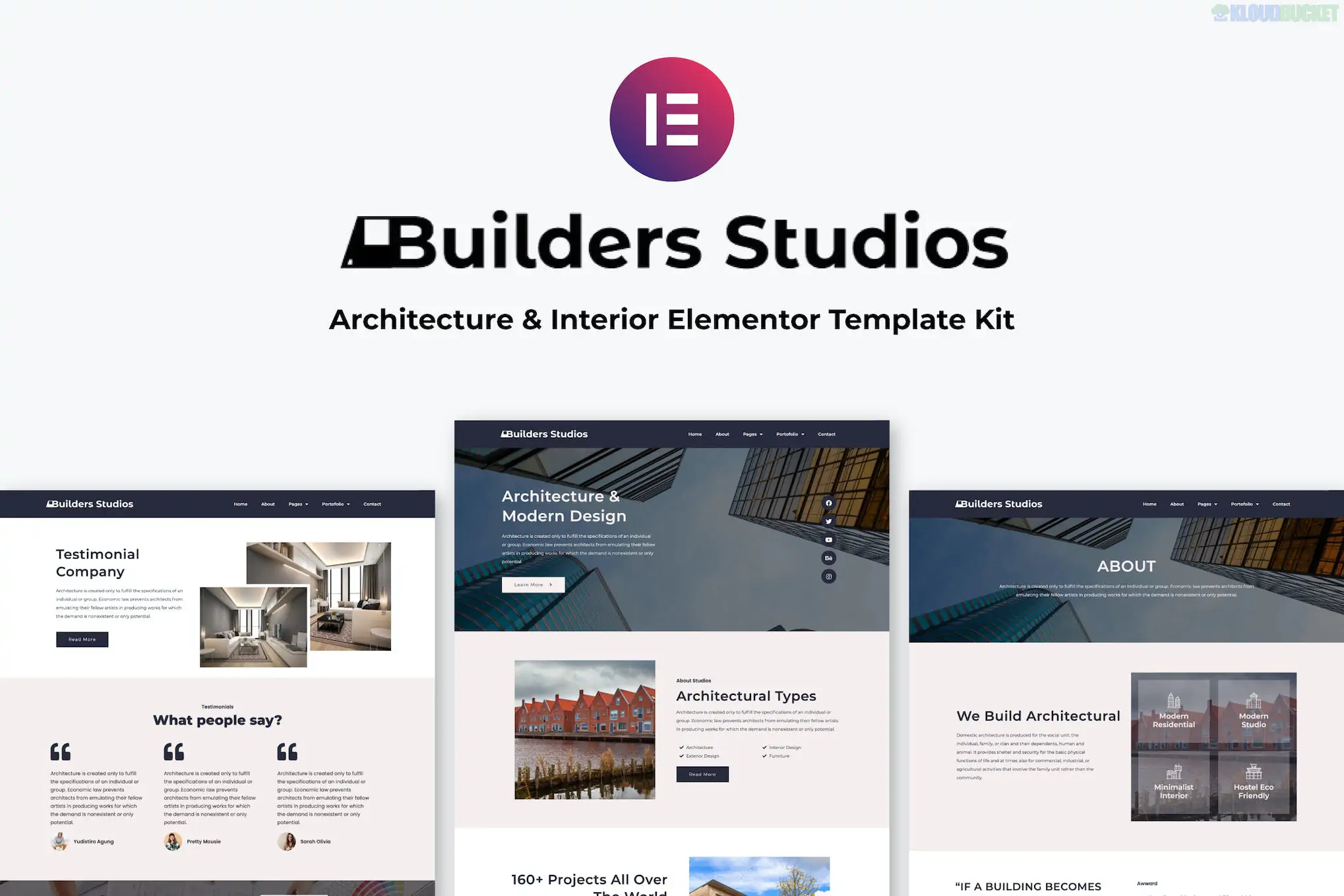
**Autorix** is a modern and professional Elementor Template Kit designed for auto maintenance, car repair shops, mechanic workshops, and garage services. It features a bold, industry-standard aesthetic that balances technical professionalism with a user-friendly interface.
This is a **Template Kit**, optimized specifically for the free **Hello Elementor** theme. It provides the page content for the Elementor builder but is not a standalone WordPress theme.
---
### ## Key Features
* **Modern & Bold Aesthetic:** High-contrast design using "industrial" colors (often black, red, and white) to build trust in automotive expertise.
* **No Code Required:** Uses the drag-and-drop visual builder for 100% customization of every element.
* **15+ Ready-to-Use Templates:** A comprehensive library of pages including homepages, service details, and career layouts.
* **Performance Optimized:** Fast-loading and lightweight, which is crucial for customers looking for a mechanic on mobile devices.
* **Retina Ready:** Ensures high-resolution icons and automotive photography look sharp on all screens.
### ### Technical Requirements
Unlike some "Pro" kits, Autorix is highly flexible but works best with these plugins:
* **Elementor (Free):** The core page builder.
* **ElementsKit Lite:** Used for building the header, footer, and specialized widgets.
* **MetForm:** For the contact and service inquiry forms.
* **Jeg Elementor Kit:** Frequently used for advanced grid and content displays.
* **Elementor Pro:** (Optional) While many features work with the free version, Pro is recommended if you want to use the native Elementor Theme Builder for headers and footers.
---
### ### Included Page Templates
| Category | Included Pages |
| --- | --- |
| **Main Pages** | Home, About Us, Contact, FAQ |
| **Auto Services** | Service List, Single Service Detail (e.g., Engine Repair, Oil Change) |
| **Portfolio & Team** | Our Projects (Gallery), Our Mechanics/Team |
| **Business Info** | Pricing Plans, Testimonials, Career Page |
| **Utility** | Header & Footer Templates, 404 Error Page, Global Kit Styles |
---
### ### Pro Installation Tips
1. **Global Styles First:** After importing the kit via the **Envato Elements** plugin, always click "Import" on the **Global Kit Styles** first. This sets your site-wide colors and typography to match the demo instantly.
2. **MetForm Configuration:** If the contact form doesn't appear after importing the page, you need to import the **MetForm block templates** separately and select them within the MetForm widget on your page.
3. **Image Licensing:** The demo uses professional automotive photography. To keep these, you must license them via Envato; otherwise, replace them with your own high-quality garage photos for a more authentic touch.
4. **Google Maps:** Be sure to update the Google Maps widget on the Contact page with your specific garage location and set a grayscale or dark filter to match the kit's vibe.
Would you like me to help you set up an **"Online Appointment"** form using MetForm, or do you need help customizing the "Service Detail" page for a specific repair service?
Subscribe to access unlimited downloads of themes, videos, graphics, plugins, and more premium assets for your creative needs.
.jpg) Help Us to Buy More New Theme/Plugin
Help Us to Buy More New Theme/Plugin
Published:
Feb 01, 2026 11:41 AM
Category:
Author:
OtherLicense:
GPL v2 or Later