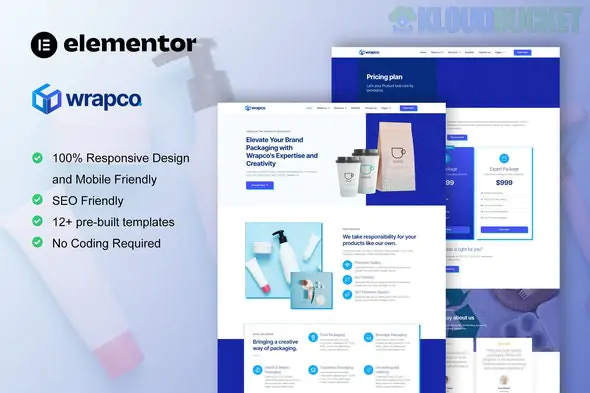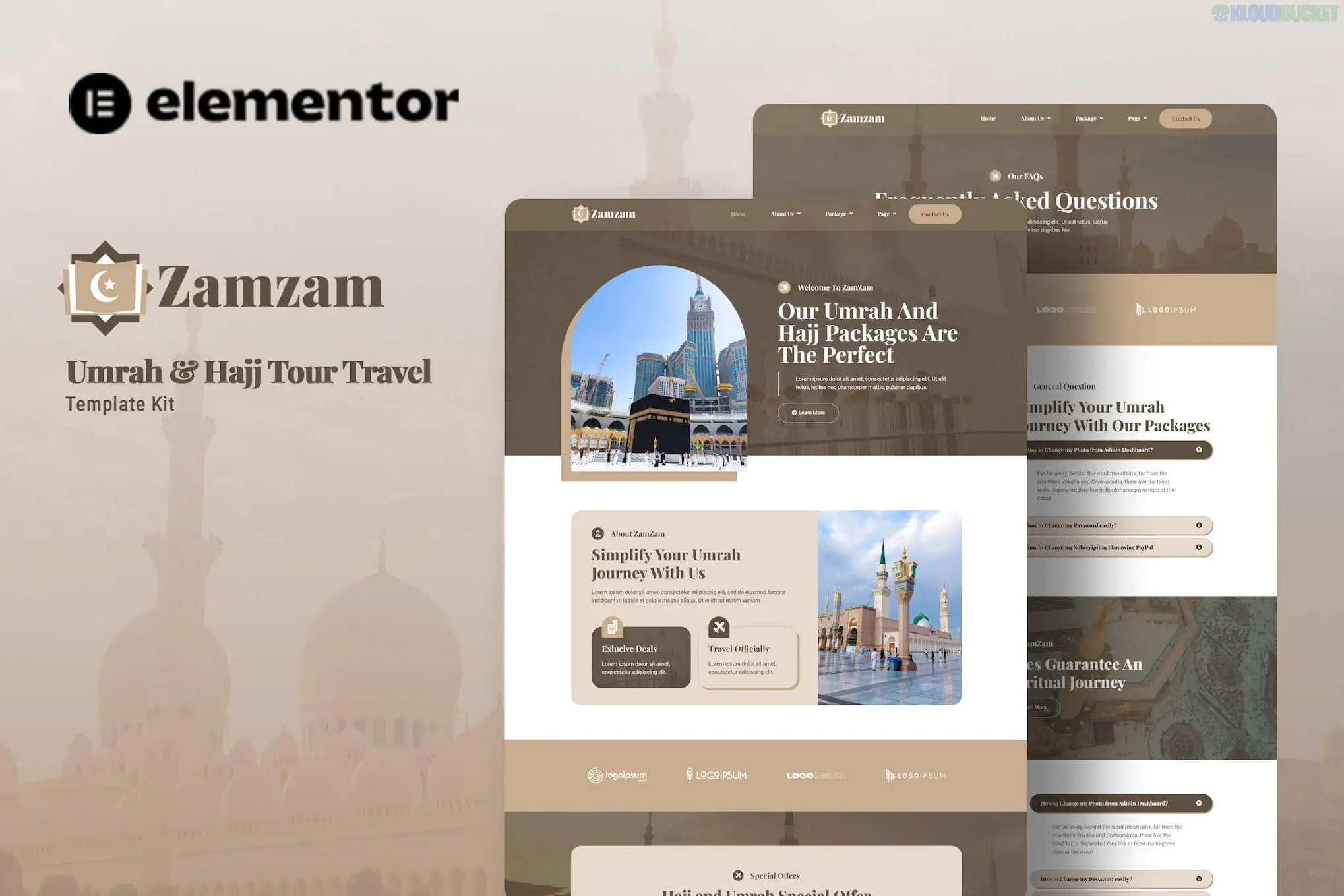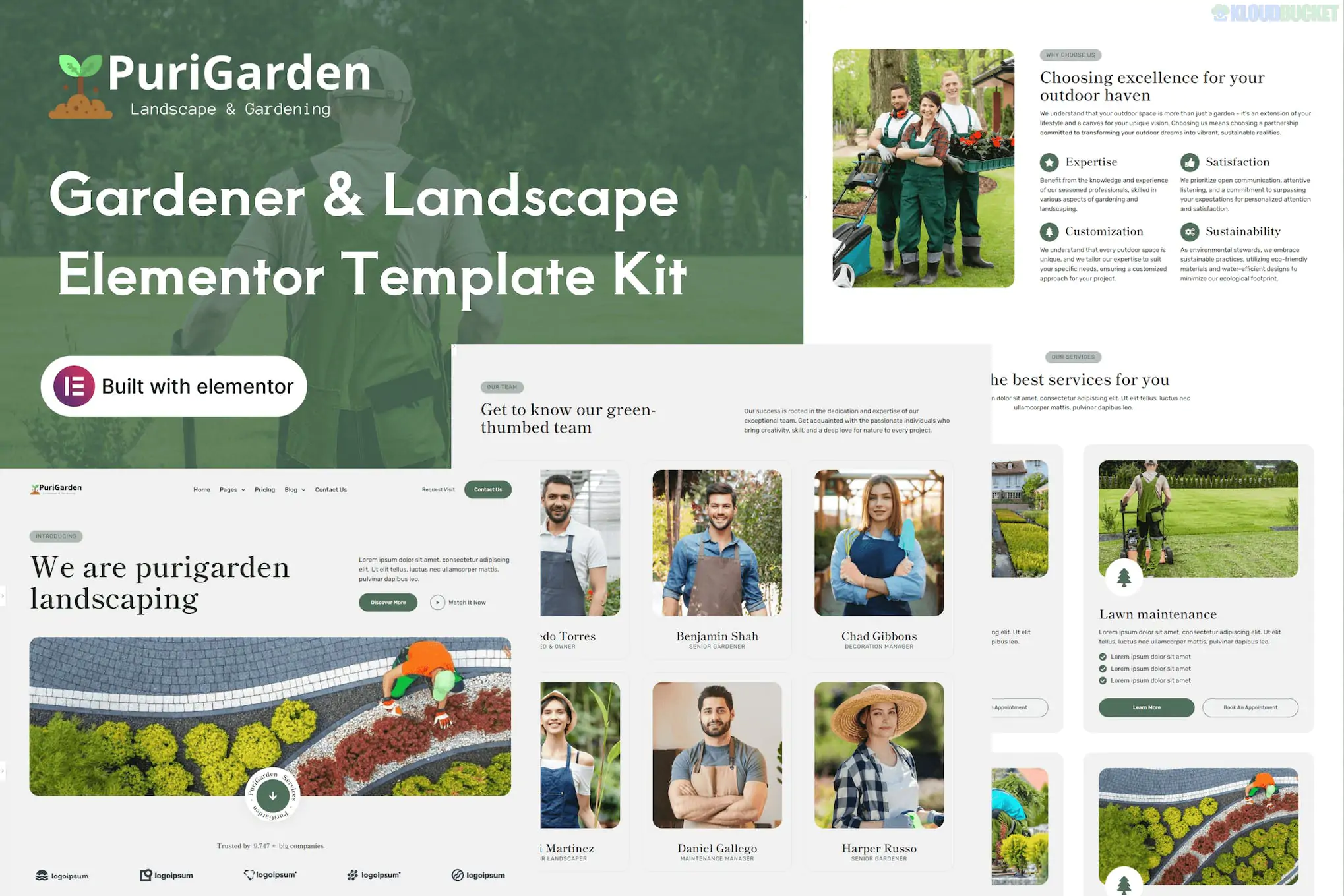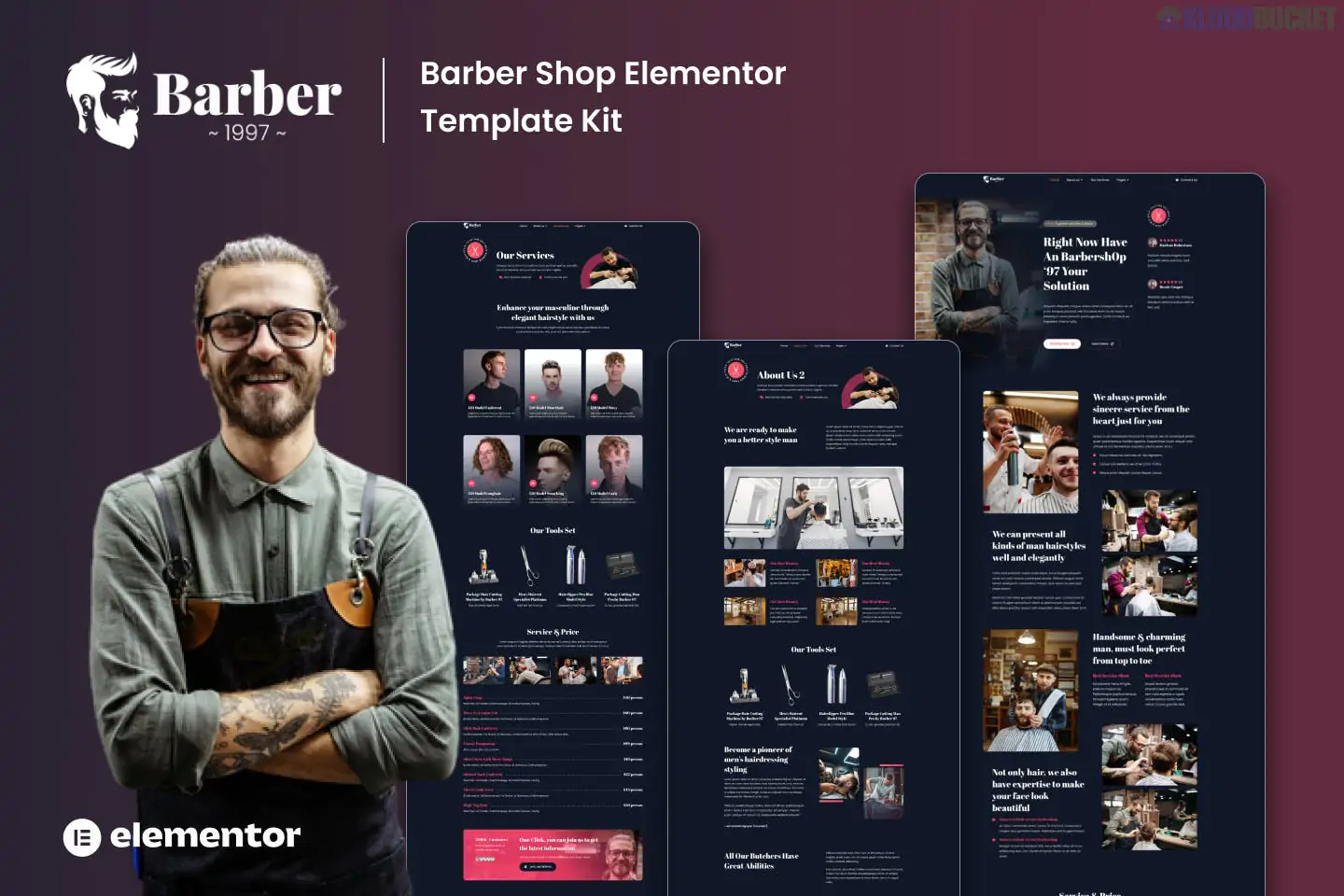
**Bakebun** is a vibrant and professional Elementor Template Kit designed specifically for landscaping, gardening services, lawn maintenance, and garden decoration businesses. Developed by **moxcreative**, it features a fresh, "green" aesthetic that emphasizes outdoor beauty and professional service.
Unlike a standalone theme, **Bakebun** is a collection of pre-designed layouts that you import into the Elementor page builder.
---
### ## Key Features
* **12+ Pre-built Templates:** A comprehensive set of pages designed to cover every aspect of a landscaping business.
* **Modern & Clean Design:** Uses a nature-inspired color palette and professional typography (Inter and Outfit) to build brand trust.
* **Fully Responsive:** Specifically optimized to look great on mobile devices, ensuring clients can find your services on the go.
* **Retina Ready:** High-quality visual elements that stay sharp on modern high-resolution screens.
* **Built with Elementor Pro:** Leverages advanced Pro widgets for superior design flexibility and theme building.
### ### Technical Requirements
To get the most out of the Bakebun kit, your WordPress environment should include:
* **Elementor (Free):** The core page builder.
* **Elementor Pro:** **Required** for the Theme Builder (Header/Footer), Archive templates, and certain advanced widgets.
* **Hello Elementor Theme:** The recommended lightweight starter theme for maximum performance.
* **ElementsKit Lite:** Often used for advanced navigation and mega menus.
* **Skyboot Custom Icons:** Used for the specialized gardening and landscape iconography.
---
### ### Included Page Templates
| Category | Page Layouts |
| --- | --- |
| **Main Pages** | Home, About Us, Contact Us, FAQ |
| **Services** | Services Overview, Single Service Detail (e.g., Lawn Mowing, Tree Surgery) |
| **Portfolio** | Our Projects (Gallery), Project Details |
| **Corporate** | Pricing Plans, Our Team, Testimonials |
| **Utility** | Header, Footer, 404 Error Page, Global Kit Styles |
---
### ### How to Install
1. **Plugin Setup:** Activate Elementor, Elementor Pro, and the **Envato Elements** plugin.
2. **Upload Kit:** Go to `Elements > Installed Kits`, click the "Upload Template Kit" button, and select your `.zip` file.
3. **Install Requirements:** Click the **"Install Requirements"** button in the orange banner to ensure all necessary icons and addons are active.
4. **Global Styles First:** Click **"Import"** on the **Global Kit Styles** first. This ensures the green-and-white color scheme is applied site-wide.
5. **Import Templates:** Import the pages one by one as needed.
6. **Assign Header/Footer:** Navigate to `Templates > Theme Builder` to set the imported Bakebun Header and Footer to the "Entire Site" condition.
> **Visual Tip:** Landscaping is all about results. Replace the demo images with high-resolution photos of your own best work—especially "Before & After" shots—to significantly increase your conversion rates.
Would you like me to help you set up a "Request a Quote" form that sends details directly to your email, or are you looking for tips on how to add a "Service Area" map?
Subscribe to access unlimited downloads of themes, videos, graphics, plugins, and more premium assets for your creative needs.
.jpg) Help Us to Buy More New Theme/Plugin
Help Us to Buy More New Theme/Plugin
Published:
Feb 01, 2026 11:38 AM
Category:
Author:
OtherLicense:
GPL v2 or LaterTags: