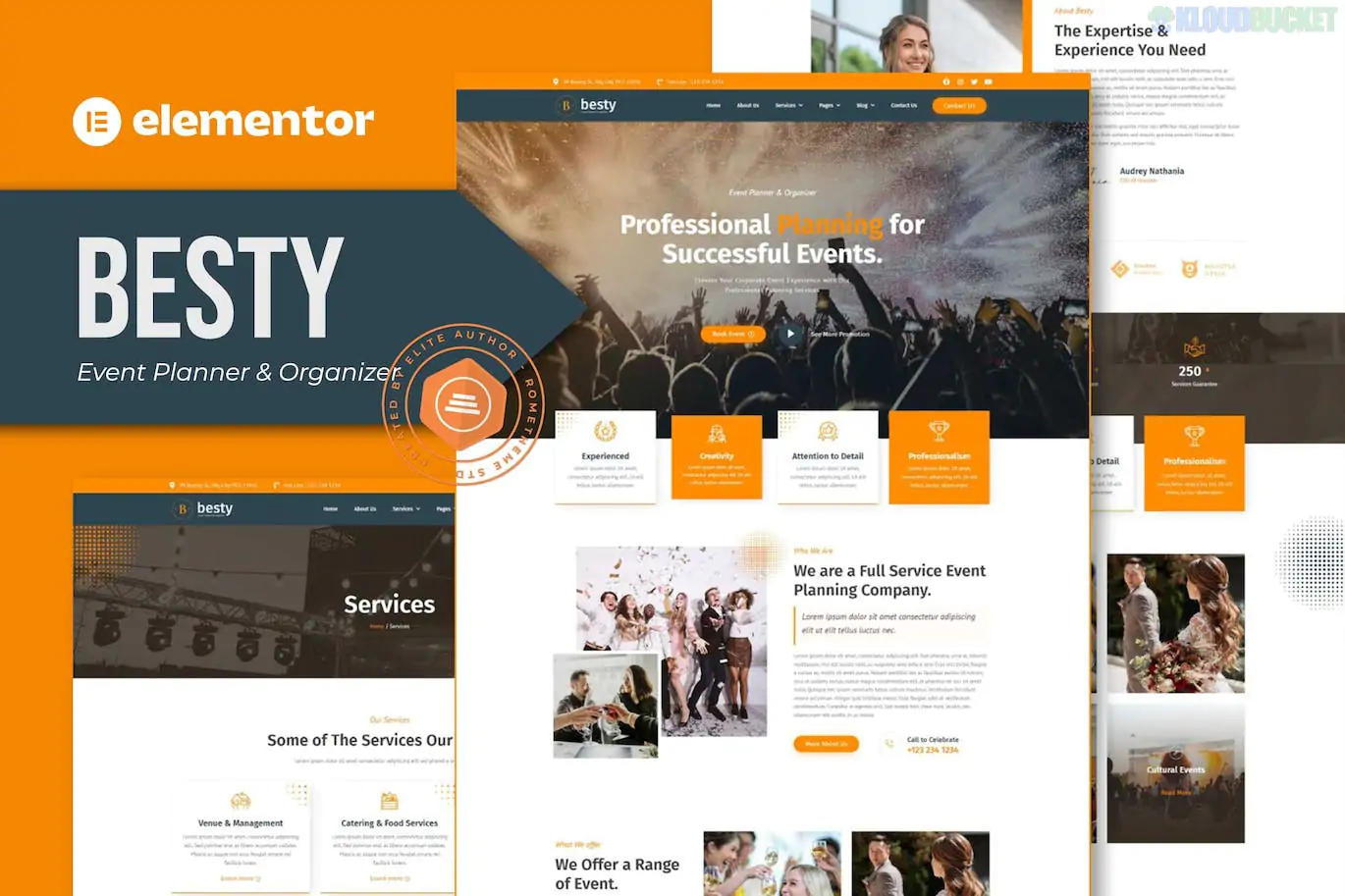
Besty is a professional and highly flexible Elementor Template Kit specifically designed for event planners, wedding organizers, and corporate event managers.
What makes Besty stand out is its "Pro-feature" look using only free plugins, making it a cost-effective choice for small business owners who want a high-end website without paying for an Elementor Pro subscription.
No Elementor Pro Required: All features (including headers and footers) are built using free extensions.
16+ Pre-built Templates: A massive library of pages and blocks to build a deep, content-rich site.
Modern & Clean Aesthetic: Uses soft color palettes and elegant typography suited for the events industry.
Fully Responsive: Optimized for clients browsing event details on mobile devices.
Global Theme Styles: Control your brand's colors and fonts from a single settings panel.
Category
Page Templates
Core Pages
Home, About Us, Services, Service Detail, Pricing
Event Specific
Events List, Event Detail, Gallery (Portfolio)
Support
FAQ, Contact Us, 404 Page
Blog
Blog Archive, Single Post
Functional
Global Style Kit, Header, Footer
When you import this kit, it will prompt you to install these specific free tools:
Elementor: The core builder.
ElementsKit Lite: Used for advanced widgets and creating the Header/Footer.
RomethemeForm: A specialized tool used to build the contact and inquiry forms.
Preparation: Install the Hello Elementor theme and the Envato Elements plugin.
Upload: Go to Elements > Installed Kits and upload your besty.zip file.
Install Requirements: Click the orange "Install Requirements" button to activate the necessary plugins.
Import Global Styles: Click Import on the "Global Kit Style" first. This is the most important step for the design to look correct.
Build Pages: Import your templates one by one. To use them, create a new page, set the layout to Elementor Full Width, and insert your saved template from the "My Templates" folder.
Since this kit uses ElementsKit for the header and footer:
Go to ElementsKit > Header Footer.
Click "Add New," select "Header," set the condition to "Entire Site," and toggle "Activate."
Click "Edit with Elementor" and simply insert the Header Template you imported from the Besty kit.
Would you like me to help you customize the RomethemeForm for your event booking inquiries, or do you need a hand setting up the Event Gallery?
Subscribe to access unlimited downloads of themes, videos, graphics, plugins, and more premium assets for your creative needs.
.jpg) Help Us to Buy More New Theme/Plugin
Help Us to Buy More New Theme/Plugin
Published:
Jan 17, 2026 12:35 PM
Category:
Author:
OtherLicense:
GPL v2 or Later