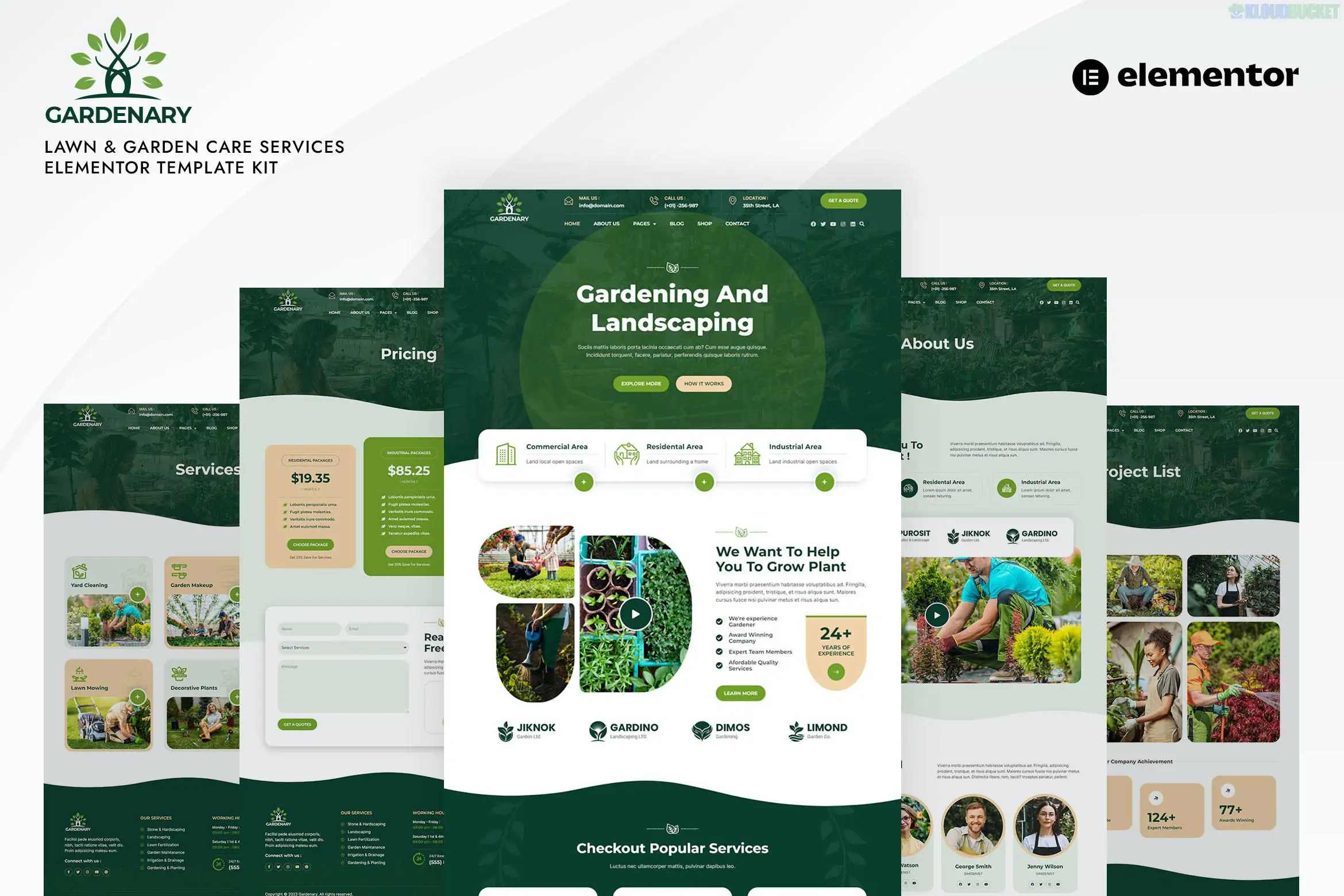
**Bonsay** is a serene and artistic **Elementor Template Kit** designed specifically for bonsai studios, Japanese gardens, plant nurseries, and botanical workshops. It features a minimalist, nature-inspired aesthetic that emphasizes peace, craftsmanship, and the beauty of horticulture.
One of its biggest advantages is that it is **fully created with the free version of Elementor**, meaning you can achieve a professional "zen" look without needing a Pro subscription.
---
### 🌿 Key Features
* **Nature-Centric Design:** Uses earthy tones, elegant serif typography (**EB Garamond**), and clean layouts to reflect the bonsai art form.
* **No Elementor Pro Required:** Optimized for the free version of Elementor using lightweight third-party plugins.
* **10+ Ready-to-Use Templates:** Includes all essential pages for a boutique studio or nursery.
* **Fully Responsive:** Optimized for plant lovers browsing on mobile, tablet, and desktop.
* **Header & Footer Builder:** Comes with dedicated templates to customize your site's navigation without Pro tools.
### 📄 Templates Included
| Category | Included Templates |
| --- | --- |
| **Main Pages** | Home, About Us, Services, Pricing, Contact |
| **Studio Specific** | Our Collections, Team, FAQ, Testimonials |
| **Content** | Blog Archive, Single Post, 404 Page |
| **System** | Header, Footer, MetForm (Contact Form), Global Style Kit |
---
### 🛠 Technical Requirements
To get the kit running exactly like the demo, you will need to install these **free** plugins:
1. **Elementor:** The core builder.
2. **Jeg Elementor Kit:** Used for the header, footer, and advanced layout widgets.
3. **ElementsKit Lite:** Provides additional functional blocks and icons.
4. **MetForm:** Powering the contact and inquiry forms.
5. **Hello Elementor Theme:** The recommended lightweight foundation for the kit.
---
### 🚀 Setup & Import Guide
1. **Install the Importer:** Install the **Envato Elements** plugin from the WordPress repository.
2. **Upload Kit:** Go to *Elements > Installed Kits* and upload your `bonsay.zip` file.
3. **Install Requirements:** Click the orange **"Install Requirements"** banner to automatically activate the necessary free plugins listed above.
4. **Import Global Styles:** Click **Import** on the **Global Kit Styles** first. This sets your site's colors and EB Garamond typography.
5. **Import Pages:** Import your templates one by one.
6. **Header/Footer Setup:** Use the **Jeg Elementor Kit** menu in your dashboard to create a new Header/Footer, set the condition to "Entire Site," and insert your imported templates.
> **Design Tip:** To maintain the "Bonsai Studio" look, use high-quality images with plenty of negative space. The kit uses **EB Garamond** for a classic, high-end feel and **Roboto** for clean, readable body text.
---
**Would you like me to walk you through the specific steps to import the MetForm contact form for your studio, or do you need help setting up the Header/Footer in Jeg Elementor Kit?**
Subscribe to access unlimited downloads of themes, videos, graphics, plugins, and more premium assets for your creative needs.
.jpg) Help Us to Buy More New Theme/Plugin
Help Us to Buy More New Theme/Plugin
Published:
Jan 17, 2026 12:50 PM
Category:
Author:
OtherLicense:
GPL v2 or Later