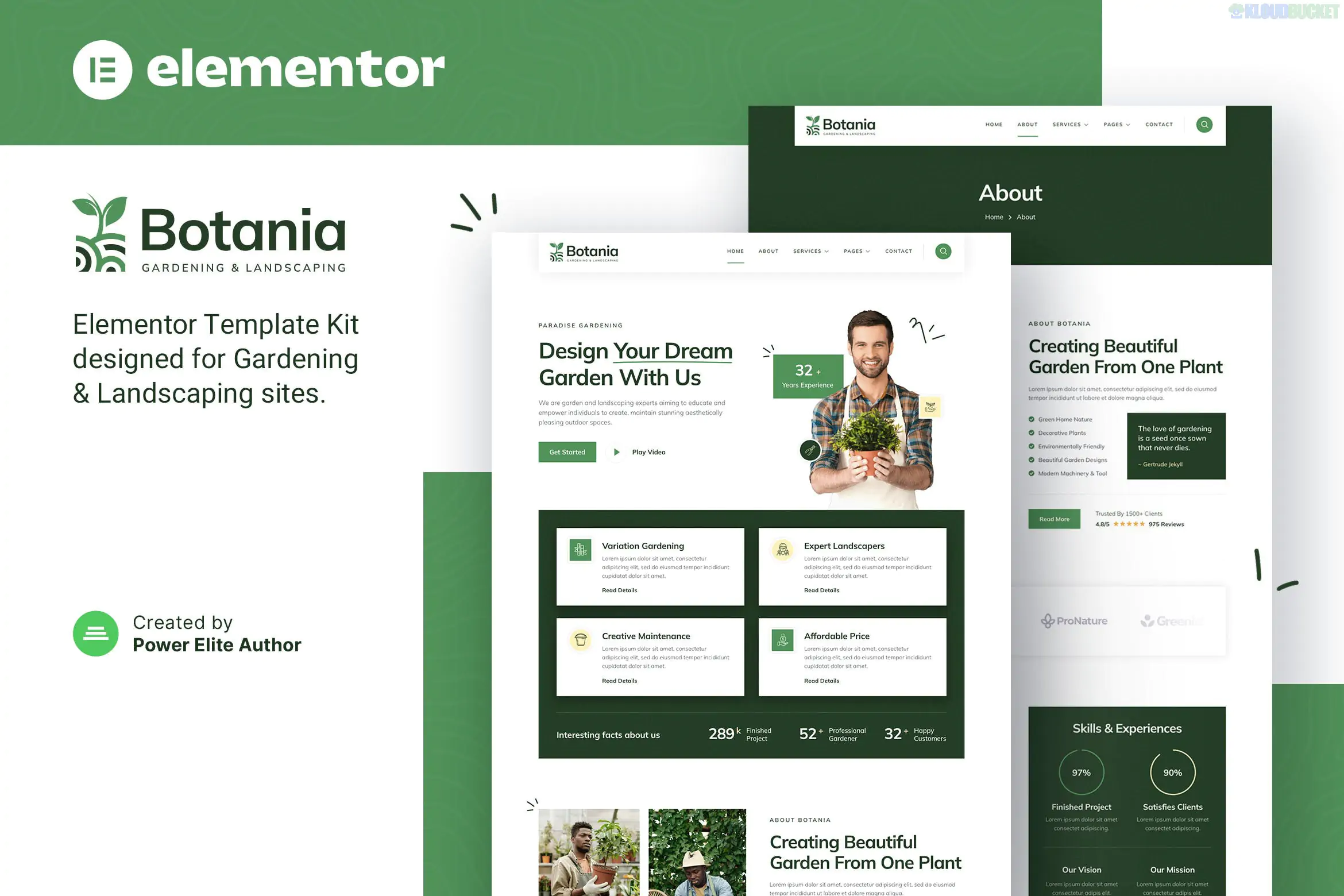
Botania is a modern and clean Elementor Template Kit designed for professional gardeners, landscape architects, nurseries, and lawn care businesses.1 Developed by Jegtheme, it strikes a perfect balance between high-end aesthetic and technical simplicity.
Like many of the "Jegtheme" kits you've looked at (such as RiderBroz or Lambe), Botania is built for Elementor Free, allowing you to create a premium-looking site without the cost of a Pro subscription.2
13+ Professional Templates: A complete collection of pre-designed pages to launch a landscaping business quickly.3
No Elementor Pro Needed: This kit uses free companion plugins to handle complex features like the header, footer, and contact forms.4
Modern & Earthy Design: Features a clean layout with deep greens and natural tones, perfectly suited for the gardening niche.5
Fully Responsive & Retina Ready: Meticulously optimized to ensure your landscaping projects look crisp on all devices.6
Global Style Kit: Customize your entire brand's colors and fonts in one central location, ensuring consistency across every page.7
To ensure the demo imports exactly as intended, you will need to install these free plugins:
Elementor (Free): The core website builder.8
Jeg Elementor Kit: Manages the global style kit, headers, footers, and additional creative blocks.
MetForm: Powers the "Request a Quote" and "Contact" forms.9
Category
Page Templates
Main Pages
Home, About Us, Our Team, FAQ
Services
Service List, Single Service (e.g., Lawn Care, Garden Design)
Portfolio
Project Gallery, Single Project Case Study
Engagement
Pricing Plans, Testimonials, Blog Archive, Single Blog Post
Communication
Contact Us, 404 Page
System
Header & Footer, Global Kit Styles
Showcase Your "Results": Use the Single Project template to create detailed case studies. For landscaping, clients want to see the transition from a messy yard to a manicured garden.
Strategic Form Fields: Use MetForm to add fields like "Property Size" or "Preferred Service Date" to your quote requests. This allows you to qualify leads before even picking up the phone.
Global Styles First: Always import the Global Kit Styles template before importing pages.10 This ensures the correct "Botania" branding is applied to every new page you create.
Local SEO Imagery: Replace the demo photos with images of actual gardens in your local area. Search engines love localized image metadata, which can help your business show up in local "Landscaping near me" searches.
Botania is ideal for businesses that want a minimalist but authoritative look. It provides a "High-End Designer" feel that is often missing from generic construction or home-service templates. It tells your clients that you don't just "cut grass"—you design outdoor experiences.
Would you like me to help you draft a "Landscaping Service Description" or a "Maintenance Checklist" to feature on your new Botania site?
Subscribe to access unlimited downloads of themes, videos, graphics, plugins, and more premium assets for your creative needs.
.jpg) Help Us to Buy More New Theme/Plugin
Help Us to Buy More New Theme/Plugin
Published:
Jan 14, 2026 13:10 PM
Category:
Author:
OtherLicense:
GPL v2 or Later