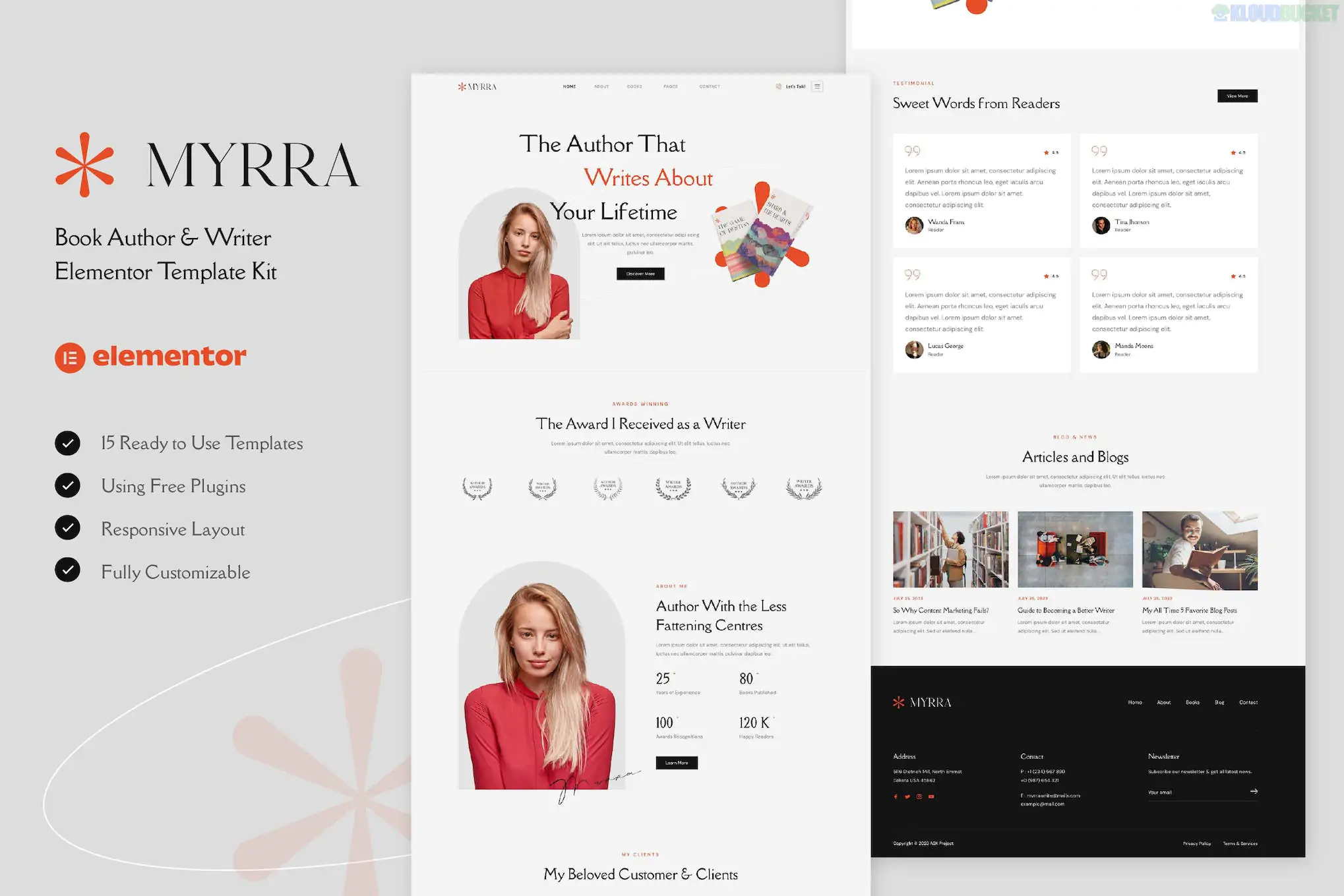
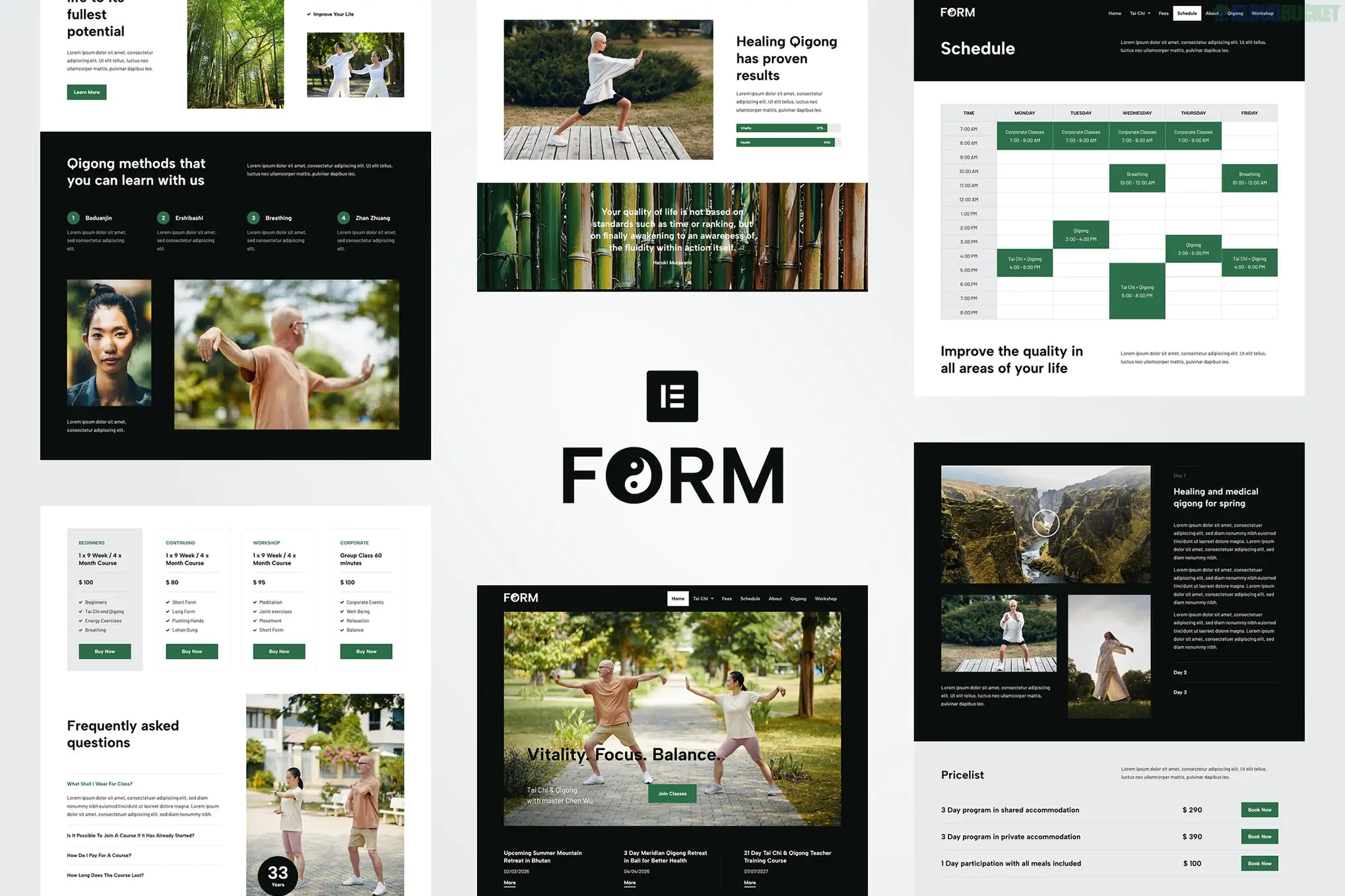
Butax is a professional and clean Elementor Template Kit designed specifically for tax services, bookkeeping firms, and financial advisors. Developed by Design_8, this kit is highly optimized for performance and ease of use, as it is built for the free version of Elementor.
As of late 2025, it is a top-rated solution for financial professionals who want a reliable, trustworthy digital presence without the ongoing costs of premium plugin subscriptions.
21 Ready-to-Use Templates: One of the most content-rich kits in the niche, providing multiple variations of homepage sections and inner pages.
Elementor Free Optimized: Unlike "Pro" kits, Butax uses free addons to manage global site parts, making it accessible to startups and independent accountants.
Modern Trust-Based Design: Features a professional color palette, clean grid layouts, and bold typography designed to convey authority and precision.
Retina & Responsive: Fully tested to ensure that complex tables (like pricing or service lists) remain readable on mobile devices.
MetForm Integration: Specifically styled forms for tax inquiries and consultation bookings, ensuring a seamless lead-generation process.
The kit includes a massive library of 21 templates to build a complete financial website:
Home: Multiple homepage sections that can be mixed and matched.
About Us: Sections for firm history, mission statements, and core values.
Services: Grid and list layouts for tax planning, auditing, and financial consulting.
Case Studies & Pricing: Professional templates for displaying success stories and transparent service tiers.
Lead Generation: Pre-styled MetForms for "Contact Us," "Question Forms," and "Subscribe."
Global Styles & Blocks: Includes specialized templates for the Header, Footer, and global typography/color settings.
To use the Butax kit, your WordPress site needs these three free components:
Component
Requirement
Page Builder
Elementor (Free version).
Required Addons
ElementsKit Lite (for Header/Footer) and MetForm.
Base Theme
Highly optimized for Hello Elementor.
Import Tool
Envato Elements plugin or Template Kit Import.
Server Specs
Recommended PHP 8.2+ and 512MB RAM for smooth importing.
Preparation: Install the Hello Elementor theme and activate the Envato Elements plugin.
Upload: Upload the butax-kit.zip via Elements > Installed Kits (do not unzip the file).
Requirements: Click the orange "Install Requirements" banner to automatically activate ElementsKit and MetForm.
Global Styles First: Always import the Global Kit Styles template first. This is critical as it defines your brand’s "Financial" color scheme and fonts sitewide.
Headers/Footers: Use ElementsKit > Header Footer to create your navigation. Set the condition to "Entire Site" and then insert the provided Butax header template.
[!TIP]
MetForm Setup: After importing the page with a form, you must go to the MetForm widget, click "Edit Form," and then "Insert" the specific Butax MetForm template from your "My Templates" tab to make the fields visible.
Form Customization: Would you like a guide on how to add a "Tax File Upload" field to your MetForm so clients can send documents directly?
Header Setup: Do you need help making your navigation menu sticky so it stays visible while users read long financial service descriptions?
Styling: Are you looking for the HEX codes for the default Butax blue and gold so you can match your company logo perfectly?
Would you like me to find a step-by-step video on how to import MetForm templates, as this is often the trickiest part of setting up this kit?
Subscribe to access unlimited downloads of themes, videos, graphics, plugins, and more premium assets for your creative needs.
.jpg) Help Us to Buy More New Theme/Plugin
Help Us to Buy More New Theme/Plugin
Published:
Dec 22, 2025 17:57 PM
Category:
Author:
OtherLicense:
GPL v2 or Later