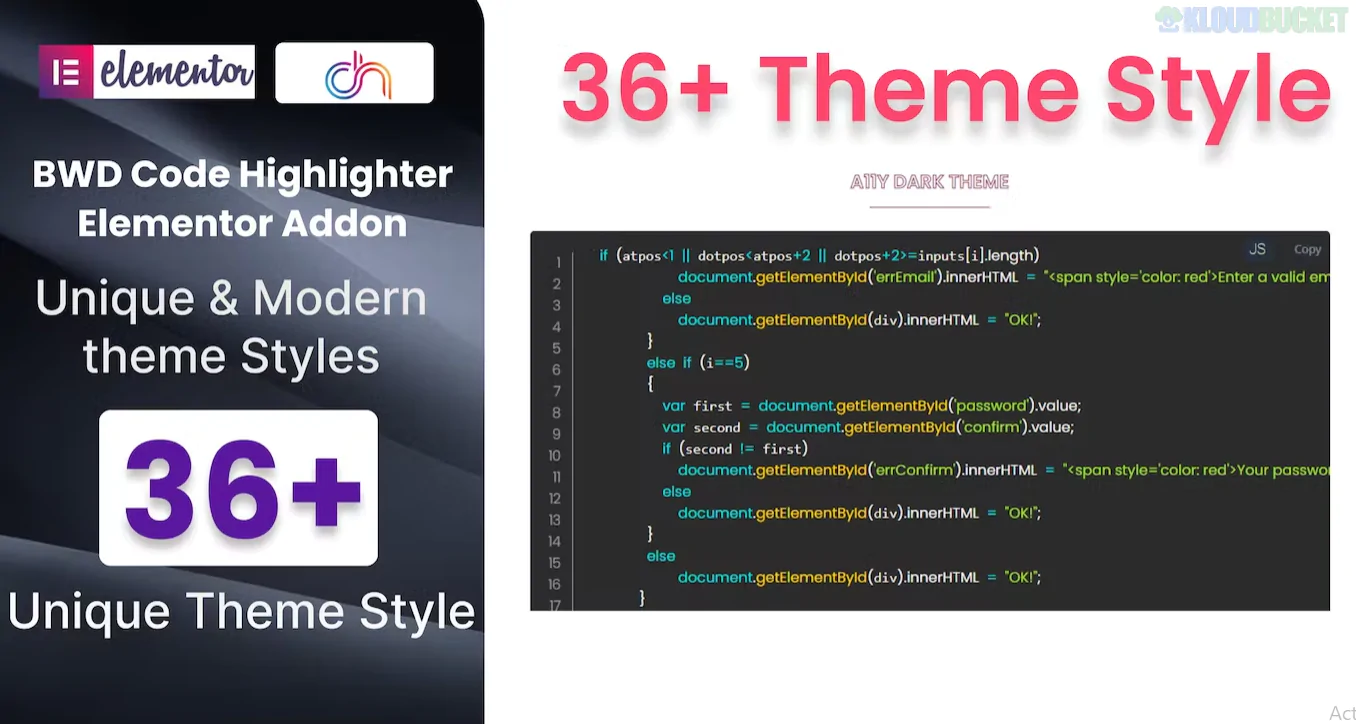
A Code Highlighter Addon for Elementor is an essential tool for developers, educators, and technical bloggers who need to display clean, readable, and well-formatted code snippets on their WordPress site.
While Elementor Pro includes a native "Code Highlight" widget, many third-party addons (like those from Premium Addons, Essential Addons, or Unlimited Elements) provide enhanced functionality for free or with more advanced "Pro" styling.
Syntax Highlighting: Supports 200+ programming languages (HTML, CSS, JS, Python, PHP, etc.) using libraries like Prism.js or Highlight.js.
Pre-made Themes: Includes 30+ stylish skins (e.g., GitHub Dark, Monokai, Atom One Dark, VS Code) to match your site's aesthetic.
Copy to Clipboard: Adds a "Copy" button so users can easily grab the code without selecting text manually.
Line Features:
Line Numbers: Toggle them on/off for better reference.
Line Highlighting: Specifically "spotlight" certain lines of code to draw the reader's attention to a fix or a specific function.
External Integration: Some advanced addons allow you to fetch code directly from a GitHub Gist or a BitBucket URL.
Addon Name
Key Strength
Price
Elementor Pro (Native)
Built-in, no extra plugins, supports basic Prism.js themes.
Included in Pro
Unlimited Elements
Offers a very flexible "Code Snippet" widget with a clean "Copy" button.
Free / Pro
Premium Addons
Great for "Day/Night" mode detection (switches code theme based on user's system).
Free / Pro
Essential Addons
Extremely lightweight and fast loading; focuses on performance.
Free / Pro
Coder (by Merkulov)
Specialized plugin just for code; supports "Rainbow Brackets" and CSS color previews.
~$19
Enable Word Wrap: Prevents long lines of code from breaking your mobile layout or forcing a horizontal scrollbar that ruins the UI.
Use "Partial" Imports: If using a large addon pack (like Essential Addons), ensure you disable all other widgets except the Code Highlighter to keep your site speed high.
Accessibility: Ensure the contrast ratio of your chosen code theme is high enough for visually impaired users to read comfortably.
Search: In your Elementor editor, search for "Code" or "Syntax."
Paste: Paste your raw code into the "Content" or "Source Code" box.
Select Language: Choose the correct language (e.g., "JavaScript") so the plugin knows how to color the keywords.
Style: Go to the Style Tab to choose your theme (e.g., Dracula or Solarized).
Would you like me to help you find a specific CSS snippet to add a "Mac-style" window frame (with red/yellow/green buttons) to your code blocks?
Subscribe to access unlimited downloads of themes, videos, graphics, plugins, and more premium assets for your creative needs.
.jpg) Help Us to Buy More New Theme/Plugin
Help Us to Buy More New Theme/Plugin
Published:
Jan 19, 2026 16:24 PM
Version:
v1.0.0
Category:
Author:
OtherLicense:
GPL v2 or LaterTags: