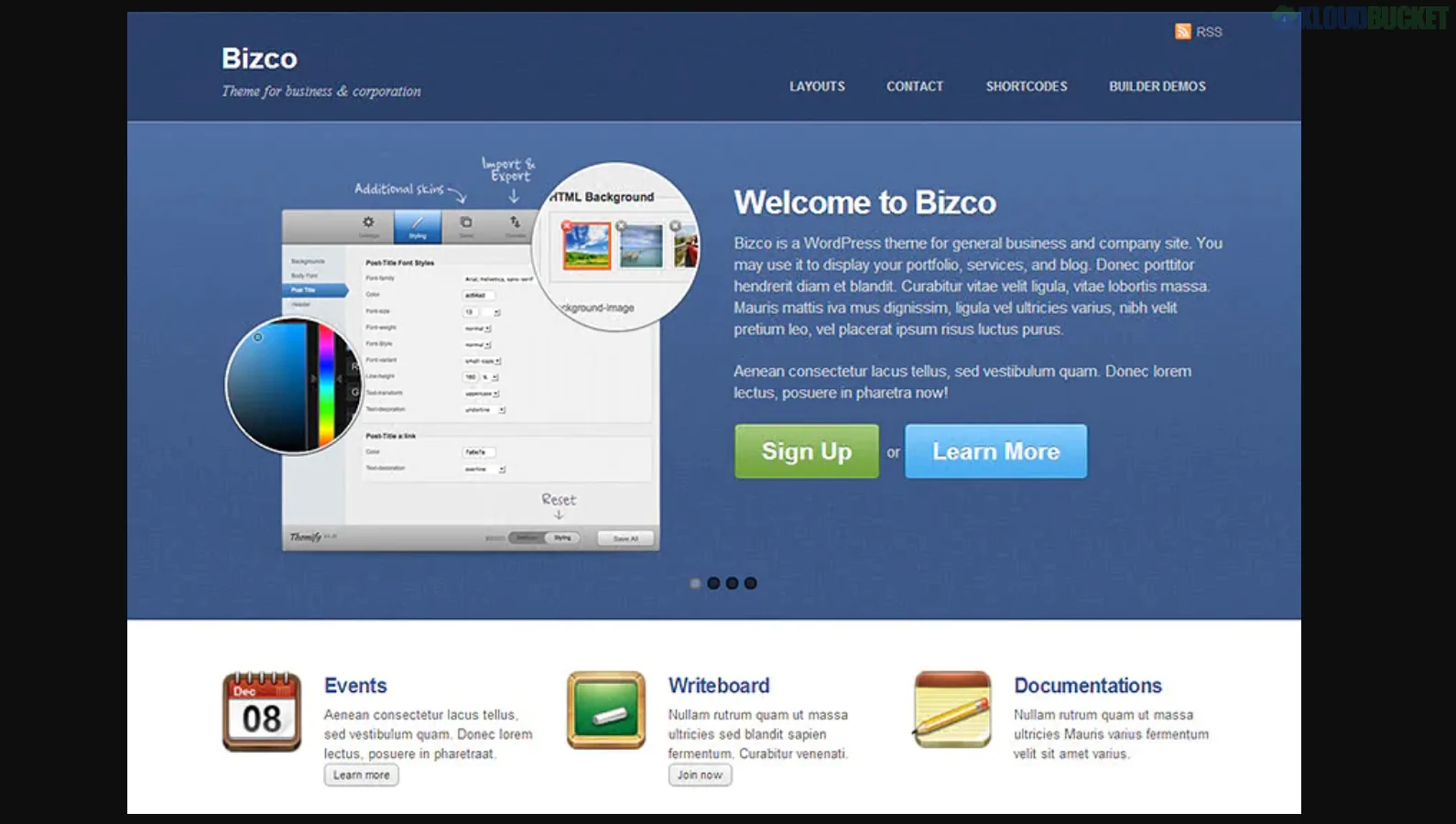
**Corpress** is a uniquely powerful WordPress theme designed for corporate entities, financial firms, and tech companies that need to present data-heavy information in a visually engaging way. Developed by **Themeton**, its standout feature is the native integration of **infographic elements**, allowing you to turn dry statistics into dynamic, animated visual stories.
It is built to be a "data-first" corporate solution, making it ideal for annual reports, consultancy pitches, and service-based businesses.
---
### ## Key Features
* **Built-in Infographic Widgets:** Includes animated charts, progress bars, pie graphs, and data icons that help visualize KPIs and company growth.
* **12+ Pre-built Homepages:** Specialized layouts for "Corporate," "One Page," "Shop," "Creative," and "Medical" business models.
* **Drag-and-Drop Builder:** Uses a highly customized version of the Visual Composer (WPBakery) or Elementor (depending on the version) to create complex layouts without coding.
* **WooCommerce Integration:** Fully styled shop pages for businesses selling digital products, professional courses, or hardware.
* **Responsive & Retina Ready:** Ensures that complex charts and graphs remain crisp and readable on high-resolution mobile screens.
---
### ### Technical Requirements
To handle the dynamic data visualizations of **Corpress**, your environment should meet these specs:
* **PHP Version:** 7.4 or higher.
* **Memory Limit:** **256MB** (minimum) to ensure the infographic scripts and page builder load smoothly.
* **Required Plugins:** **Themeton Core** (bundled), **Slider Revolution**, and **Contact Form 7**.
* **Framework:** Built on the **Redux Framework**, giving you deep control over global colors, typography, and layout settings.
---
### ### Included Content Elements
| Category | Element Types |
| --- | --- |
| **Data Viz** | Bar Charts, Line Graphs, Milestone Timelines, Counter Stats |
| **Corporate** | Team Member Carousels, Partner Logo Grids, Pricing Tables |
| **Business** | Accordion FAQs, Service Lists with Icons, Testimonial Sliders |
| **Media** | Video Backgrounds, Parallax Image Sections, Portfolio Filter Grids |
---
### ### Setup & Data Strategy Tips
1. **Lead with Stats:** Use the infographic counters on your homepage to highlight "Years in Business," "Successful Projects," and "Global Clients." In the corporate world, these numbers build instant authority.
2. **Visual Hierarchy:** Because Corpress can be data-heavy, use plenty of **White Space** between your infographic sections to prevent "information overload" for the reader.
3. **Color Coding:** Use the **Global Theme Options** to set a specific color for your data points. For example, use your brand's primary blue for all "Positive Growth" charts to create a cohesive visual language.
4. **Interactive Timelines:** Use the "Company History" timeline template to show your firm's evolution. Corpress makes these interactive, which keeps users engaged longer than a standard text-based "About" page.
> **Pro Tip:** Infographics work best when they tell a story. Instead of just showing a chart, use the **Heading** and **Subheading** widgets to explain *what* the data means (e.g., "Our 20% growth in efficiency means faster delivery for you").
---
**Would you like me to help you set up the "Animated Charts" for your service page, or do you need assistance configuring the "Team Member" grid for your corporate directory?**
Subscribe to access unlimited downloads of themes, videos, graphics, plugins, and more premium assets for your creative needs.
.jpg) Help Us to Buy More New Theme/Plugin
Help Us to Buy More New Theme/Plugin
Published:
Feb 01, 2026 12:32 PM
Version:
v4.7
Category:
Developer:
ThemeforestLicense:
GPL v2 or LaterTags: