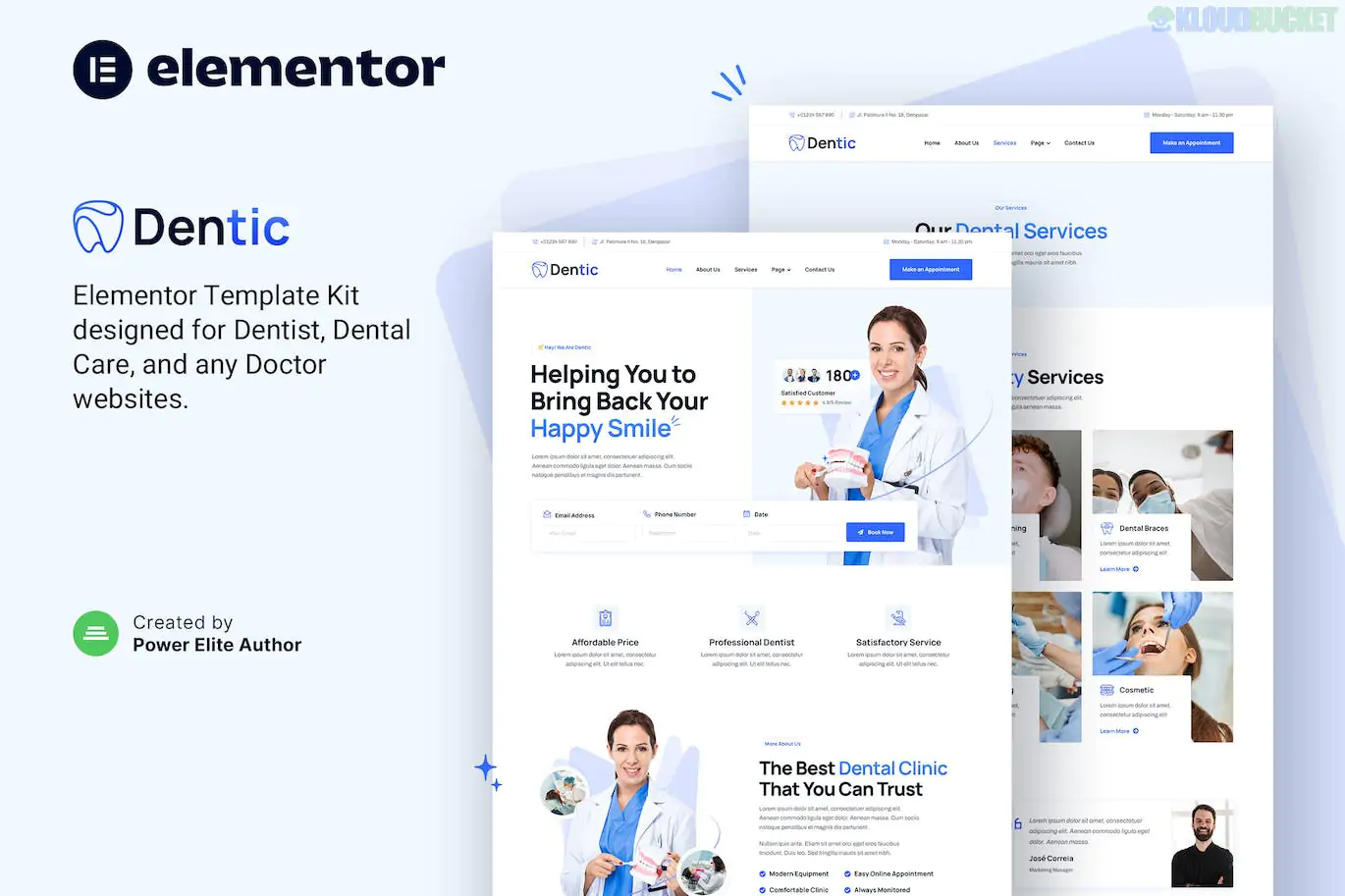
**Dentic** is a modern and clinical **Elementor Template Kit** specifically crafted for dentists, orthodontists, and dental clinics. It stands out for its calming color palette and highly professional layouts that focus on building patient trust through testimonials, team profiles, and clear service descriptions.
Like many newer kits, Dentic is designed to work with **free plugins**, making it a budget-friendly option for medical professionals who don't want to invest in Elementor Pro immediately.
---
### 🦷 Key Features
* **Professional & Calming Design:** Clean white spaces with professional blue accents, perfect for the medical and dental industry.
* **No Elementor Pro Required:** All features, including headers and footers, are built using free add-ons.
* **14+ Pre-built Templates:** A full library of pages to launch a complete clinic website in minutes.
* **Retention Ready:** High-resolution graphics and fully responsive layouts that look great on patients' phones.
* **Interactive Elements:** Includes statistics counters (for successful procedures), pricing tables, and FAQ sections.
### 📄 Templates Included
| Category | Page Layouts |
| --- | --- |
| **Main Pages** | Home, About Us, Services, Pricing, Contact |
| **Clinic Specific** | Our Team (Doctors), Team Detail, FAQ, Testimonials |
| **Content** | Blog Archive, Single Post, 404 Error Page |
| **System** | Header, Footer, MetForm (Contact/Appointment Form), Global Style Kit |
---
### 🛠 Technical Requirements
To get the exact look of the demo, you will need the following **free** plugins installed:
1. **Elementor (Free Version):** The core page builder.
2. **Jeg Elementor Kit:** Used to create the Header and Footer without needing Elementor Pro.
3. **MetForm:** Powering the contact and appointment request forms.
4. **ElementsKit Lite:** Provides additional medical-themed widgets and layouts.
5. **Hello Elementor Theme:** The recommended lightweight theme for the best performance.
### 🚀 Setup & Installation
1. **Import:** Install the **Envato Elements** plugin, then go to *Elements > Installed Kits* and upload your `dentic.zip` file.
2. **Install Requirements:** Click the **"Install Requirements"** button in the orange banner to automatically activate the free plugins listed above.
3. **Styles First:** Import the **Global Kit Styles** first to apply the clinic's typography and color scheme.
4. **Import Pages:** Import your page templates one by one.
5. **MetForm Setup:** * Open the page with a form (like Contact).
* Click the MetForm widget > Edit Form > New.
* Go to the "My Templates" tab and select the imported **Dentic MetForm** template.
6. **Header/Footer:** Use the **Jeg Elementor Kit** settings to assign the imported Header and Footer templates to the "Entire Site."
---
**Would you like me to guide you through the process of setting up the MetForm for appointment requests, or do you need help configuring the "Our Team" section to showcase your dentists?**
Subscribe to access unlimited downloads of themes, videos, graphics, plugins, and more premium assets for your creative needs.
.jpg) Help Us to Buy More New Theme/Plugin
Help Us to Buy More New Theme/Plugin
Published:
Jan 17, 2026 13:42 PM
Category:
Author:
OtherLicense:
GPL v2 or Later