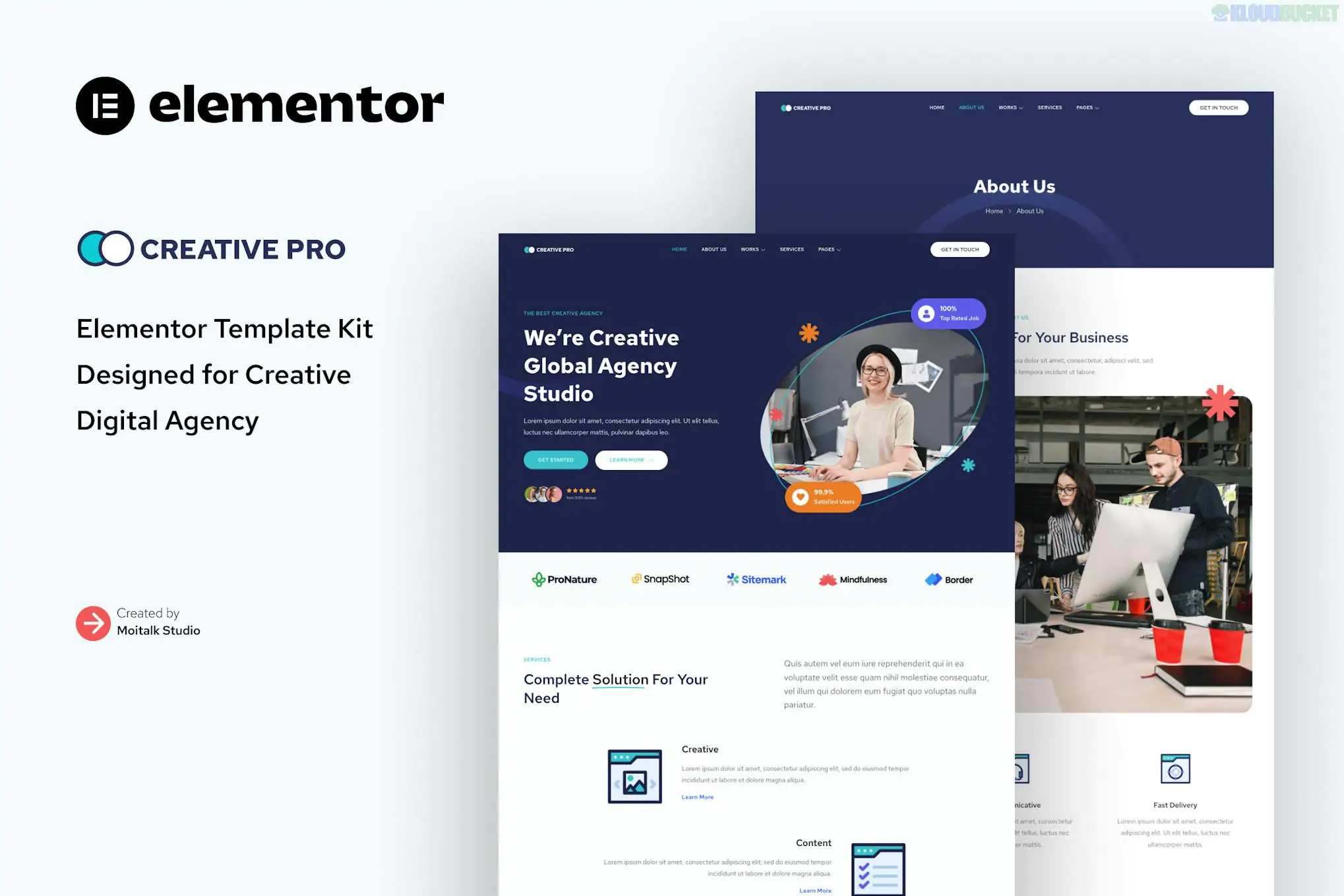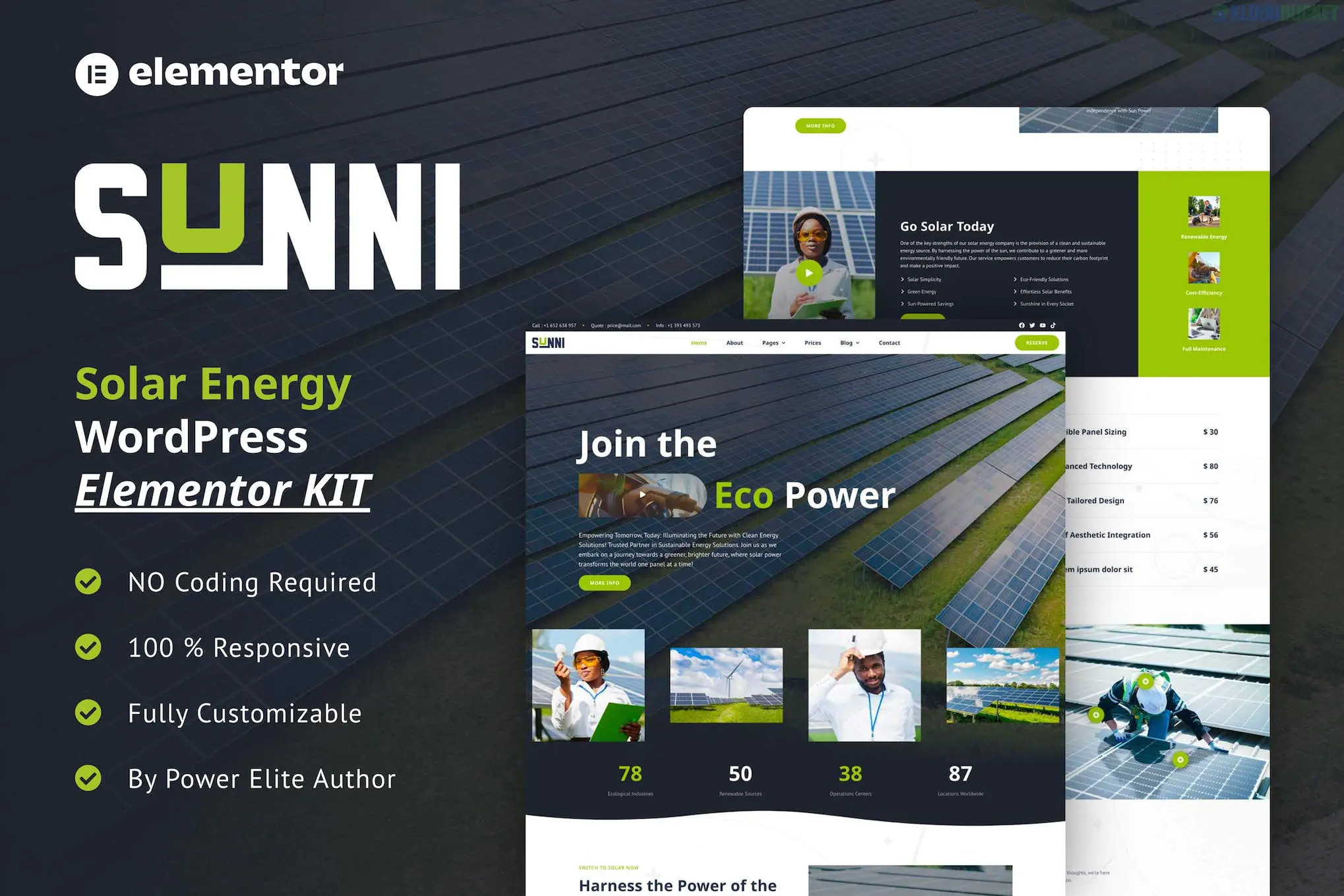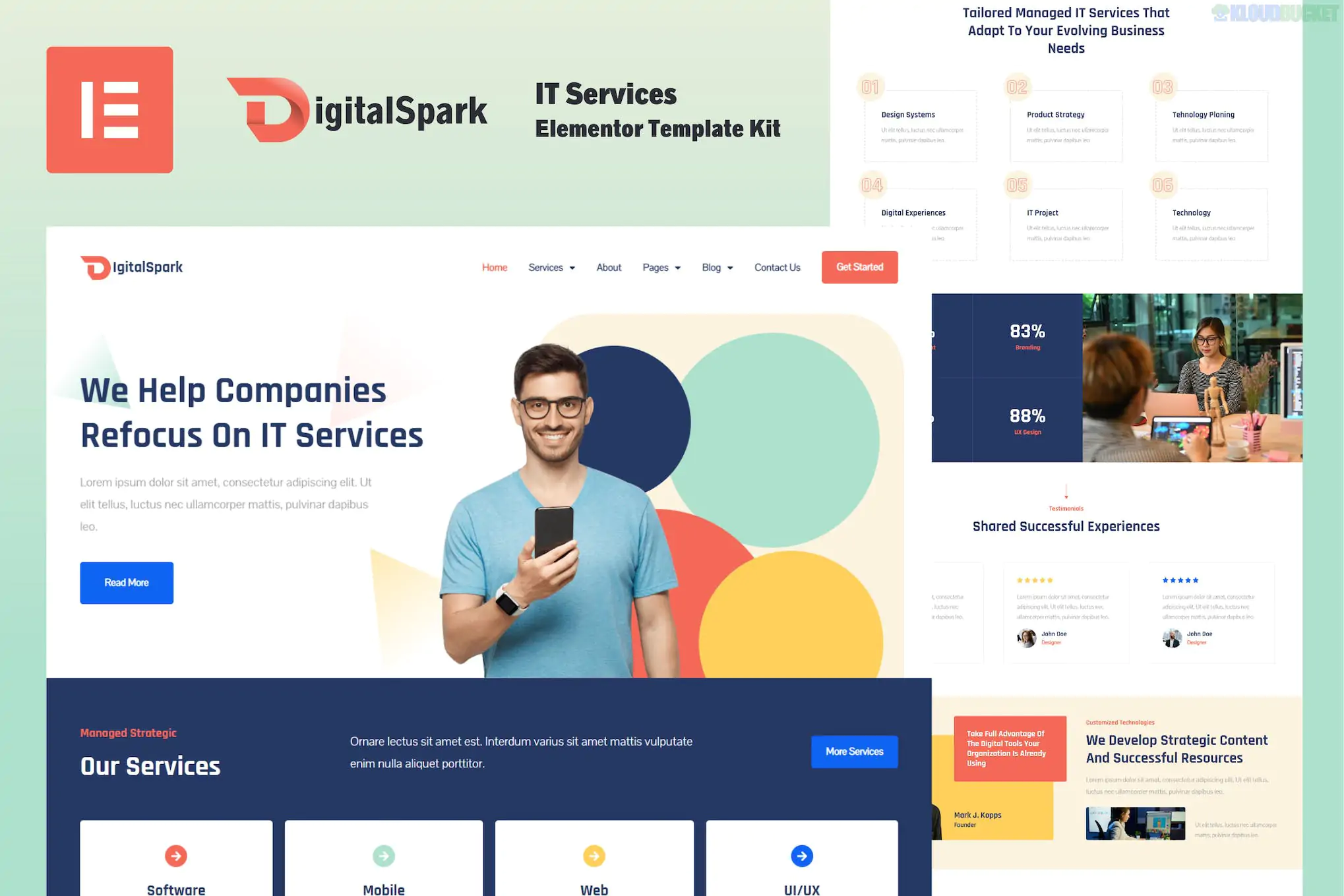
DigitalSpark (developed by The_S_Lab) is a sleek, modern Elementor Template Kit tailored for IT solutions, software development agencies, and technology consultants. It uses a high-tech "SaaS" aesthetic with crisp borders, professional gradients, and a clear information hierarchy.
This kit is designed to be "Pro-Free," allowing you to build a top-tier tech website without the cost of an Elementor Pro license.
The kit provides a comprehensive structure for a digital services business:
Home Page: Features a futuristic hero section with 3D-style icons and service summary blocks.
About Us: A clean layout to showcase your company's mission and technological expertise.
Services: A grid layout designed for high-level descriptions of your tech offerings.
Service Detail: A deep-dive page for specific items like Cloud Computing, Cybersecurity, or App Development.
Projects / Portfolio: To showcase past client successes and case studies.
Pricing: Modern, clear tables for subscription-based IT support or software packages.
Our Team: Profile cards to highlight your developers and engineers.
Contact Us: Professional inquiry forms with integrated Google Maps and social links.
FAQ: Clean accordion blocks for answering technical or onboarding questions.
Header & Footer: Global templates for consistent site-wide navigation.
To get DigitalSpark running exactly as it looks in the demo, you will need the following free plugins:
Base Theme: Hello Elementor (highly recommended).
Required Plugins (Free):
Elementor: The core drag-and-drop page builder.
ElementsKit Lite: Essential for the header, footer, and advanced navigation menus.
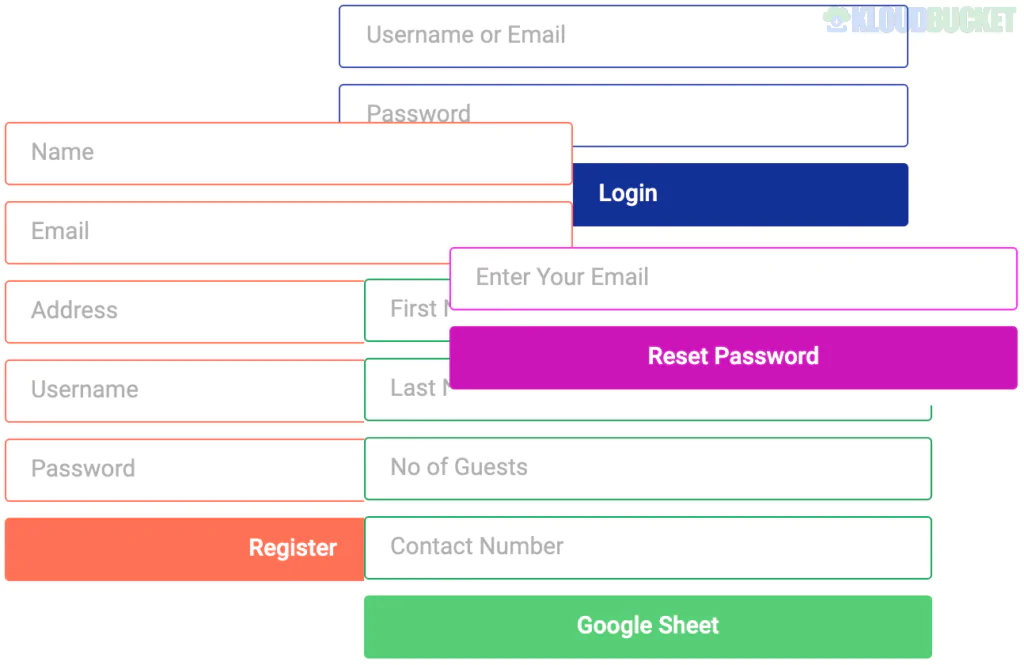
MetForm: Handles the customized contact and quote request forms.
Jeg Elementor Kit: Provides the specialized "Tech" widgets and post-grid layouts used in the kit.
Preparation: In your WordPress dashboard, go to Elementor > Settings > Features and ensure Flexbox Container is set to Active. This is vital for the modern grid layout of this kit.
Importing: Use the Envato Elements or Template Kit Import plugin.
Step 1: Click "Import Global Kit Styles" first. This applies the DigitalSpark "Deep Blue & Cyan" color palette and bold typography site-wide.
Step 2: Import individual page templates one by one.
MetForm Configuration: When editing the Contact page, click the MetForm widget, select "Edit Form," and "Insert" the DigitalSpark form template from your saved library.
Header & Footer: Go to ElementsKit > Header Footer to assign your imported templates to the "Entire Site."
Tech-Focused Iconography: Uses sharp, high-resolution icons that specifically represent digital and IT services.
Conversion Optimization: Strategically placed "Get a Quote" and "Learn More" buttons designed to turn visitors into leads.
Retina Ready: Every element is optimized for 4K displays and high-resolution mobile screens.
Would you like me to help you set up a custom "Project Portfolio" using the Jeg Elementor Kit widgets, or do you need assistance configuring the Header for mobile responsiveness?
Subscribe to access unlimited downloads of themes, videos, graphics, plugins, and more premium assets for your creative needs.
.jpg) Help Us to Buy More New Theme/Plugin
Help Us to Buy More New Theme/Plugin
Published:
Jan 30, 2026 15:07 PM
Category:
Author:
OtherLicense:
GPL v2 or Later