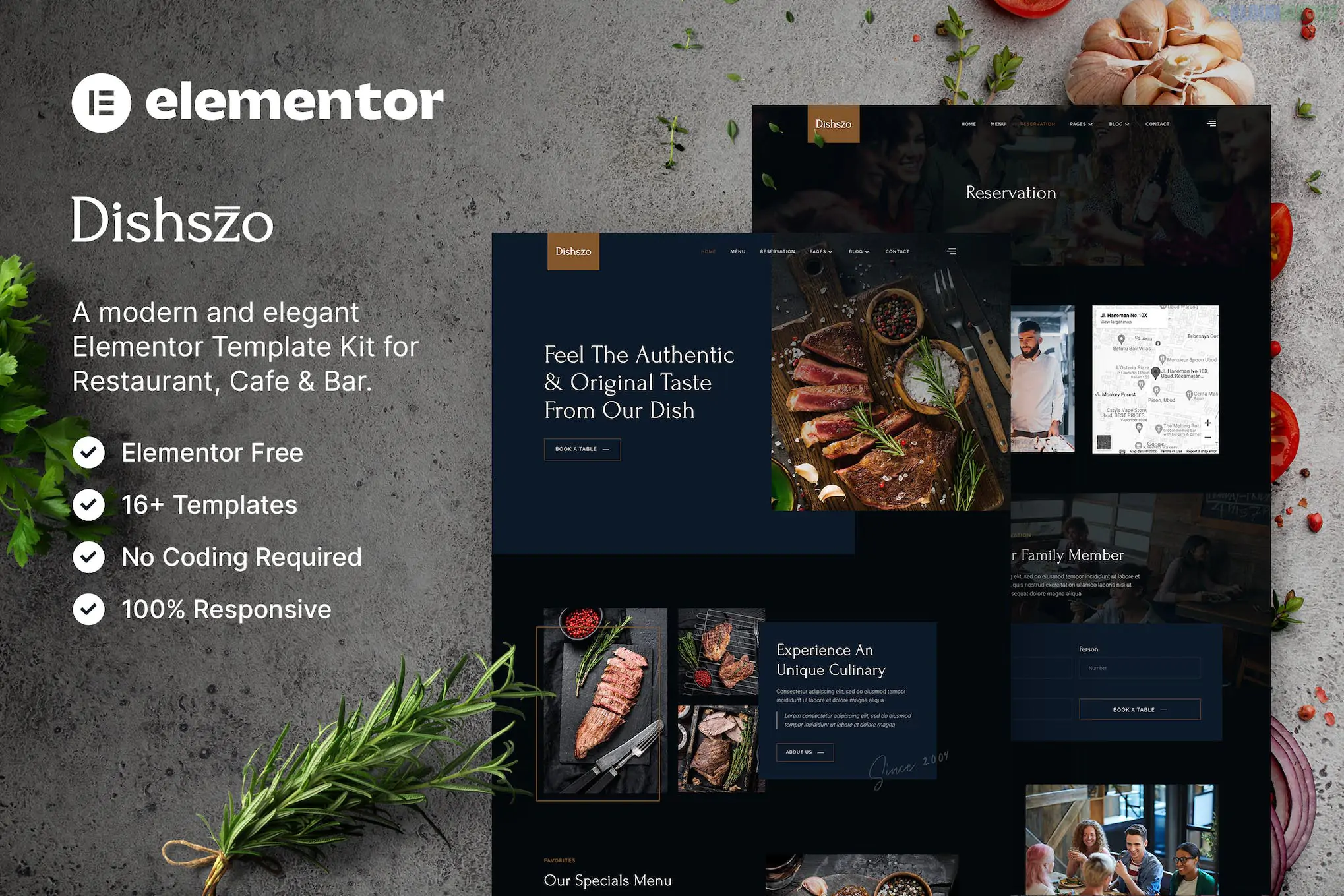
Dishszo (developed by baliniz) is an elegant, modern Elementor Template Kit designed for the food and beverage industry, including restaurants, cafes, bars, and bistros. It is highly regarded for its clean, professional aesthetic and for being "Pro-Free," meaning you can achieve the full demo look without needing a paid Elementor Pro license.
The kit provides a comprehensive collection of pre-designed pages to cover every aspect of a restaurant's online presence:
Home Page: A visually stunning landing page with high-quality food imagery and clear CTAs.
About Us: For sharing your restaurant's story, vision, and culinary philosophy.
Menus: Multiple layouts (Menu 1 & 2) to display your dishes, prices, and categories beautifully.
Gallery: A clean grid to showcase your restaurant’s interior, kitchen, and plated meals.
Chef / Team: Profile blocks to introduce the experts behind the menu.
Reservation & Contact: Functional templates for booking a table and general inquiries.
Blog & Single Post: Modern layouts for sharing recipes, news, or event updates.
Services: For highlighting catering, private events, or delivery options.
Header & Footer: Global templates to maintain consistent branding across the site.
Dishszo is built using the latest Flexbox Containers and relies on several free plugins to manage advanced features:
Base Theme: Hello Elementor (highly recommended).
Elementor Pro: NOT Required.
Required Plugins (Free):
Elementor: The core builder.
DethemeKit for Elementor: Provides specialized widgets used in the kit.
ElementsKit Lite: Used for building the navigation and header/footer logic.
MetForm: Handles the custom-styled reservation and contact forms.
Elementor Header & Footer Builder: For managing global site parts.
Flexbox Check: Ensure Flexbox Container is set to Active in Elementor > Settings > Features before you begin the import.
Importing via Envato Elements:
Install the Envato Elements plugin and upload the Kit ZIP.
Crucial Step: Click "Import Global Kit Styles" first. This applies the "Dishszo" professional color palette (usually warm or sophisticated dark tones) and typography site-wide.
Step 2: Import the individual page templates one by one.
The MetForm Trick: To make the reservation form appear, you must click the MetForm widget on the page, select "Edit Form," and "Insert" the specific Dishszo form template from your saved templates.
Header & Footer: Use ElementsKit or the Header & Footer Builder settings to assign your imported templates to the "Entire Site."
High-Impact Visuals: Specifically designed to let food photography take center stage.
Mobile Efficiency: Fully responsive, ensuring customers can view the menu and book a table easily from their phones.
Retina Ready: Optimized for high-resolution displays to keep icons and images looking sharp.
Would you like me to help you set up the "Reservation" form using MetForm, or do you need assistance configuring the Header to include your social media links?
Subscribe to access unlimited downloads of themes, videos, graphics, plugins, and more premium assets for your creative needs.
.jpg) Help Us to Buy More New Theme/Plugin
Help Us to Buy More New Theme/Plugin
Published:
Jan 30, 2026 15:05 PM
Category:
Author:
OtherLicense:
GPL v2 or Later