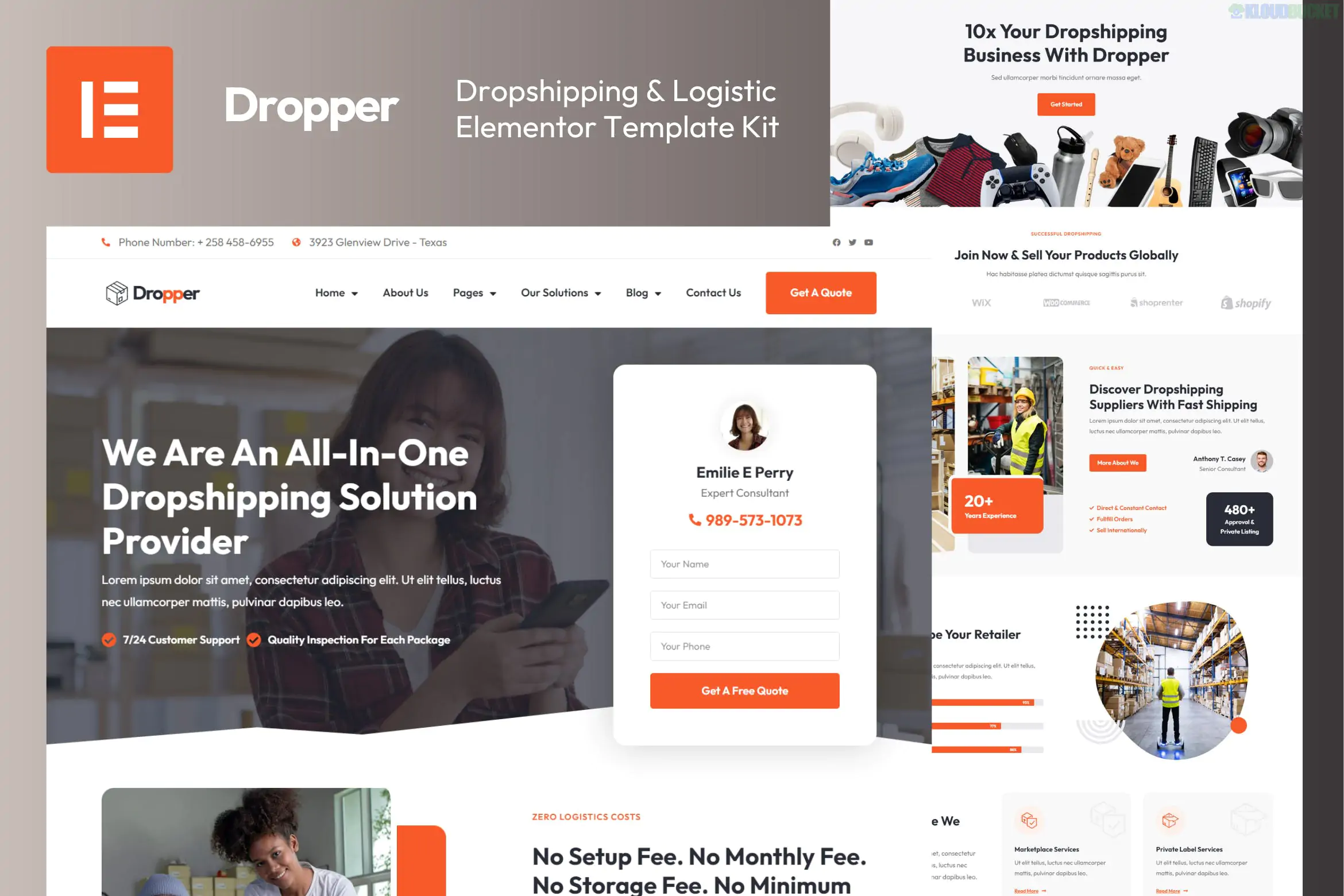
Dropper is a high-performance Elementor Template Kit specifically designed for businesses in the dropshipping, logistics, and warehouse fulfillment sectors. It is built to create a professional brand presence for companies that act as the "middleman" or service provider in the e-commerce supply chain.
Unlike some other kits, Dropper requires Elementor Pro to function fully, as it relies on the Pro Theme Builder for headers, footers, and dynamic WooCommerce templates.
Comprehensive Logistics Layouts: Includes specific pages for "Custom Kitting & Packaging," "Shipping Optimization," and "Private Label Services."
WooCommerce Ready: Comes with pre-styled templates for the Shop, Single Product, Cart, and Checkout pages, ensuring a seamless buying experience for your clients.
Premium Design: Features modern animations, vibrant colors, and a clean interface that builds trust—crucial for logistics businesses.
27+ Templates Included: A massive library of page parts and full pages, providing more variety than the average template kit.
100% Responsive: Works perfectly on all devices, from desktop monitors to smartphones.
The kit is very detailed, covering niche-specific needs:
Homepages: 2 different styles (Style 01 and Style 02).
Service Detail Pages: Marketplace Services, Warehouse Fulfillment, and Logistics Solutions.
E-commerce Workflow: Archive Product, Single Product, Cart, Checkout, and My Account.
Marketing & Trust: Case Studies/Solutions, Team, Testimonials, and FAQ.
Site Essentials: Header (2 styles), Footer, 404 Page, and Contact Us.
To use Dropper successfully, you must have the following installed:
Elementor (Free)
Elementor Pro: (Required for Header, Footer, and WooCommerce templates).
The Plus Addon for Elementor: (A helper plugin used for some of the more advanced design widgets).
WooCommerce: (If you plan to sell services or products directly).
Hello Elementor Theme: The recommended lightweight theme for the best compatibility.
Install the Envato Elements Plugin from the WordPress repository.
Upload the Zip: Go to Elements > Installed Kits and upload your "Dropper" zip file.
Check the Orange Banner: Click the "Install Requirements" button to ensure "The Plus Addon" and other dependencies are active.
Import Styles First: Click Import Global Kit Styles before importing any page templates.
Build Pages: Create a new page, set the layout to "Elementor Full Width," and then use the Elementor library (folder icon) to insert the specific Dropper template you want.
Would you like me to help you compare Dropper with "Logixtic" (another popular logistics kit), or do you need assistance configuring the WooCommerce checkout pages specifically for a service-based business?
Subscribe to access unlimited downloads of themes, videos, graphics, plugins, and more premium assets for your creative needs.
.jpg) Help Us to Buy More New Theme/Plugin
Help Us to Buy More New Theme/Plugin
Published:
Jan 18, 2026 11:56 AM
Category:
Author:
All In One PluginLicense:
GPL v2 or Later