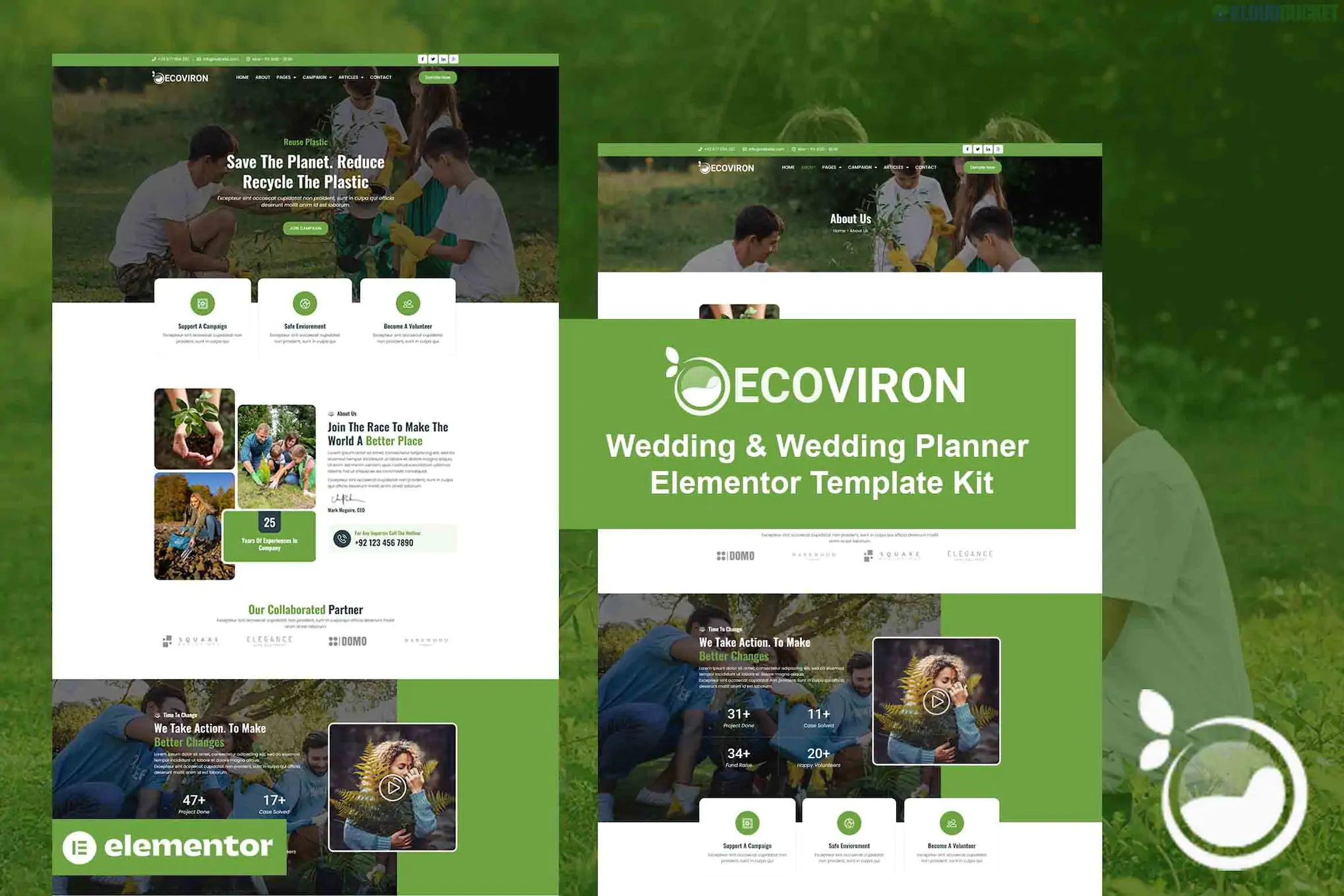
Ecoviron is a high-impact Elementor Pro Template Kit specifically designed for ecology, environmental protection NGOs, and non-profit charity organizations. It uses a clean, modern aesthetic with a focus on green energy, nature conservation, and fundraising.
Since this is an Elementor Pro kit, it utilizes the advanced Theme Builder for headers, footers, and dynamic templates, providing more control than basic free kits.
20+ Professional Templates: Includes a full range of layouts for every section of a non-profit site.
Retina Ready & Responsive: High-definition layouts that look sharp on high-end screens and adjust perfectly for mobile donors.
Clean & Modern Layout: Uses a nature-inspired color palette and spacious design to build trust and authority.
Drag-and-Drop Customization: Built with Elementor, allowing you to change images, colors, and fonts without any coding.
Optimized for Performance: Lightweight templates designed to load quickly, which is essential for SEO and keeping visitors engaged.
The kit covers all the vital pages for a charity or NGO:
Homepages: Multiple styles for the main landing page.
About & Mission: Specialized layouts to explain your organization's goals and history.
Our Projects: Pages to showcase specific environmental initiatives or local green projects.
Donation Page: Integrated sections for fundraising calls-to-action (CTAs).
Volunteer Page: A layout designed to recruit and register new supporters.
News/Blog: Clean archive and single post templates for sharing environmental updates.
Essential Site Parts: Header, Footer, 404 Page, and Contact Us.
To get the exact look from the demo, you will need the following:
Elementor (Free)
Elementor Pro: (Required for the Header, Footer, and advanced widgets like the Forms and Posts).
Hello Elementor Theme: The recommended "blank canvas" theme.
Helper Plugins: Often uses ElementsKit Lite and Primary Addons (these are free and usually prompt for installation during the import process).
Install the "Envato Elements" plugin from the WordPress repository.
Upload the Zip: Navigate to Elements > Installed Kits and upload your Ecoviron file.
Install Requirements: Click the orange "Install Requirements" banner to activate necessary plugins.
Import Global Styles: Click "Import Global Kit Styles" first to apply the site's typography and color scheme.
Assign Headers/Footers: Once imported, go to Templates > Theme Builder to ensure your header and footer are set to display across the entire site.
Would you like me to help you configure a "Donation" button within the Ecoviron layout, or would you like to explore other "Green Energy" kits that focus more on business than charity?
Subscribe to access unlimited downloads of themes, videos, graphics, plugins, and more premium assets for your creative needs.
.jpg) Help Us to Buy More New Theme/Plugin
Help Us to Buy More New Theme/Plugin
Published:
Jan 18, 2026 11:55 AM
Category:
Author:
OtherLicense:
GPL v2 or Later