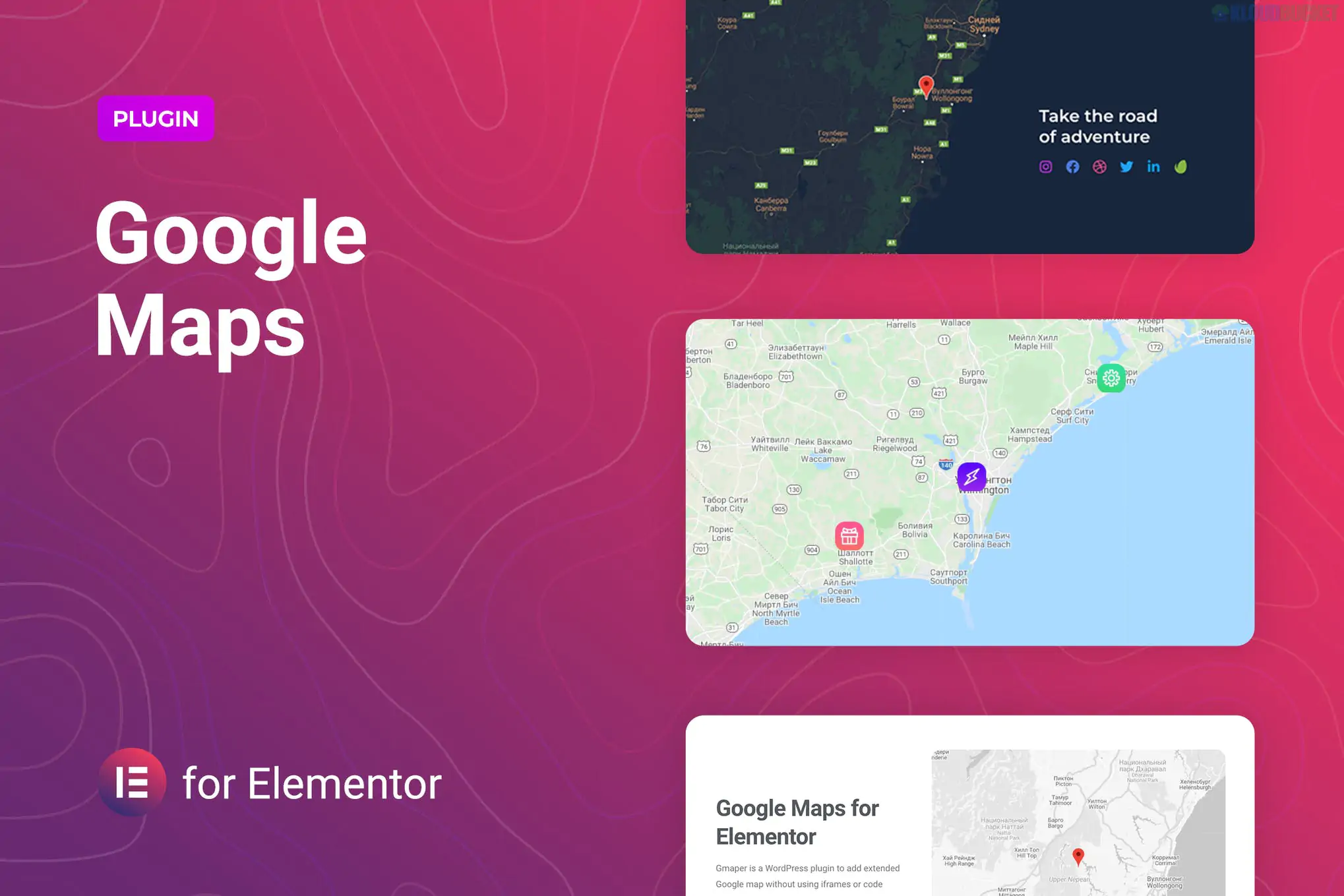
GMaper is a specialized WordPress plugin designed to extend the capabilities of Google Maps within the Elementor page builder.
While Elementor has a built-in Google Maps widget, it is quite basic (primarily allowing for a single address and a zoom slider). GMaper is built for users who need "advanced" map features—such as custom styling, multiple pins, and interactive legends—without writing code.
Unlimited Markers: Unlike the standard Elementor widget, GMaper allows you to drop as many pins as you want on a single map. Each marker can have its own title, description, and custom icon.
Custom Map Styling (Skins): It comes with several pre-installed color schemes (e.g., Dark Mode, Retro, Silver) and supports JSON styling. This means you can go to Snazzy Maps, copy a style code, and paste it into GMaper to make your map perfectly match your brand's colors.
Map Legends: You can add a "Legend" to your map to explain what different markers represent (e.g., blue pins for "Stores," red pins for "Offices").
Advanced Controls: * Toggle Street View, Fullscreen mode, and Zoom controls on/off.
Set custom overlays (adding a color layer over the map).
Choose between Roadmap, Satellite, Terrain, and Hybrid views.
Performance Optimized: It is designed to be lightweight and doesn't rely on heavy iFrames, which helps keep your page load speeds faster.
Feature
Elementor (Standard)
GMaper
Marker Count
Single address only
Unlimited markers
Custom Icons
No (Standard red pin)
Yes (Upload your own PNG/SVG)
Styling
Standard Google colors
6+ Skins & Custom JSON support
Legends
Not available
Supported
API Requirement
Not always required
Requires Google API Key
Google Maps API Key: Like most advanced map plugins, GMaper requires a valid Google Maps API Key. You will need to set up a Google Cloud Billing account, though Google currently provides a free monthly credit that covers most small-to-medium websites.
Responsiveness: GMaper includes specific controls to adjust map height and width for mobile devices, ensuring the map doesn't "break" your layout on smaller screens.
Template Library: It typically includes pre-designed Elementor templates, so you don't have to build the layout from scratch.
Choose GMaper if: You need to show multiple locations (e.g., a "Store Locator" page), want a stylized map that matches your website's dark theme, or need to brand your map markers with your company logo.
Stick to Elementor if: You only need to show one single office location and don't care about the standard Google "yellow and green" color scheme.
Would you like me to help you find the JSON code for a specific map style (like "Midnight" or "Minimalist") to use with GMaper?
Subscribe to access unlimited downloads of themes, videos, graphics, plugins, and more premium assets for your creative needs.
.jpg) Help Us to Buy More New Theme/Plugin
Help Us to Buy More New Theme/Plugin
Published:
Jan 16, 2026 15:19 PM
Version:
v1.0.4
Category:
Author:
OtherLicense:
GPL v2 or LaterTags: