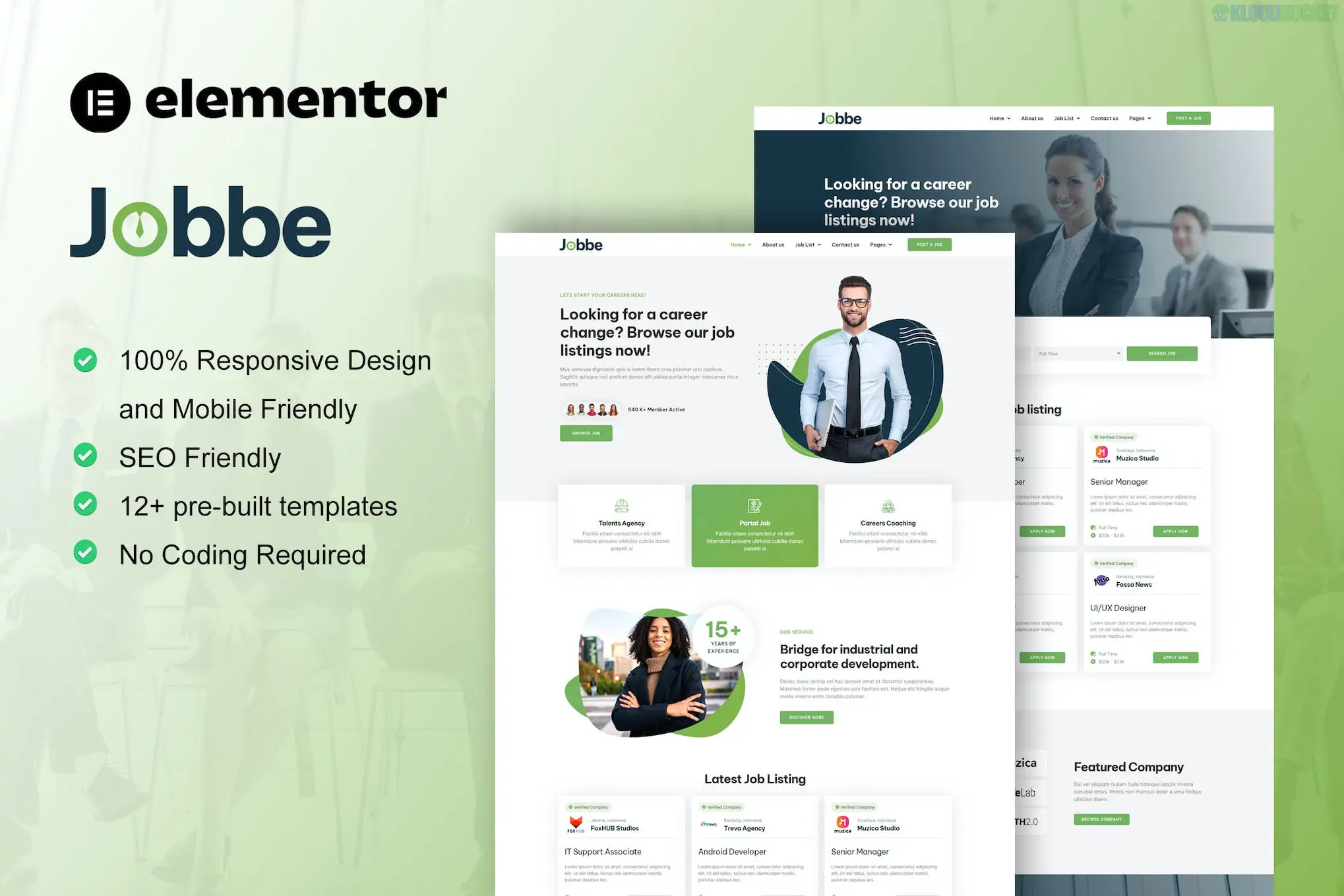
Jobbe is a comprehensive Elementor Template Kit designed specifically for job boards, recruitment agencies, and HR consultancies.
Developed by moxcreative, it provides a professional, clean framework to connect employers with job seekers. It is particularly valued for its structured layout, which makes complex data—like job listings and candidate requirements—easy to read and navigate.
12+ Specialized Templates: A full array of pages including customized layouts for job listings and employer profiles.
Optimized for Hello Elementor: Built to be ultra-lightweight, ensuring your recruitment portal loads quickly (critical for SEO and user retention).
Modern & Trustworthy Design: Uses a corporate-friendly color palette and sharp typography to establish credibility with high-value clients.
No-Code Customization: Fully editable using the Elementor drag-and-drop interface.
The kit covers all essential pages for a recruitment platform:
| Category | Included Templates |
| :--- | :--- |
| Main Pages | Home, About Us, Our Team, Contact Us. |
| Job Specific | Job List, Job Detail (Single Posting), Employer List. |
| Support & Content | FAQ Page, Blog Archive, Single Blog Post. |
| Global Elements | Header, Footer, 404 Error Page, Global Kit Styles. |
To ensure all widgets and styles load exactly like the demo, install these plugins first:
Elementor (Free): The core builder.
Elementor Pro: Recommended. While some versions of Jobbe use free alternatives, Pro is often required for advanced "Theme Builder" features like the single job template and dynamic archive pages.
ElementsKit Lite: Used for building the Header, Footer, and advanced recruitment-themed widgets.
MetForm: Powering the "Apply for Job" and "Contact" forms.
Skyboot Custom Icons: Includes the specific professional and tech icons used throughout the kit.
Base Theme: Install the free Hello Elementor theme.
Import Tool: Install the Envato Elements (or Template Kit Import) plugin.
Upload: Go to Elements > Installed Kits and upload your Jobbe .zip file.
Install Requirements: Click the orange "Install Requirements" banner to activate necessary plugins.
Global Styles First: Critical. Import the "Global Kit Styles" first so the site-wide fonts and colors are applied.
Import Pages: Import the Home page and internal pages. They will be saved in your Templates > Saved Templates.
By 2026, the recruitment industry relies heavily on niche authority. Jobbe stands out because it doesn't just provide a "generic" business layout; it includes specific "Job Detail" templates that are pre-structured for salary ranges, job types (Remote/On-site), and application forms. This allows you to launch a functional portal in hours rather than weeks.
Would you like me to help you configure the MetForm for candidate applications, or do you need assistance setting up the single job post template using Elementor Pro's Theme Builder?
Subscribe to access unlimited downloads of themes, videos, graphics, plugins, and more premium assets for your creative needs.
.jpg) Help Us to Buy More New Theme/Plugin
Help Us to Buy More New Theme/Plugin
Published:
Jan 22, 2026 13:22 PM
Category:
Author:
OtherLicense:
GPL v2 or Later