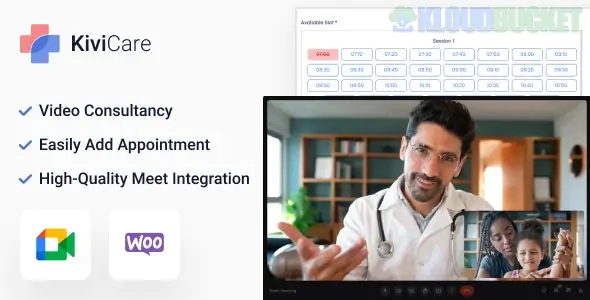
The KiviCare Google Meet Telemed and WooCommerce Payment Gateway is a powerful premium add-on for the KiviCare Clinic Management System. It transforms a standard medical WordPress site into a fully functional virtual clinic by combining video consultations with a robust checkout system.
Because KiviCare is built with Vue.js, the user experience is "app-like," meaning patients can book, pay, and join meetings without the page reloading.
This part of the add-on automates the entire virtual consultation workflow:
Automatic Meeting Creation: The moment a patient books a "Telemed" service, the plugin generates a unique Google Meet link.
Synchronized Dashboards: Both the doctor and the patient see the "Join Meeting" button directly in their respective KiviCare dashboards.
Google Calendar Sync: Appointments are automatically added to the doctor’s Google Calendar, ensuring they receive notifications on their phone or desktop.
Email & SMS Notifications: The meeting link is automatically included in the appointment confirmation and reminder messages.
While KiviCare has built-in PayPal support, this add-on unlocks the full power of WooCommerce for clinic billing:
Global Payment Options: You can use any payment gateway supported by WooCommerce (Stripe, Square, Razorpay, Authorize.net, or even local bank transfers).
Invoicing: The system automatically generates a WooCommerce order and invoice when an appointment is booked.
Discount & Coupon Support: You can use standard WooCommerce coupons for promotional health checkups or discounted follow-up sessions.
Tax & Accounting: Simplifies bookkeeping by funneling all medical fees through a standard e-commerce reporting system.
Booking: A patient selects a service (e.g., "Virtual Mental Health Consultation") via the KiviCare Elementor widget.
Payment: They are redirected to the WooCommerce checkout page to pay via Credit Card or local gateway.
Confirmation: Once the payment is "Completed," KiviCare triggers the Google Meet API to create a meeting link.
The Session: At the scheduled time, the doctor and patient join the call via the "Join" button in their portal.
To use this add-on, you must have the following installed:
KiviCare Core (Free): The base management system.
KiviCare Pro (Add-on): Required for most advanced integrations.
WooCommerce: To handle the transaction processing.
Google Cloud Console Account: You will need to create a Project and API Key for Google Meet and Calendar integration.
Would you like me to guide you through the process of setting up the "Google Client ID" and "Client Secret" to link your clinic to Google Meet?
.jpg) Help Us to Buy More New Theme/Plugin
Help Us to Buy More New Theme/Plugin
Published:
Jan 18, 2026 14:08 PM
Version:
v1.0.6
Category:
Author:
OtherLicense:
GPL v2 or LaterTags: