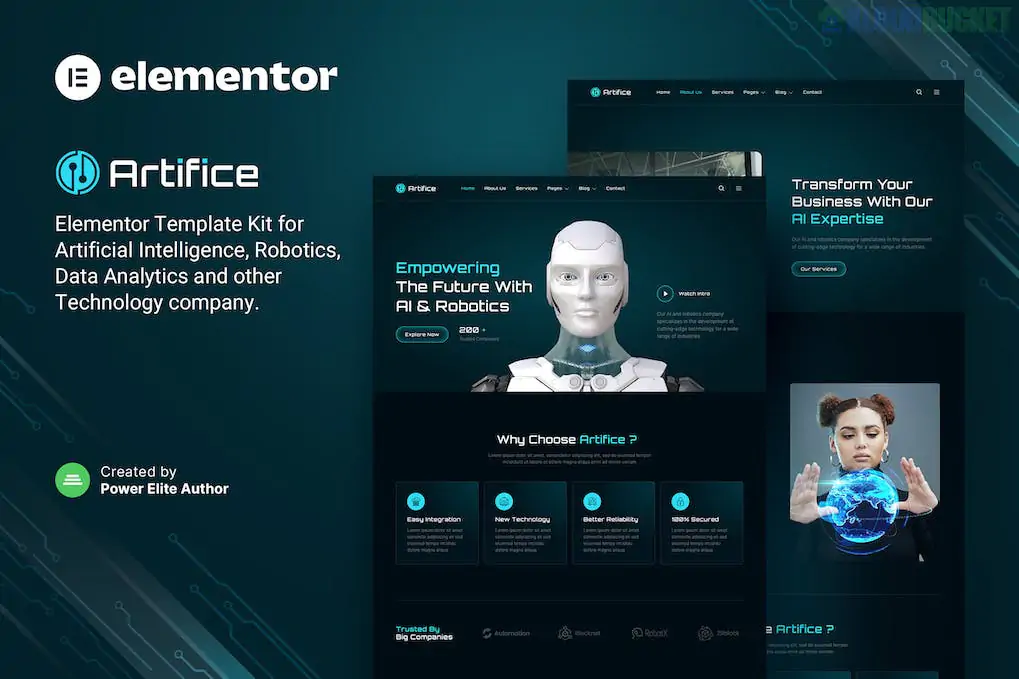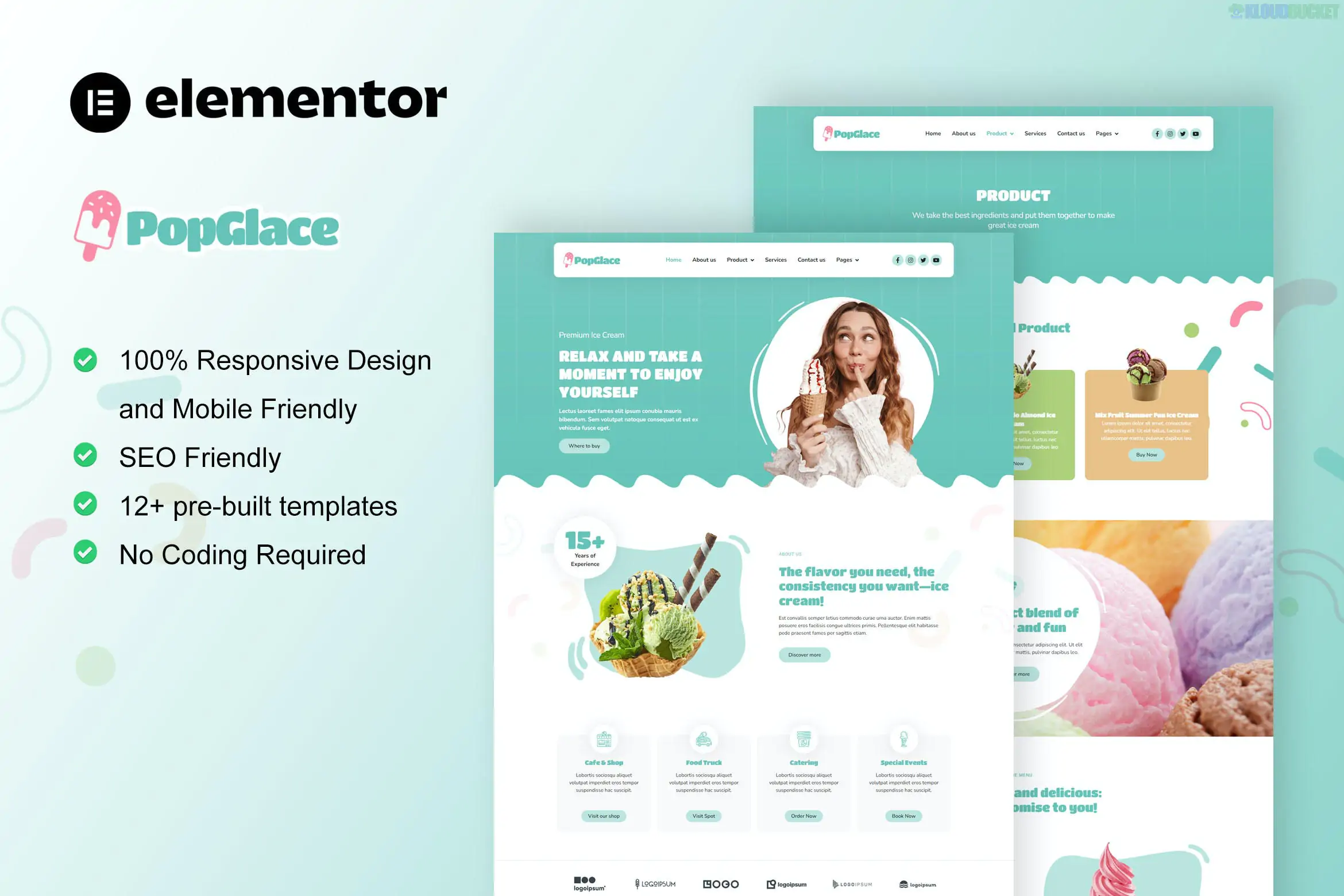
**Median** is a bold, high-energy Elementor Template Kit designed for digital marketing agencies, SEO firms, and social media management companies. It uses a modern "tech-corporate" aesthetic, featuring vibrant gradients, sleek icons, and data-driven layouts that help you visualize your agency's results for potential clients.
Like many of the professional kits we’ve discussed, Median is **"Free Version Friendly,"** allowing you to build a top-tier agency site without the cost of Elementor Pro.
---
## 📈 What’s Inside the Median Kit?
Median is built for conversion, offering **15+ pre-designed templates** that focus on service clarity and lead generation:
* **2 Homepage Variations:** One focused on a broad "Digital Agency" vibe and another more specific to "Marketing & SEO."
* **Service Detail Pages:** Custom layouts for "Social Media Marketing," "Content Strategy," "Pay-Per-Click (PPC)," and "Email Marketing."
* **Portfolio & Case Studies:** A clean, professional grid to showcase your successful campaigns and client ROI.
* **Pricing & Plans:** Transparent pricing tables to help clients choose between service tiers.
* **Interactive Elements:** Progress bars (to show growth stats), client logo carousels, and accordion FAQs.
* **Header & Footer:** Global templates included to ensure brand consistency across your entire site.
---
## 🛠️ Technical Requirements
Median relies on a specific set of free plugins to provide advanced agency-style widgets:
* **Elementor (Free Version):** The core builder.
* **ElementsKit Lite:** Essential for the custom header/footer and advanced navigation.
* **Jeg Elementor Kit:** Provides the specialized "Counter" and "Service Box" widgets.
* **MetForm:** Handles the "Free Consultation" and contact forms.
* **Hello Elementor Theme:** The recommended lightweight foundation.
---
## 🚀 The Median Setup Roadmap
To ensure the gradients and statistics load correctly, follow this sequence:
1. **Preparation:** Install **Hello Elementor** and the **Envato Elements** plugin.
2. **Upload:** Go to `Elements > Installed Kits` and upload your `median-kit.zip`.
3. **Requirements:** Click the **orange "Install Requirements"** banner to automatically install ElementsKit, Jeg, and MetForm.
4. **Global Styles First:** **Import the Global Kit Styles first.** Median uses a very specific color palette and typography (usually bold Sans-Serif) to look "tech-forward."
5. **Build Your Pages:** Create your Home, Services, and Contact pages, set them to **Elementor Full Width**, and import the corresponding templates.
---
## 💡 Agency Customization Strategy
* **Visualize the Results:** Marketing is all about numbers. Use the **Counter** and **Progress Bar** widgets in Median to show off your "Client ROI," "Followers Gained," or "Ads Managed."
* **The "Discovery Call" CTA:** Change the default "Contact Us" buttons to a more proactive "Book My Free Strategy Session."
* **Case Study Power:** Don't just show a client logo; use the **Portfolio Detail** page to explain the *Problem*, the *Strategy*, and the *Result*. This is how you win high-ticket clients.
* **Logo Grid:** Place your "As Seen In" or "Our Clients" logo grid right below the hero section on the homepage to instantly build authority.
---
**Would you like me to help you draft a "Case Study" outline for one of your recent marketing wins, or are you having trouble getting the progress bars to animate on scroll?**
Subscribe to access unlimited downloads of themes, videos, graphics, plugins, and more premium assets for your creative needs.
.jpg) Help Us to Buy More New Theme/Plugin
Help Us to Buy More New Theme/Plugin
Published:
Feb 02, 2026 10:26 AM
Category:
Author:
OtherLicense:
GPL v2 or Later