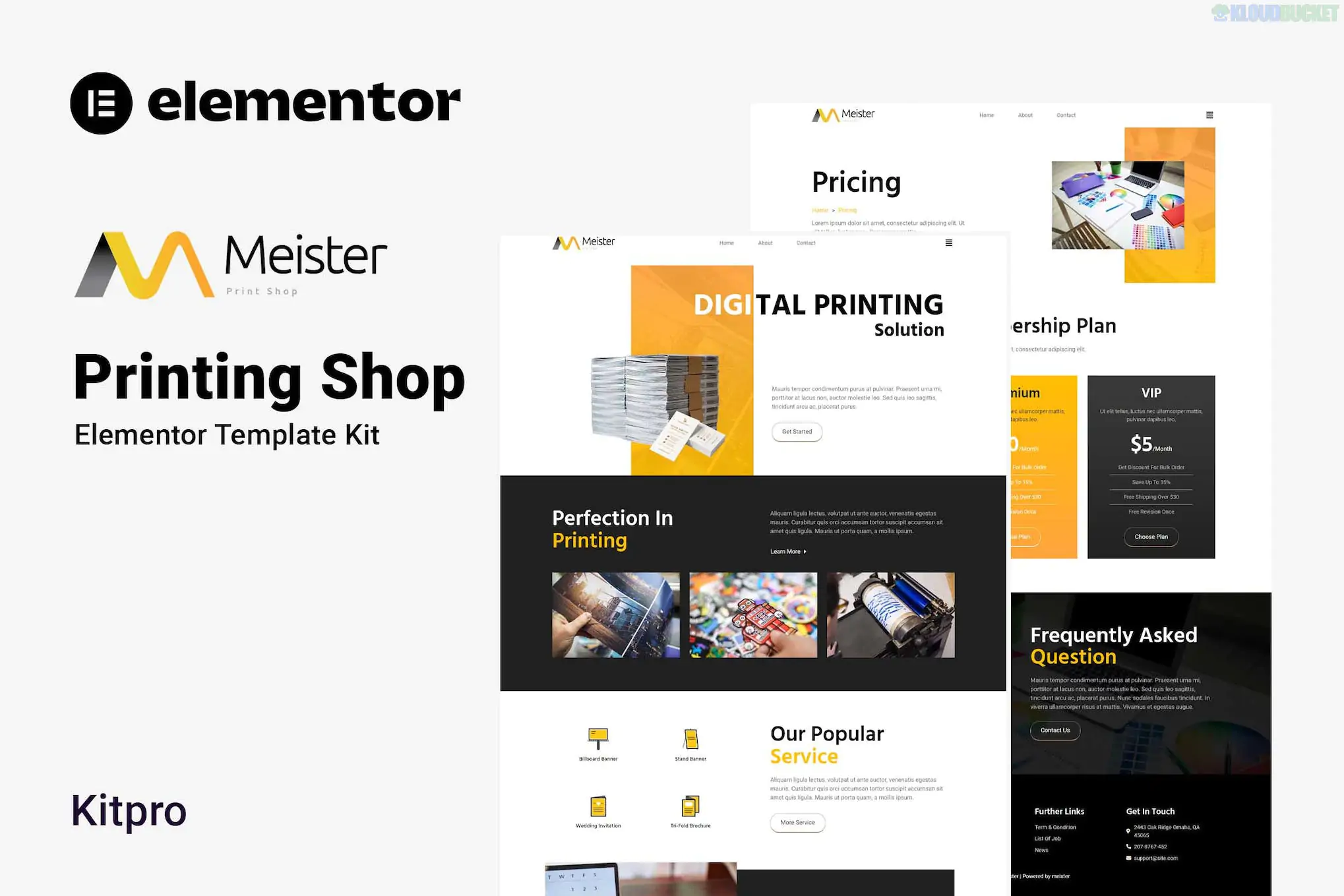
The Meister - Printing Shop Elementor Template Kit (developed by Kitpro) is a modern, clean design suite tailored specifically for digital printing services, print-on-demand shops, and graphic design agencies.
Unlike a standard WordPress theme, it is a collection of pre-designed page templates that you import into the Elementor page builder.
The kit features a comprehensive set of 10+ templates to build a complete business site:
Essential Pages: Home, About Us, Services, Service Detail, and Contact Us.
Business Blocks: Pricing Tables, Team Members, FAQ, and 404 Error Page.
Marketing & News: Blog and Single Post layouts to handle your content strategy.
Global Elements: Pre-designed Header and Footer templates (managed via a free addon).
This kit is built to work with the Free version of Elementor, meaning you don't necessarily need Elementor Pro. It relies on a few free supporting plugins:
Base Theme: Hello Elementor (recommended for its lightweight nature).
Required Addons:
ElementsKit Lite: For advanced widgets and header/footer building.
Metform: To handle the contact and order request forms.
Elementor Header & Footer Builder: For site-wide branding.
To get the "Meister" demo look, follow these steps in order:
Install the "Envato Elements" plugin from the WordPress repository.
Upload the Kit: Go to Elements > Installed Kits and upload your ZIP file.
Install Requirements: Click the orange banner at the top to auto-install the required plugins (ElementsKit, Metform, etc.).
Import Global Styles: Import the "Global Kit Styles" first to set your fonts and colors.
Import Pages: Create a new page, set the layout to Elementor Full Width, and use the Envato icon inside the Elementor editor to insert the specific "Meister" template.
Images: The photos seen in the demo are usually licensed through Envato Elements. When you import the kit, you may need to replace them with your own high-quality photos of printing presses, paper textures, or shop interiors.
Flexbox Containers: Ensure Flexbox Container is active in Elementor > Settings > Features, as most modern kits use this for layout.
Would you like me to walk you through how to set up the Metform for your custom "Get a Quote" printing form?
Subscribe to access unlimited downloads of themes, videos, graphics, plugins, and more premium assets for your creative needs.
.jpg) Help Us to Buy More New Theme/Plugin
Help Us to Buy More New Theme/Plugin
Published:
Jan 30, 2026 13:46 PM
Category:
Author:
OtherLicense:
GPL v2 or Later