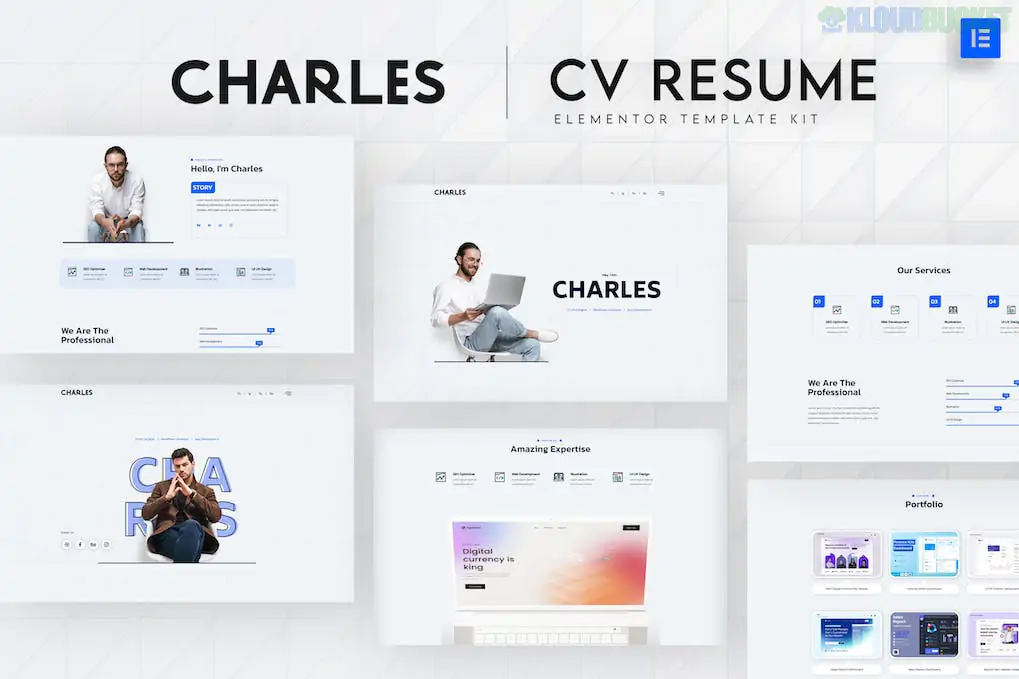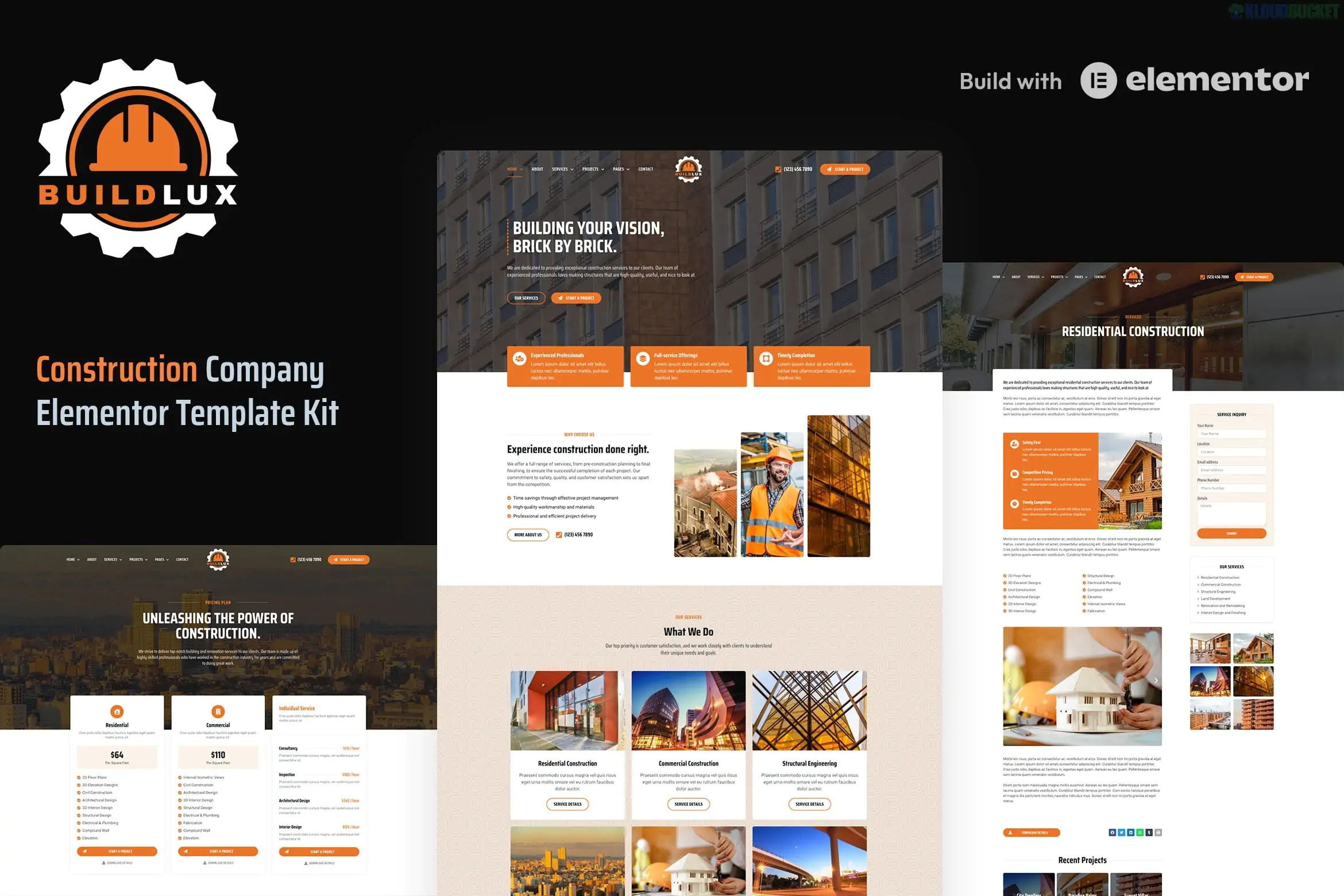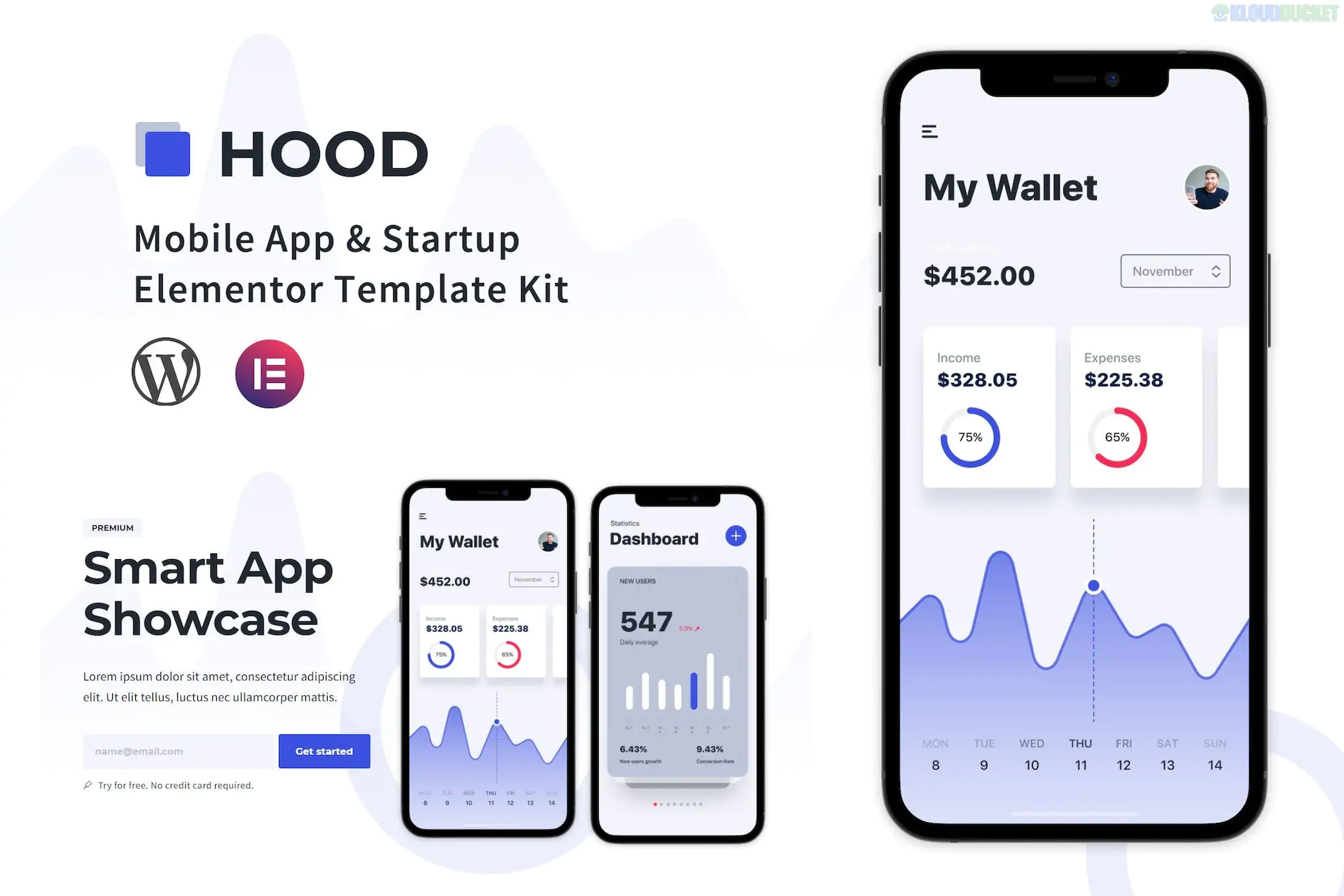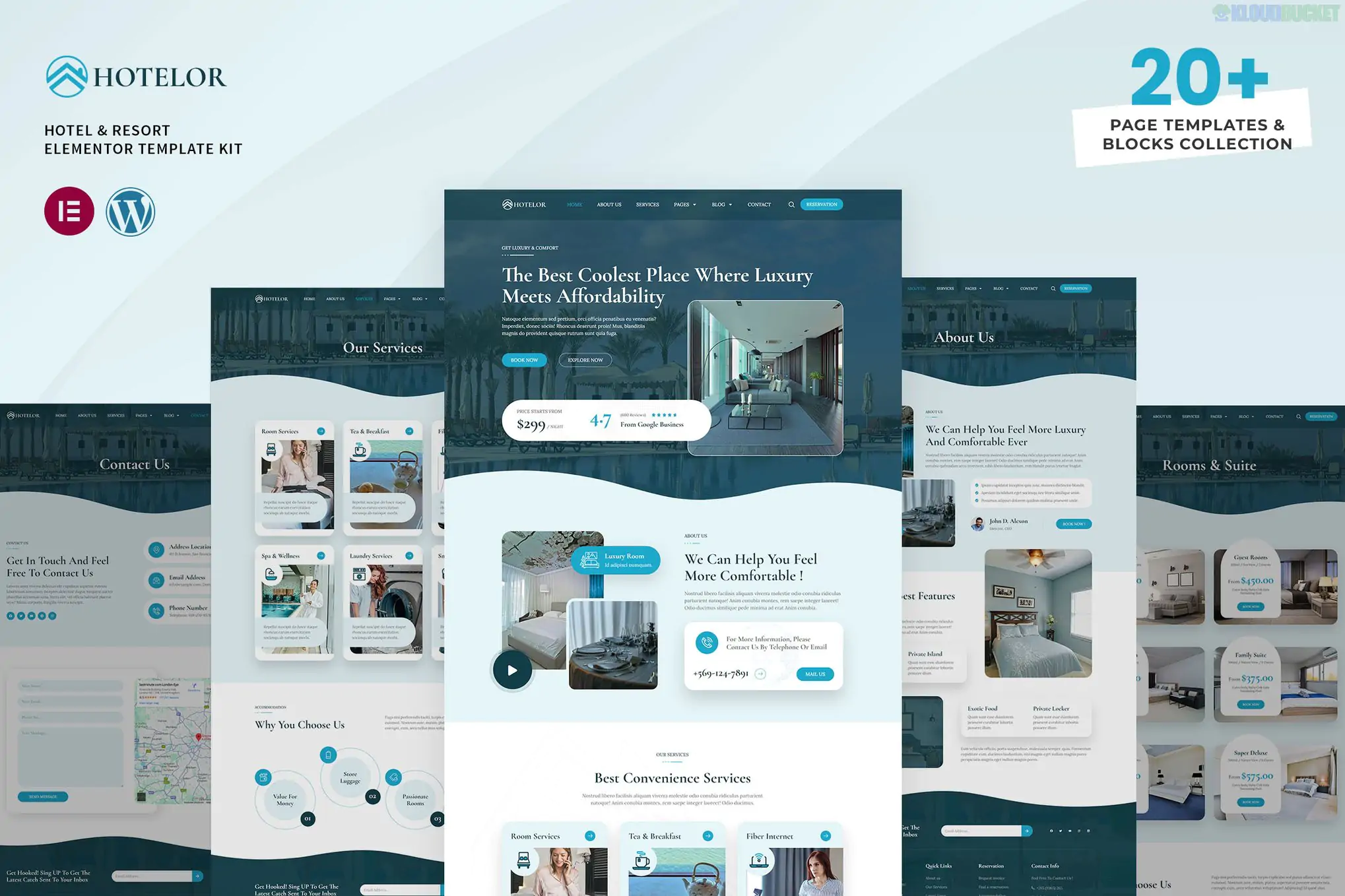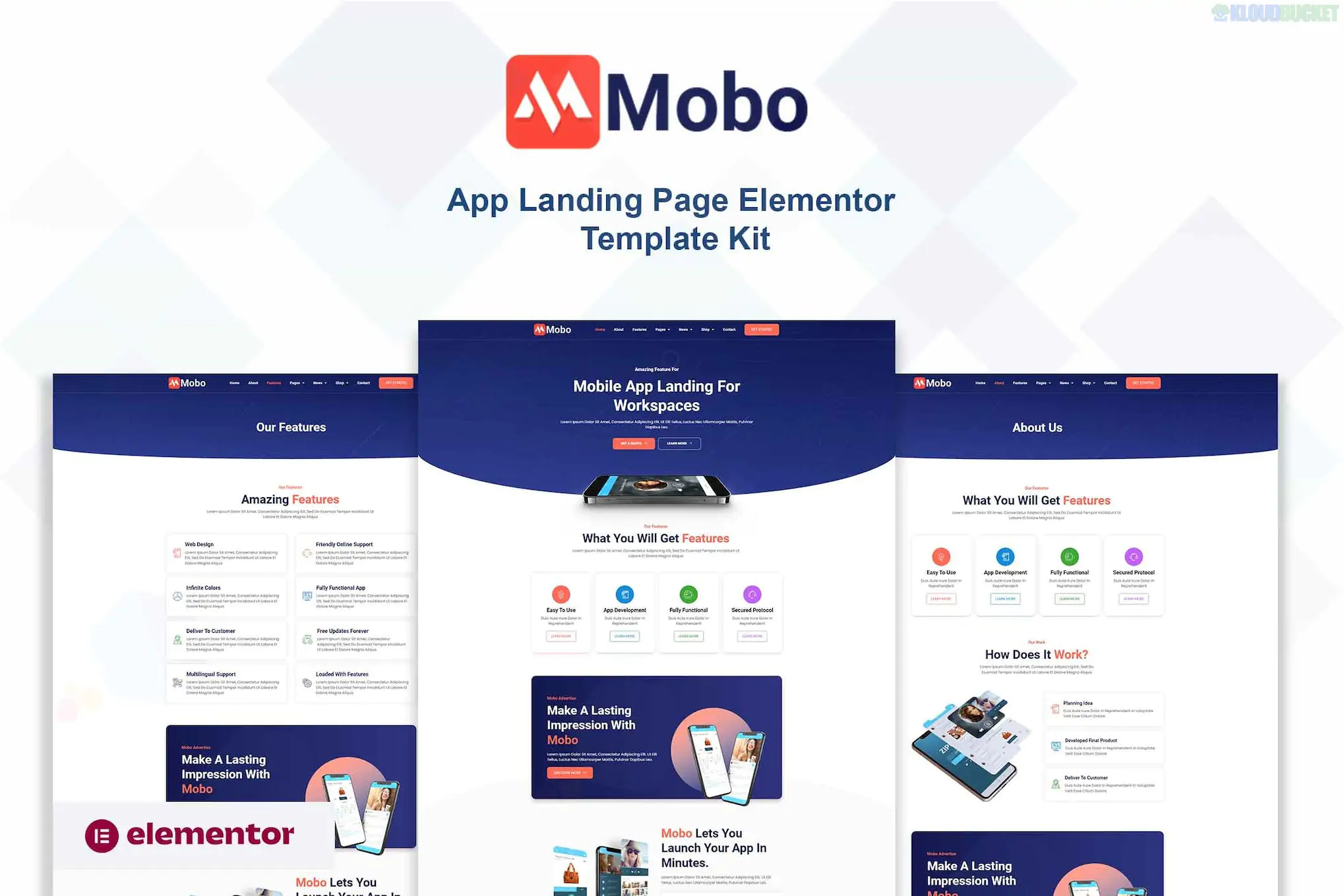
Mobo is a professional Elementor Pro Template Kit designed for mobile app landing pages, SaaS startups, and software showcases. It features a high-tech, clean aesthetic with a focus on conversion elements like app download buttons and feature highlights.
As with other kits, Mobo is not a standalone WordPress theme; it is a collection of pre-designed layouts that you import into the Elementor page builder.
15+ Ready-to-Use Templates: A comprehensive set of pages for a full app-focused website.
App-Centric Design: Includes specific sections for app screenshots, store download badges (iOS & Android), and feature benefit grids.
Fully Responsive: Specifically optimized for mobile viewing—crucial for an app landing page.
Smooth Animations: Built-in entrance animations and parallax effects to give the site a "tech" feel.
Retina Ready: High-resolution design elements that look sharp on modern screens.
To replicate the demo precisely, ensure your WordPress site has:
Elementor (Free): Core functionality.
Elementor Pro: Required for the Header/Footer builder and several advanced widgets (like the form and sliders).
ElementsKit Lite: Often used for advanced navigation and mega menu features.
Hello Elementor Theme: The lightest and most compatible theme to use as your base.
Category
Page Layouts
Main Pages
Homepage (App Focus), About Us, Contact Us
App Details
Features, App Screenshots Showcase, Pricing Plans
Content
News/Blog Archive, Single Blog Post Page
Utility
Header, Footer, 404 Error Page
Mockup Swapping: Mobo relies heavily on high-quality device mockups. To make it your own, prepare your app screenshots at the same aspect ratio as the demo images before uploading.
One-Click Import: Use the Envato Elements plugin. Upload the .zip file, click "Install Requirements" to catch any missing plugins, and then import the Global Kit Styles before any specific pages.
Download Buttons: Remember to link the App Store and Google Play buttons to your actual store URLs once the page is imported.
Would you like me to help you draft the copy for your "Features" section, or are you looking for a guide on how to add a "sticky" app download button to the header?
Subscribe to access unlimited downloads of themes, videos, graphics, plugins, and more premium assets for your creative needs.
.jpg) Help Us to Buy More New Theme/Plugin
Help Us to Buy More New Theme/Plugin
Published:
Feb 01, 2026 10:24 AM
Category:
Author:
OtherLicense:
GPL v2 or LaterTags: