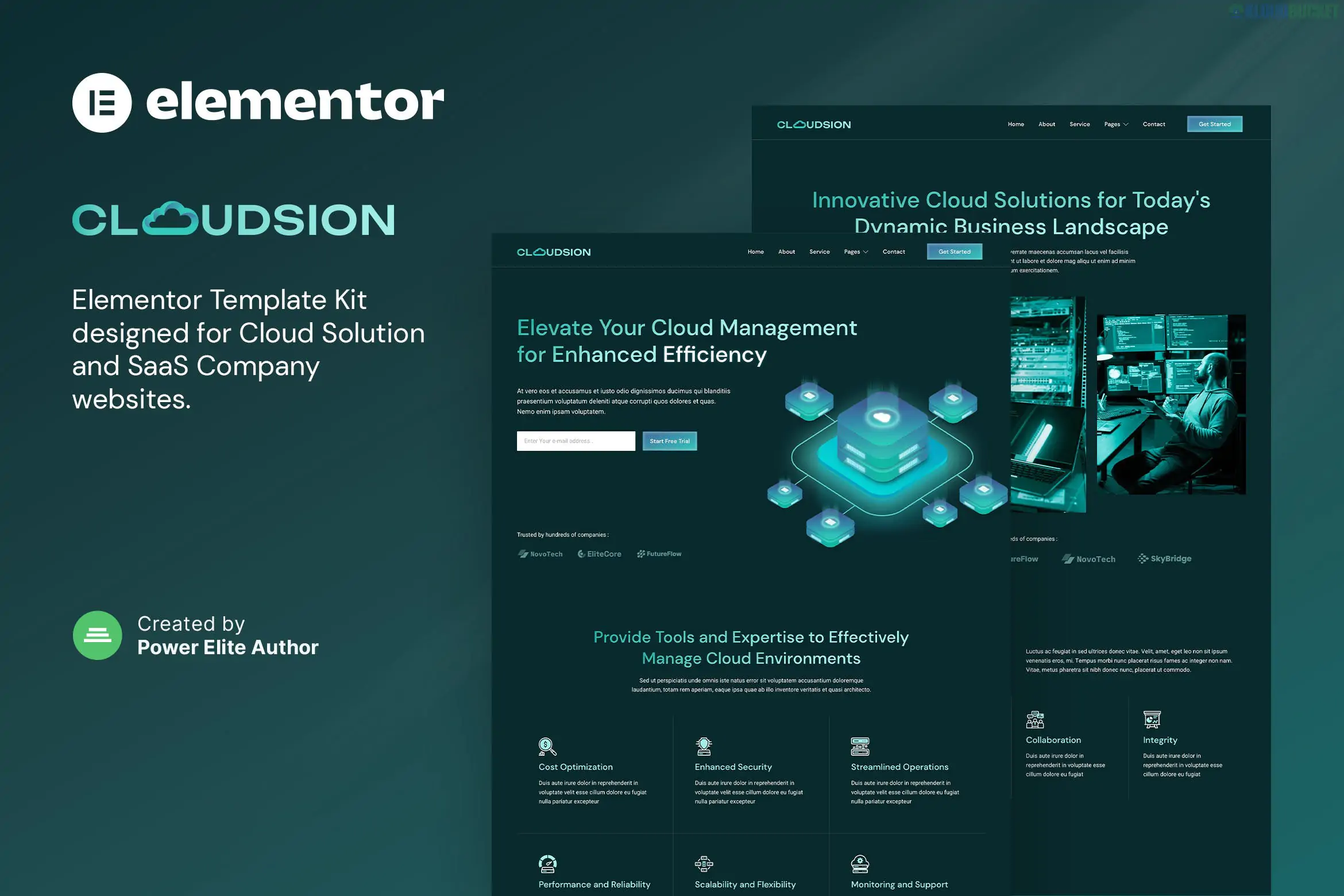
Moxpay is a premium Elementor Template Kit designed specifically for online payment gateways, fintech startups, e-wallets, and digital payment service providers. Developed by moxcreative, it uses a sleek, high-tech aesthetic with a focus on professional trust and conversion optimization.
Because this is a Template Kit, it provides the layout and design but does not include the functional back-end for processing payments; you will still need to integrate a gateway like Stripe or PayPal via a separate plugin (like WooCommerce).
Modern SaaS Aesthetic: Features a clean, "tech-blue" color palette with smooth gradients and professional typography (usually Inter or Outfit).
12+ Pre-built Templates: A complete suite of pages including multiple homepage versions, pricing tables, and help centers.
Conversion-Driven Layouts: Strategically placed Call-to-Action (CTA) buttons designed to turn visitors into registered users.
Fully Responsive: Optimized specifically for mobile users, which is essential for digital wallet and payment apps.
Cross-Browser Compatible: Tested to look consistent across Chrome, Safari, Firefox, and Edge.
To run Moxpay successfully, your WordPress site must have:
Elementor (Free): The base page builder.
Elementor Pro: Strictly Required for the Theme Builder (Header/Footer), Popup builder, and advanced form widgets.
Hello Elementor Theme: The recommended lightweight theme for the best performance.
ElementsKit Lite: Often used for advanced navigation and mega menus.
Skyboot Custom Icons: Used for the specialized fintech and security iconography.
Category
Page Layouts
Main Pages
Home, About Us, Team, FAQ
Fintech Services
Services Overview, Single Service Detail (e.g., Cross-border payments, E-wallet)
User Conversion
Pricing Plans, Testimonials, Contact Us
News/Support
Blog Archive, Single Post, Support/Help Center
Theme Builder
Custom Header, Footer, 404 Error, Global Kit Styles
Security Focus: When customizing the templates, ensure your "Security Features" section is prominent. Use the included Skyboot icons to highlight features like SSL Encryption, 2FA, and PCI Compliance.
Global Kit Styles First: Upon importing via the Envato Elements plugin, always import the Global Kit Styles first. This locks in the professional fonts and brand colors across every page you import afterward.
Header Configuration: Moxpay uses a custom header. After importing, go to Templates > Theme Builder and set the Moxpay Header to display on the "Entire Site."
Integrations: While Moxpay looks like a payment gateway, it is just the "skin." You will need to link your CTA buttons to your actual app registration page or use a plugin like WPForms or Gravity Forms to handle account inquiries.
Pro Tip: For a fintech site, speed is a trust factor. Use an image optimization plugin like TinyPNG or Imagify on the tech illustrations included in the kit to ensure your homepage loads in under 2 seconds.
Would you like me to help you draft the copy for your "How It Works" section, or do you need help setting up the pricing table for different subscription tiers?
Subscribe to access unlimited downloads of themes, videos, graphics, plugins, and more premium assets for your creative needs.
.jpg) Help Us to Buy More New Theme/Plugin
Help Us to Buy More New Theme/Plugin
Published:
Feb 01, 2026 11:07 AM
Category:
Author:
OtherLicense:
GPL v2 or Later