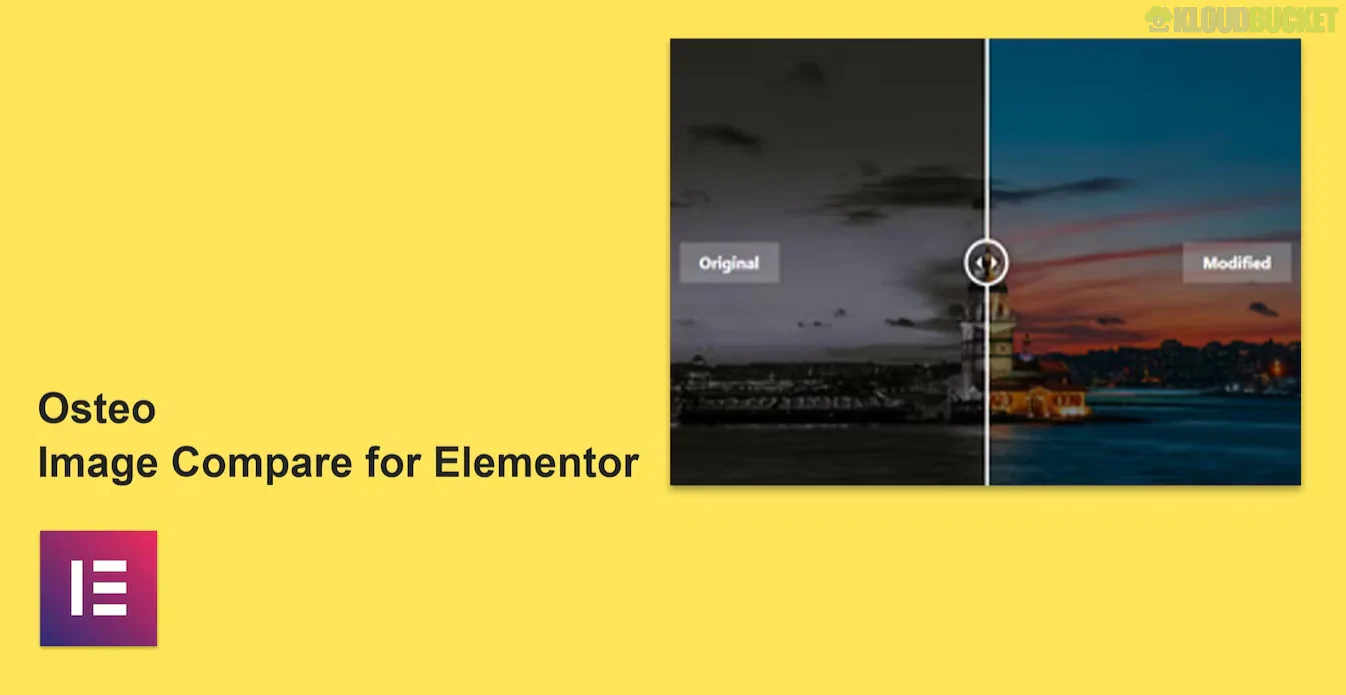
**Osteo Accordion for Elementor** is a premium layout addon by *TwinkleTheme* that extends the basic functionality of the native Elementor accordion. It is designed for users who need high-design FAQ sections or collapsible content blocks that go beyond standard text.
While the native Elementor accordion is functional, Osteo is a "style-first" plugin, offering nearly **40 different pre-designed styles** to match high-end corporate or creative websites.
---
### ## Key Features
* **38 Unique Styles:** Includes a vast library of presets ranging from minimal line styles to bold, colorful, and shadow-heavy layouts.
* **Image Accordion Support:** Unlike the standard accordion, Osteo allows you to create "Image Accordions" where each tab reveals an image or background rather than just text.
* **Icon Customization:** Easily swap the expand/collapse icons with any FontAwesome or custom SVG icon to match your brand.
* **Rich Styling Controls:**
* **Gradients:** Support for complex gradient backgrounds on both the header and the content area.
* **Advanced Typography:** Granular control over font family, line height, and letter spacing for every element.
* **Borders & Shadows:** Detailed settings for border-radius (for rounded "pill" styles) and depth-creating box shadows.
* **SEO Friendly:** Uses clean HTML structure to ensure that your FAQ content is readable by search engine crawlers.
---
### ## When to Use Osteo vs. Native Elementor
| Feature | Native Elementor Accordion | Osteo Accordion |
| --- | --- | --- |
| **Presets** | None (you start from scratch) | **38 Pre-designed styles** |
| **Image Support** | Text-focused (limited images) | **Dedicated Image Accordion mode** |
| **Backgrounds** | Simple solid colors | **Gradients & Image backgrounds** |
| **Mobile Control** | Basic responsiveness | **Custom mobile-only styling** |
---
### ## Popular Use Cases
* **Advanced FAQs:** Creating professional "Frequently Asked Questions" sections that don't look like a standard list.
* **Service Menus:** Displaying detailed service offerings where each tab reveals pricing, a description, and a representative icon.
* **Product Features:** Showcasing complex product specs in a compact, collapsible grid to save vertical space.
* **Process Steps:** Using the "Image Accordion" to show steps in a project (e.g., *Design > Develop > Deploy*), with each step showing a preview image when hovered.
---
### ## Performance & Compatibility
* **Lightweight:** Designed to be "Super Fast" and doesn't load unnecessary bloat on pages where the widget isn't used.
* **Cross-Theme Compatible:** Works with any theme that supports Elementor (Astra, Hello, OceanWP, etc.).
* **Retina Ready:** Icons and graphics are optimized for high-resolution displays.
> **Pro Tip:** To make your accordions even more useful, you can enable **FAQ Schema** within the settings (if supported in your version) to help your questions appear directly in Google’s search result snippets.
**Would you like me to help you find the specific CSS code to add a "Slide-in" animation to the text when an Osteo tab is opened?**
.jpg) Help Us to Buy More New Theme/Plugin
Help Us to Buy More New Theme/Plugin
Published:
Jan 19, 2026 16:08 PM
Category:
Author:
OtherLicense:
GPL v2 or LaterTags: