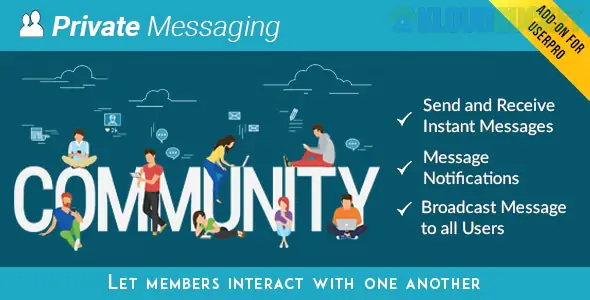
Private Messages for UserPro is a specialized premium add-on for the UserPro community plugin. It transforms a standard WordPress site with user profiles into a social networking hub by allowing members to send private, direct messages to one another.
If you are using UserPro to manage a directory, a membership site, or a niche social network, this add-on is the primary way to facilitate peer-to-peer communication without forcing users to leave your site.
The add-on integrates directly into the existing UserPro profiles, adding a "Message" button and a dedicated inbox.
Real-time Notifications: Users receive a notification (often a red bubble or badge) when they have a new message.
Ajax-Powered Interface: Messages are sent and received without the page refreshing, creating a "chat-like" experience.
Conversational Threads: Messages are grouped by user, making it easy to track the history of a conversation.
Email Alerts: Users can be notified via email whenever they receive a private message, helping drive repeat traffic back to your site.
Emoji Support: Includes a built-in emoji picker to make conversations more engaging.
As the site owner, you have several tools to prevent spam and maintain order:
Broadcast Messaging: Admins can send a "Global Message" to all registered users at once.
User Restrictions: You can restrict the messaging feature to specific "User Roles" (e.g., only "Premium Members" can send messages).
Blocked Users: Users have the ability to block others from messaging them.
Message Monitoring: Admins can view or manage conversations if necessary for moderation.
Requirement: You must have the core UserPro plugin installed and active. This add-on will not work as a standalone messaging system.
Installation: Upload the add-on via Plugins > Add New > Upload.
Shortcodes: You can display the user's inbox on any custom page using a simple shortcode:
[userpro_privatemsg]
Settings: Access the configuration via UserPro > Add-ons > Private Messages to customize colors, notification frequency, and permissions.
Feature
UserPro + Private Messages
BuddyPress
Setup Speed
Very fast; "Plug and Play."
Steeper learning curve.
Design
Modern, clean "out of the box."
Often requires heavy CSS styling.
Weight
Lightweight; specifically for UserPro.
Heavy; a complete social engine.
Focus
User Directories & Profiles.
Community Groups & Activity Feeds.
Would you like me to provide the specific shortcodes for the Message button, or are you looking for help setting up the "Broadcast" feature to message all your members at once?
Subscribe to access unlimited downloads of themes, videos, graphics, plugins, and more premium assets for your creative needs.
.jpg) Help Us to Buy More New Theme/Plugin
Help Us to Buy More New Theme/Plugin
Published:
Jan 17, 2026 12:23 PM
Version:
v4.10.0
Category:
Author:
OtherLicense:
GPL v2 or LaterTags: