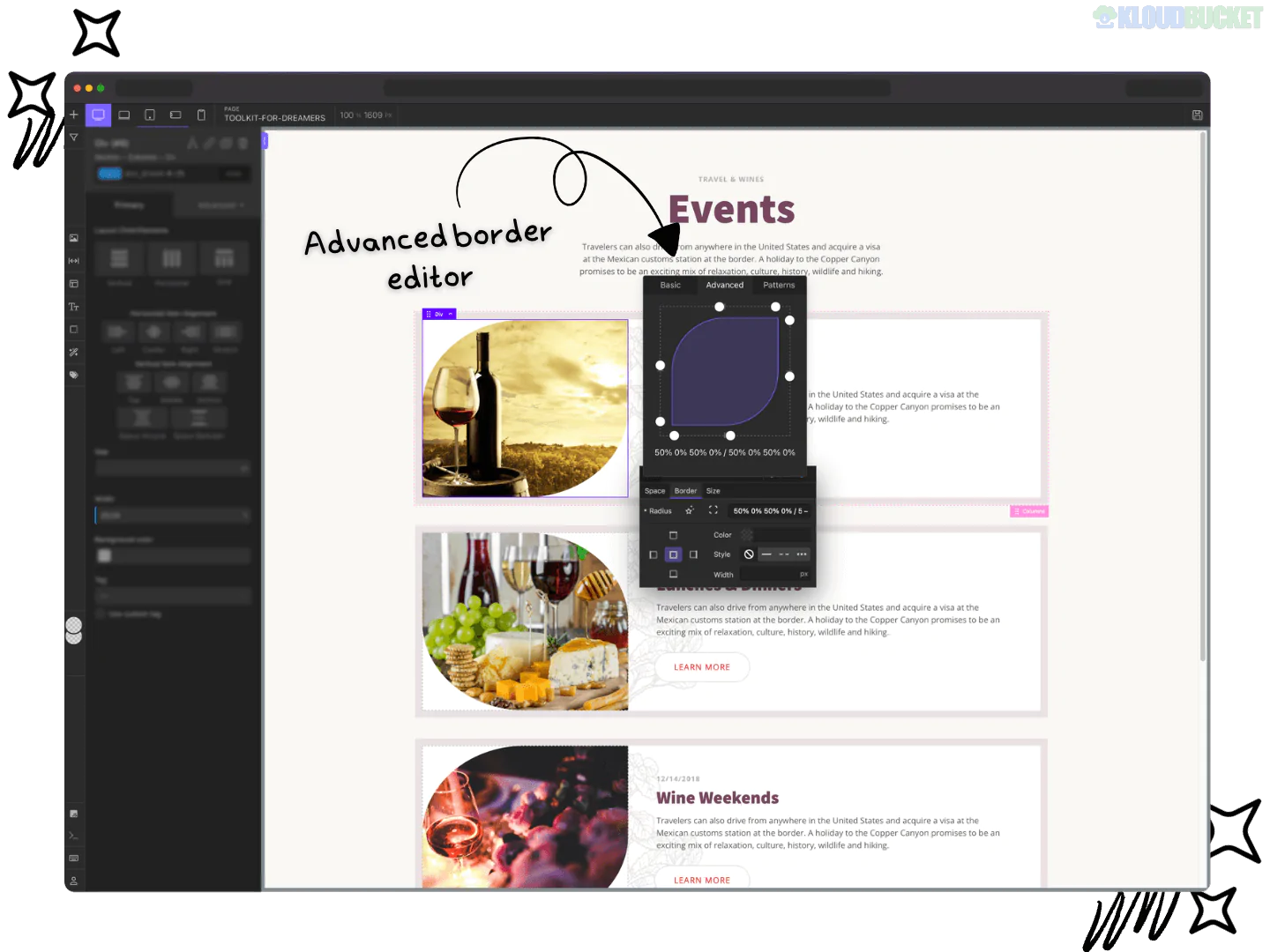
Recoda Workspace is a premium workflow and UX enhancement toolkit primarily designed for Oxygen Builder (and more recently expanding its concepts to other builders). It is often described by power users as an "IDE for WordPress," focusing on high-speed development, professional coding standards, and a "low-locking" data philosophy.
As of late 2025, it is a staple for developers who find the native Oxygen interface too restrictive or slow for complex, production-grade projects.
The theme of Recoda is to bring a modern, VS Code-like experience into the WordPress visual editor. It aims to bridge the gap between visual drag-and-drop and manual CSS/HTML development.
No Data Locking: One of its core principles is that it doesn't lock your site's data. If you uninstall Recoda, your site won't break; you simply lose the advanced editor interface.
Developer Workflow: It prioritizes keyboard shortcuts and command-line style interactions (CLI) to reduce reliance on the mouse.
Recoda Codesense: A custom integration of CodeMirror that provides intelligent CSS hinting, autocomplete for Oxygen classes, and ultra-fast CSS variable suggestions.
Blockpad Editor: A specialized "Codepen-like" code block editor. It features a triple-panel view (HTML/CSS/JS) that can be resized and dragged, making it significantly easier to manage custom scripts.
CLI Actions: Inspired by Emmet, this allows you to add multiple classes or generate complex nested HTML structures using a command line (e.g., typing .class1.class2 to apply them instantly).
Advanced Color Tools: Includes an HSL Color Wheel and a built-in Contrast Ratio Checker (AA/AAA) to ensure your designs are accessible and professional.
X-Mode: A unique diagnostic view that lets you evaluate design at a lower fidelity to spot layout issues, alignment errors, or padding inconsistencies.
Feature
Native Oxygen Builder
Recoda Workspace
Interface
Static sidebar panels
Draggable, floating, and resizable windows
Code Hinting
Basic
Advanced (Codesense) with Variable support
Color Support
Hex/RGB
Full HSL + Accessibility suggestions
Speed
Standard
High (Optimized for keyboard-only usage)
DOM Navigation
Mouse-based tree view
Arrow-key DOM navigation (Shortcutter)
Pricing: Usually available as a Lifetime Deal (approx. $199 for 1,000 sites) or yearly subscriptions.
Compatibility: Fully optimized for Oxygen Builder; some components are being ported to support Elementor and other page builders.
Performance: Very lightweight; it uses localized CSS and JS to modify the editor's behavior, meaning it has zero impact on your website's front-end loading speed.
CLI Mastery: Would you like a list of the command-line shortcuts for generating HTML structures quickly?
CSS Variables: Do you need help setting up Global CSS Variables within Recoda so they show up in your autocomplete?
Debugging: Are you having trouble with X-Mode not displaying correctly on your current theme?
Mastering Oxygen Builder with Recoda Workspace
This video provides a practical look at how Recoda Workspace tweaks the Oxygen Builder UI to create a more efficient coding environment.
Subscribe to access unlimited downloads of themes, videos, graphics, plugins, and more premium assets for your creative needs.
.jpg) Help Us to Buy More New Theme/Plugin
Help Us to Buy More New Theme/Plugin
Published:
Dec 22, 2025 16:26 PM
Version:
v2.3.5
Category:
Author:
OtherLicense:
GPL v2 or LaterTags: