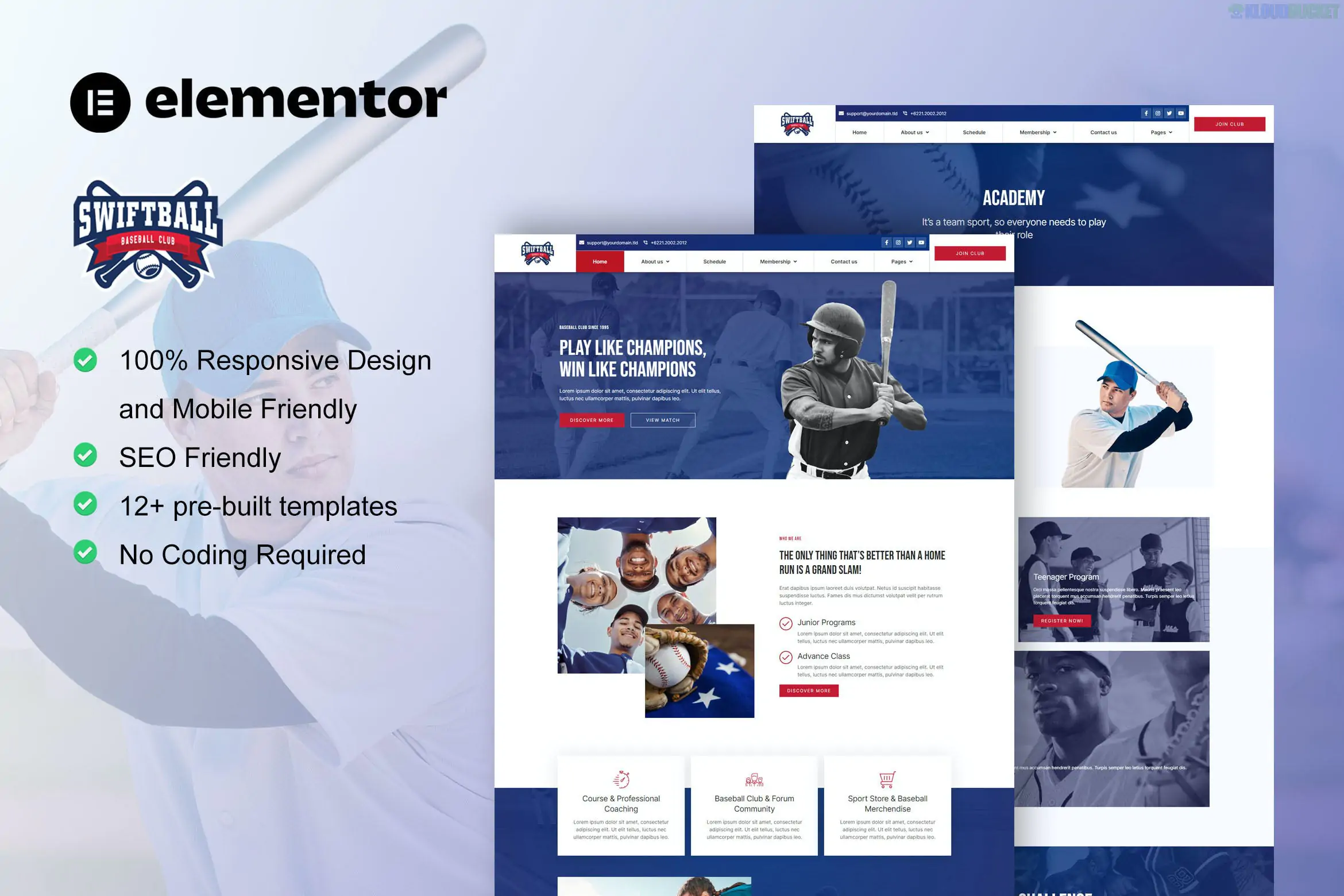
SwiftBall is a premium Elementor Pro Template Kit specifically designed for baseball teams, sports clubs, and athletic communities.1 Created by the designer moxcreative, it offers a polished, high-energy aesthetic that works well for coaching clinics, court rentals, and private trainers.2
Because it is a Template Kit, it is not a standalone theme; rather, it is a collection of 12+ pre-designed page layouts that you import into Elementor.3
The kit covers all the essential pages needed to run a professional sports organization:
Homepage: A dynamic landing page with hero sections for team highlights.4
About Us: Dedicated space for the club's history and mission.
Academy & Our Coach: Professional layouts to showcase training programs and staff bios.5
Schedule: A clear table or list layout for upcoming games and practices.
Membership: Information on join-up tiers and benefits.
Gallery: A visual grid for team photos and event coverage.
Contact Us & FAQ: Standard business pages for inquiries.
Site Parts (Theme Builder): Custom Header, Footer, Single Post, and 404 Error page layouts.6
To achieve the look seen in the demo, you must have the following installed. Note that while the kit works with free themes, Elementor Pro is a hard requirement for the Theme Builder parts.
Elementor (Free): The core page builder.
Elementor Pro: Required for the Header, Footer, and Archive templates.
ElementsKit Lite: Used for the navigation menu and advanced widget elements.
Skyboot Icons: Provides the custom sports-themed iconography.7
Hello Elementor Theme: The recommended lightweight theme for this kit.
Install the Importer: Go to Plugins > Add New and install the "Template Kit Import" (by Envato) plugin.8
Upload the Zip: Go to Tools > Template Kit, upload your swiftball.zip file, and click Install Requirements in the orange banner.9
Import Global Styles: Click Import on the Global Kit Styles first. This ensures your site-wide colors and typography are correct before you import the pages.10
Import Pages: Import each page template one by one.11
Set Up Header & Footer:
Navigate to Templates > Theme Builder.
Select Header and assign the imported SwiftBall header to the "Entire Site."12
Repeat this for the Footer.
Sports-Centric Design: Unlike generic corporate kits, SwiftBall uses high-contrast colors and layouts optimized for "action-heavy" imagery typical of baseball.
Mobile-First: The templates are fully responsive, which is critical for parents and players checking schedules on their phones at the field.13
No Coding: The entire kit is built for the drag-and-drop Elementor interface, making it easy to swap out the baseball imagery for softball or cricket if needed.14
Would you like me to help you configure the "Schedule" layout with your specific team dates, or do you need help setting up the "Membership" page with a payment link?
Subscribe to access unlimited downloads of themes, videos, graphics, plugins, and more premium assets for your creative needs.
.jpg) Help Us to Buy More New Theme/Plugin
Help Us to Buy More New Theme/Plugin
Published:
Dec 27, 2025 15:59 PM
Category:
Author:
All In One PluginLicense:
GPL v2 or Later