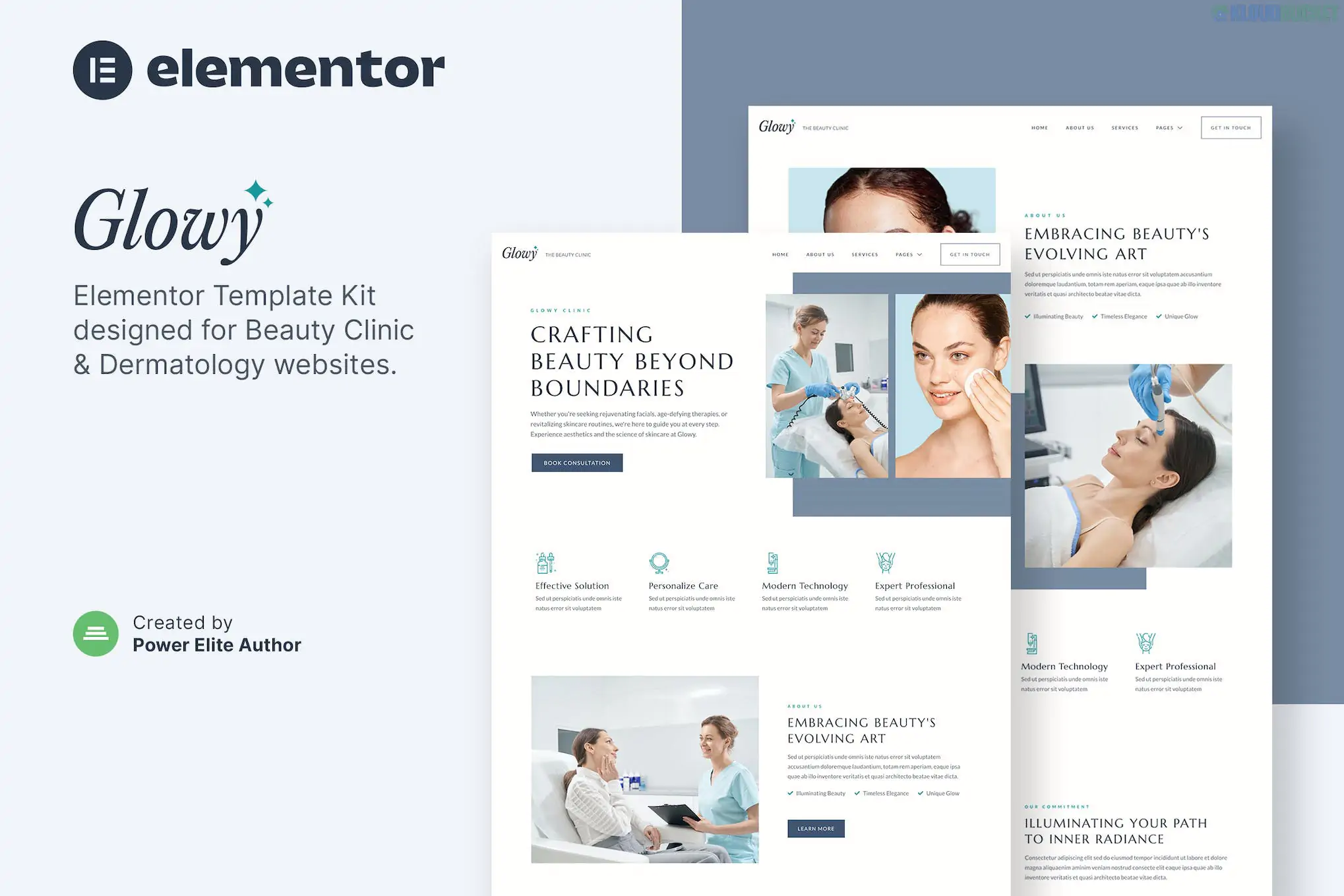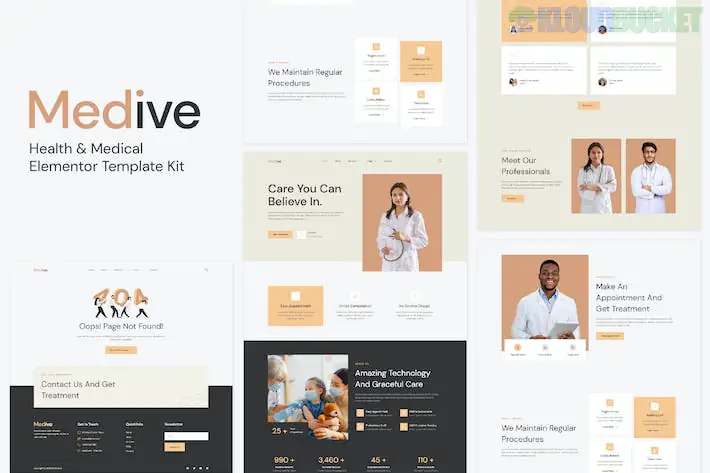
Treina is a modern, high-energy Elementor Template Kit designed for personal trainers, fitness coaches, and gym owners. Unlike some of the technical or industrial kits we’ve discussed, Treina focuses on "Dynamic Movement"—using bold typography, slanted sections, and high-impact imagery to motivate potential clients.
Here is the essential breakdown for getting your fitness brand online with Treina.
Treina is a complete solution, typically including 15+ pre-designed templates tailored to the fitness industry:
Multiple Homepage Styles: Choose between a "Personal Coach" focus or a "Full Gym/Studio" look.
Program & Class Details: Specific layouts to explain your workout plans, nutrition coaching, or HIIT classes.
Pricing & Membership: Clean, high-contrast pricing tables to help clients compare coaching packages.
Trainer Profiles: A "Meet the Team" section to build trust and showcase expertise.
Appointment/Consultation Form: Integrated sections for "Book a Session" or "Start Your Trial."
Testimonials & Transformations: Dedicated areas to show off client results and social proof.
One of Treina's best features is that it is "Free Version Friendly." It is designed to work without needing the Elementor Pro subscription by utilizing powerful free add-ons:
Elementor (Free Version): The core engine.
ElementsKit Lite: Used for the advanced headers, footers, and specialized fitness widgets.
MetForm: For the consultation and contact forms.
Jeg Elementor Kit: Often used for specific "Service" icons and animated elements.
Hello Elementor Theme: The recommended lightweight foundation.
To ensure the "sporty" layout and slanted dividers look perfect, follow this specific order:
Themes: Install and activate Hello Elementor.
The Importer: Install the free Envato Elements plugin.
The Requirements: Upload your treina-kit.zip. You’ll see an orange banner—click "Install Requirements" to automatically add the necessary free plugins.
Global Styles First: Import the Global Kit Styles template before any pages. This sets your brand's "active" colors (often neon greens, oranges, or bold reds) and bold gym-style fonts.
Page Creation: Create your "Home" page, set the layout to Elementor Full Width, and import the Home template.
High-Resolution Action Shots: Treina relies heavily on imagery. Use photos of you (or your clients) in mid-workout. Authentic "sweat" shots build more credibility than sterile stock photos.
Clear Call-to-Action (CTA): Make your "Book a Free Assessment" or "Join Now" button a high-contrast color so it pops against the darker sections of the kit.
The "Transformation" Section: If you have client "Before & After" photos, use the "Image Comparison" widget (available in some add-ons) or a simple side-by-side grid to show the value of your training.
Social Proof: Don’t just list testimonials; include the client's name and their specific achievement (e.g., "Lost 20lbs in 3 months") to make the review more impactful.
Would you like me to help you draft the text for your "Training Programs" or "About Me" sections, or are you running into any issues with the MetForm appointment link?
Subscribe to access unlimited downloads of themes, videos, graphics, plugins, and more premium assets for your creative needs.
.jpg) Help Us to Buy More New Theme/Plugin
Help Us to Buy More New Theme/Plugin
Published:
Feb 02, 2026 10:11 AM
Category:
Author:
OtherLicense:
GPL v2 or Later