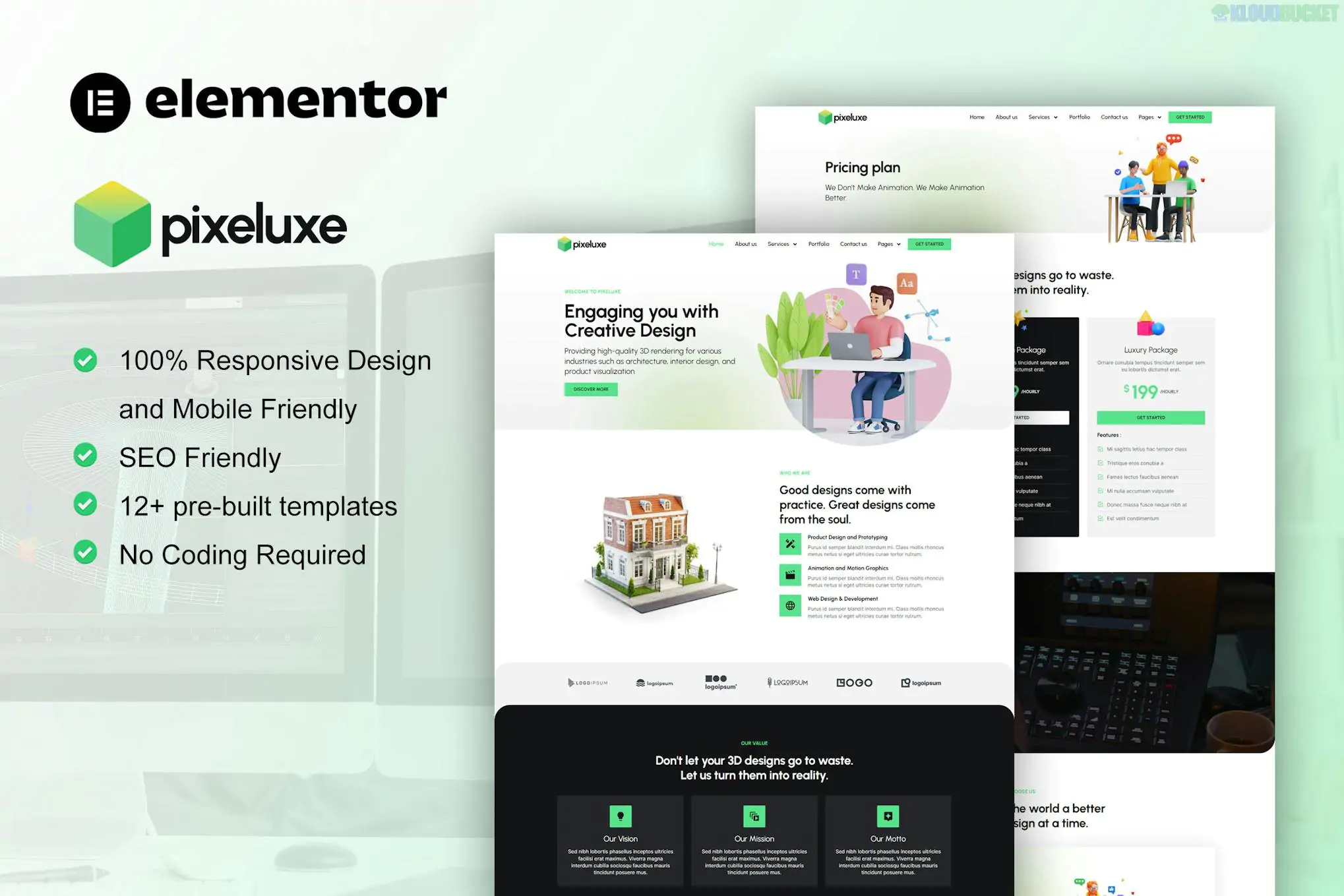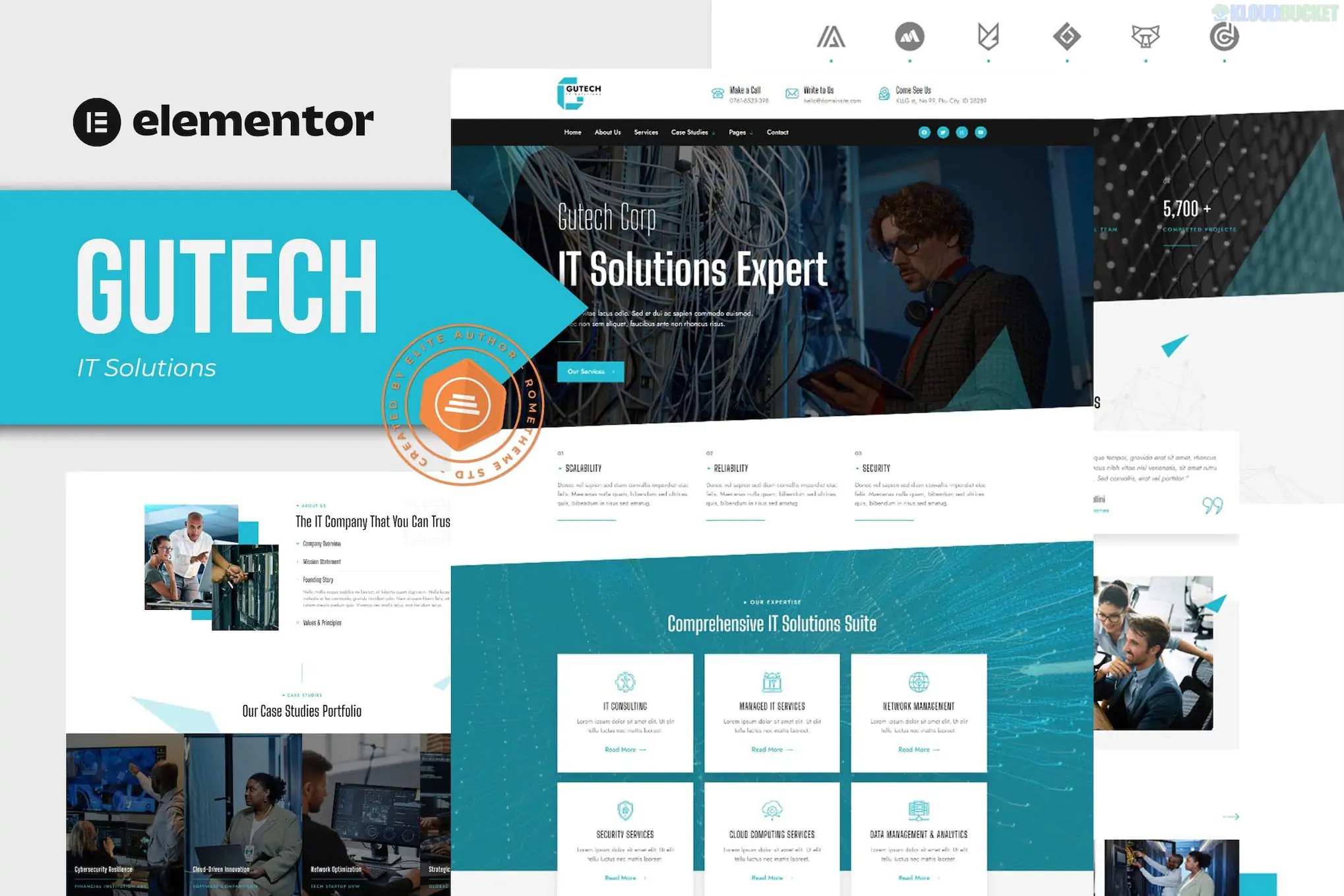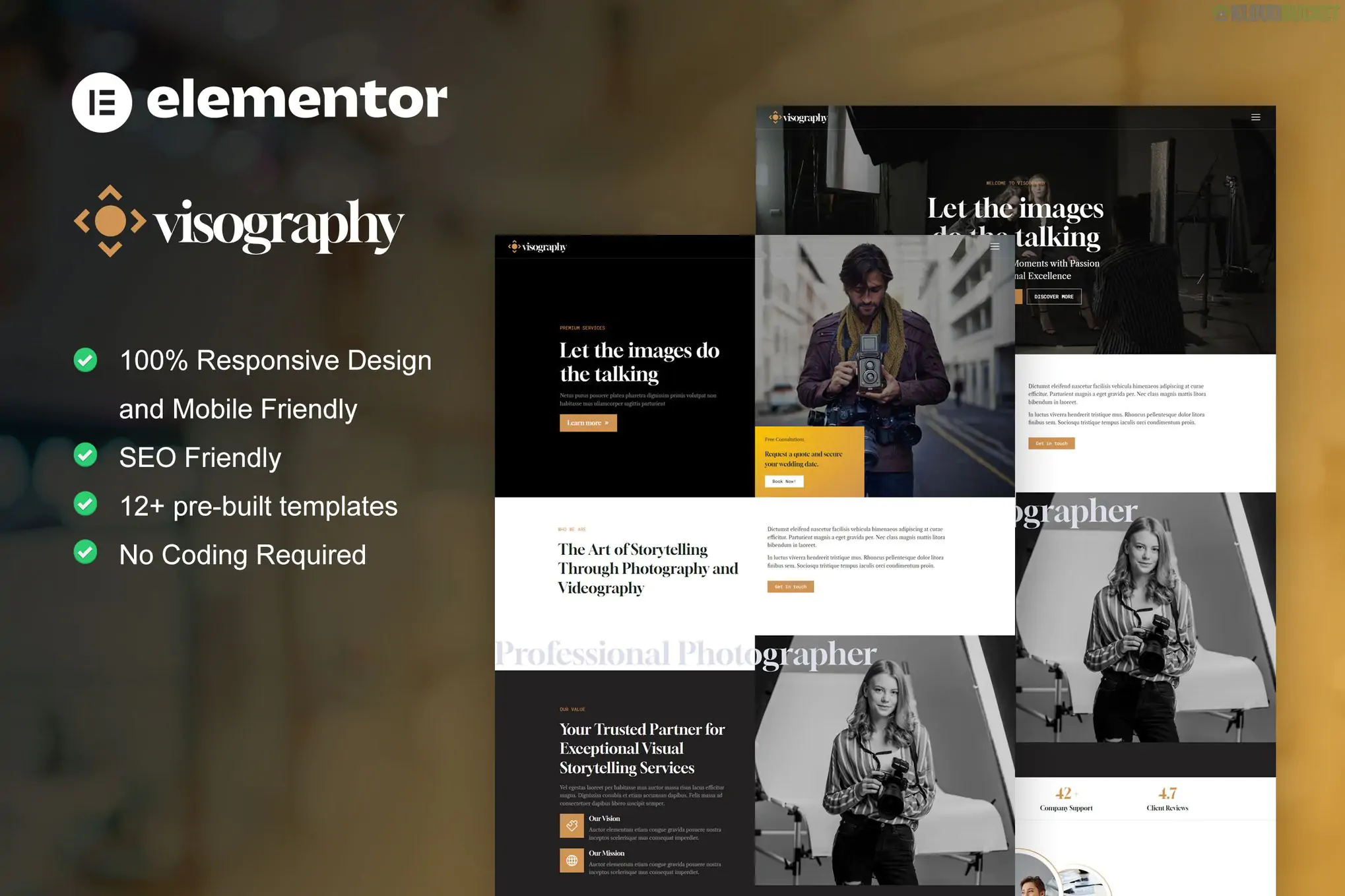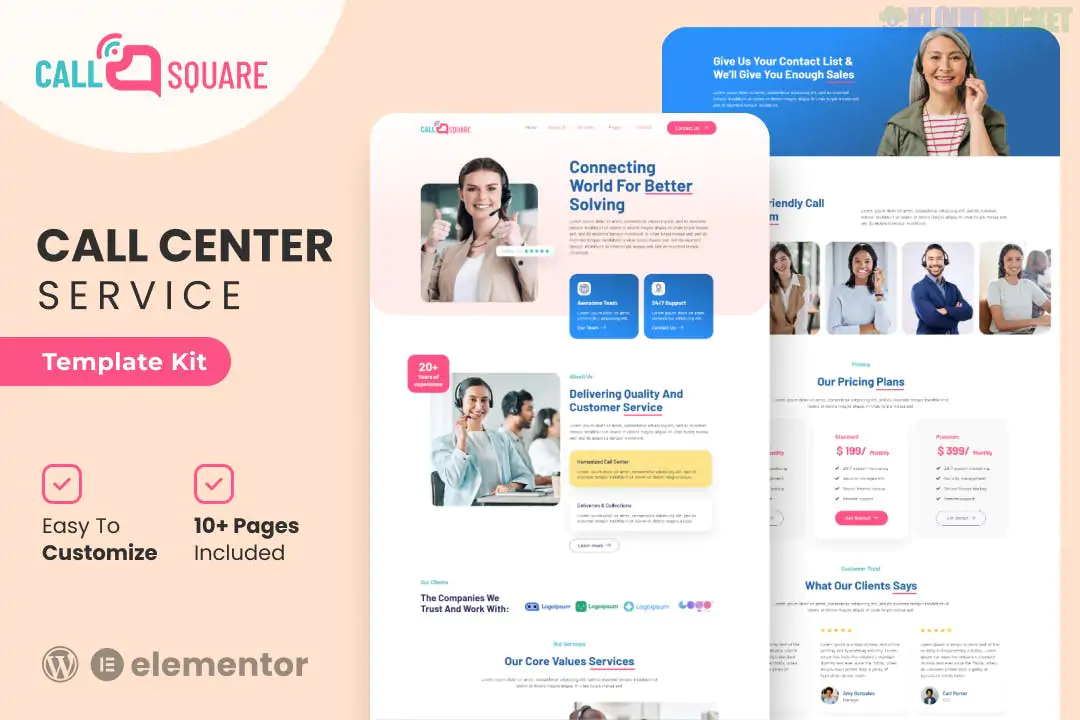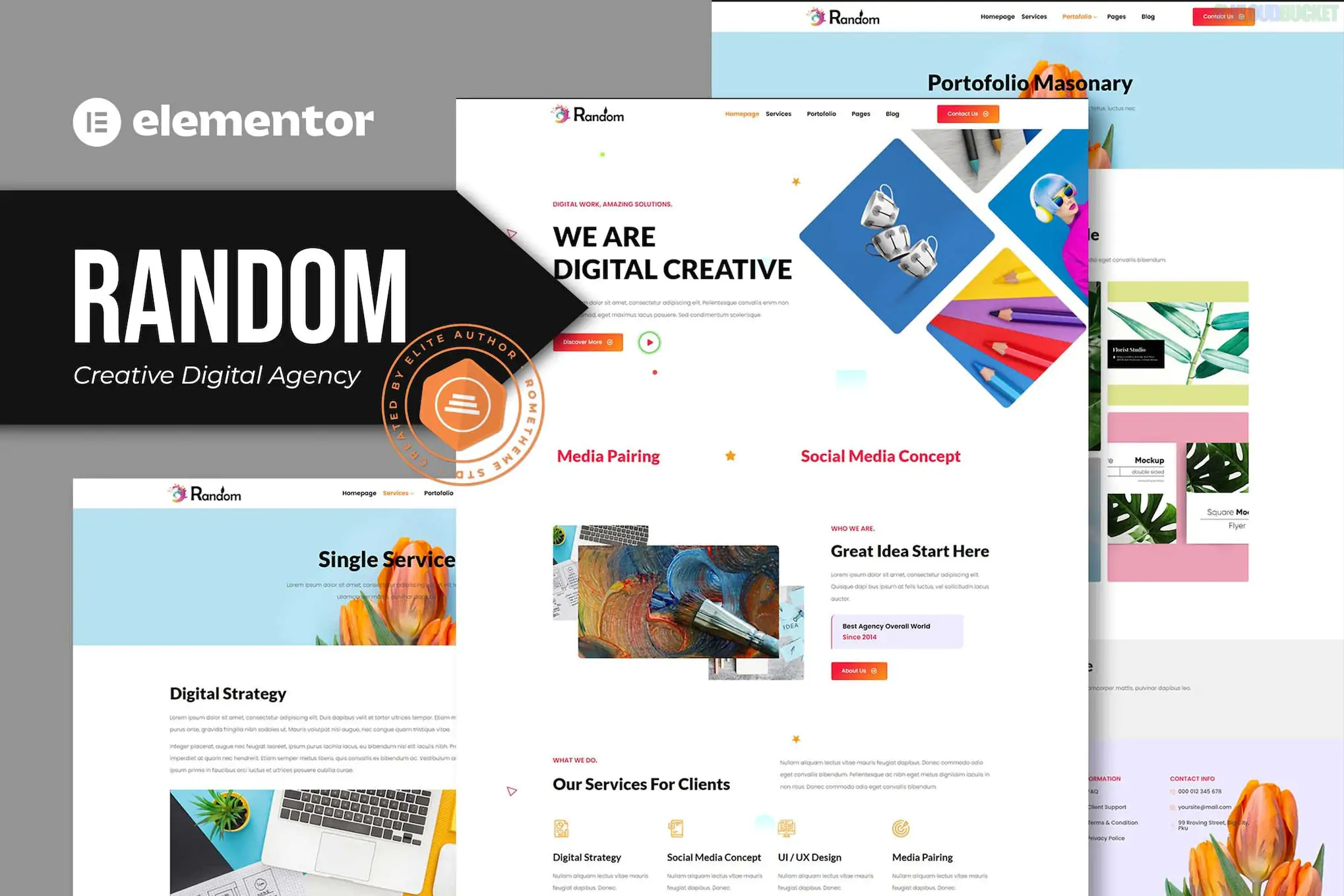
Random is a bold, dark-themed Elementor Template Kit designed for creative agencies, digital studios, and freelancers who want a high-impact, "no-code" website. Developed by Rometheme, it features a sleek, modern aesthetic that relies on deep blacks and vibrant contrast to make your portfolio pop.
Unlike a full theme, this is a collection of 16+ pre-built templates that you import into an existing WordPress site.
Dark-Mode Aesthetic: Specifically crafted with a professional dark design, perfect for tech-focused or creative brands.
16+ Creative Templates: Includes multiple homepage variations, service details, portfolio grids, and "About" sections.
Interactive Motion: Features smooth entrance animations and hover effects that give the site a premium, "agency" feel.
Retina Ready: Optimized for ultra-high-resolution graphics, ensuring your design looks sharp on all displays.
One of the biggest advantages of Random is its accessibility for different budget levels:
Feature
Details
Builder
Elementor (Works primarily with the Free version).
Pro Requirement
Not Required for basic pages, but needed if you want to use the Theme Builder for headers/footers.
Required Plugins
ElementsKit Lite (Free) and Elementor (Free).
Base Theme
Optimized for the Hello Elementor theme.
Customization
Global colors and typography can be changed in one central location.
The kit covers every page a growing agency needs:
Homepages: Multiple styles to choose the right "first impression."
Portfolio: Dynamic grids to showcase your best creative work.
Service Pages: Dedicated layouts for SEO, Web Design, or Branding services.
Contact Form: Integrated with free plugins like ElementsKit for easy client inquiries.
Blog & Single Post: Modern, clean layouts for content marketing.
Fresh Install: It is always best to import template kits onto a clean WordPress installation to prevent styling conflicts from old themes.
Global Styles First: When you open the kit in the Envato Elements plugin, click "Import Global Kit Styles" before anything else. This sets the background colors and fonts for the whole site.
One by One: Import pages one at a time. Once imported, they will appear in your Elementor > Saved Templates library.
Page Settings: When creating a new page, set the Page Layout to Elementor Full Width in the settings gear icon to remove the default theme header and title.
Learn how to import and set up Elementor Template Kits
This tutorial provides a clear, step-by-step walkthrough of the Envato Elements import process, ensuring your Global Styles and individual templates load correctly.
Would you like me to find a specific tutorial on how to customize the "Dark Mode" colors in Random, or are you looking for a similar kit that has a "Light Mode" option?
Subscribe to access unlimited downloads of themes, videos, graphics, plugins, and more premium assets for your creative needs.
.jpg) Help Us to Buy More New Theme/Plugin
Help Us to Buy More New Theme/Plugin
Published:
Jan 29, 2026 10:15 AM
Category:
Author:
OtherLicense:
GPL v2 or Later