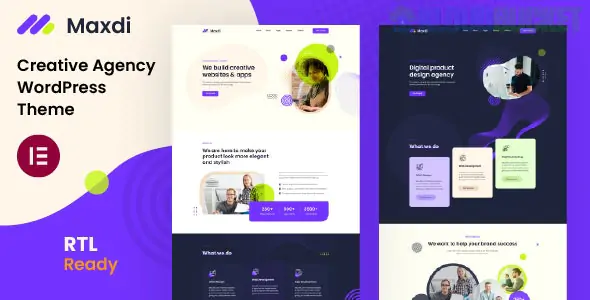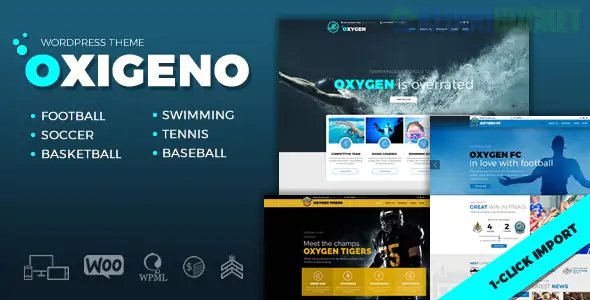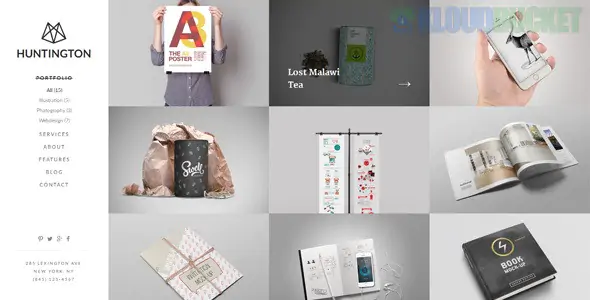
WeddingSaas (WDS) Membership Pro Themes are specialized WordPress solutions designed specifically for the wedding industry ecosystem. Unlike standard themes, these are "SaaS-ready," meaning they are built for business owners who want to run a multi-vendor marketplace, a wedding directory, or a high-end invitation service where users pay for memberships.
WDS themes are engineered to handle the complex "multi-user" nature of the wedding business:
Vendor Management: Allows photographers, florists, and venues to create their own profiles and manage their own listings.
Membership Tiers: Built-in support for different subscription levels (e.g., Free, Silver, Gold) using plugins like Paid Memberships Pro.
Front-End Dashboard: Users can upload photos, manage bookings, and edit their details without ever seeing the WordPress back-end.
RSVP & Guest Lists: Integrated tools for couples to manage their wedding attendees directly on the site.
Mobile-First Design: Since most wedding planning happens on the go, WDS themes are highly optimized for mobile devices.
In the wedding industry, visuals are the #1 selling point. Whether a venue is showing off its ballroom or a photographer is showcasing a portfolio, Envira Gallery is the industry standard for making these images shine within a WDS framework.
Vendors on your SaaS platform will be protective of their work. Use Envira’s Watermarking Addon and Protection Addon (disable right-click) to ensure that the photos uploaded to your WeddingSaas site cannot be easily stolen.
If your membership site caters to photographers, you can offer them a "Premium" feature using Envira’s Proofing Addon.
The Workflow: A photographer creates a gallery for a couple; the couple "stars" their favorite photos; the photographer receives a list of the chosen images. This adds massive value to your membership tiers.
Wedding venues need to show "The Experience." Use Envira’s Slideshow Addon within the WDS theme so that when a user clicks on a venue photo, it automatically plays a high-definition, full-screen slideshow of the location.
You can use Envira's Tags Addon to organize images by category (e.g., #BeachWedding, #Rustic, #Modern). This allows your visitors to filter through hundreds of vendor photos instantly to find the style that matches their wedding theme.
If you are running a WeddingSaas platform, follow this setup for maximum conversion:
Global Styling: Use the Envira Gallery CSS Addon to ensure that every gallery created by your vendors matches the elegant, airy typography and soft color palettes (pinks, golds, whites) typical of WeddingSaas themes.
Social Integration: Enable the Instagram Addon. This allows your vendors to sync their latest wedding shoots directly from Instagram to their profile on your site, keeping your content fresh.
Speed Optimization: Because WDS sites are image-heavy, enable Lazy Loading in Envira to ensure your directory pages load quickly, which is vital for maintaining your SEO rankings in the competitive wedding market.
Would you like me to show you how to set up "Membership-restricted" galleries, where only certain subscription levels can view high-resolution versions of images?
Subscribe to access unlimited downloads of themes, videos, graphics, plugins, and more premium assets for your creative needs.
.jpg) Help Us to Buy More New Theme/Plugin
Help Us to Buy More New Theme/Plugin
Published:
Dec 29, 2025 11:58 AM
Version:
v1.1.0
Category:
Developer:
ThemeforestLicense:
GPL v2 or Later