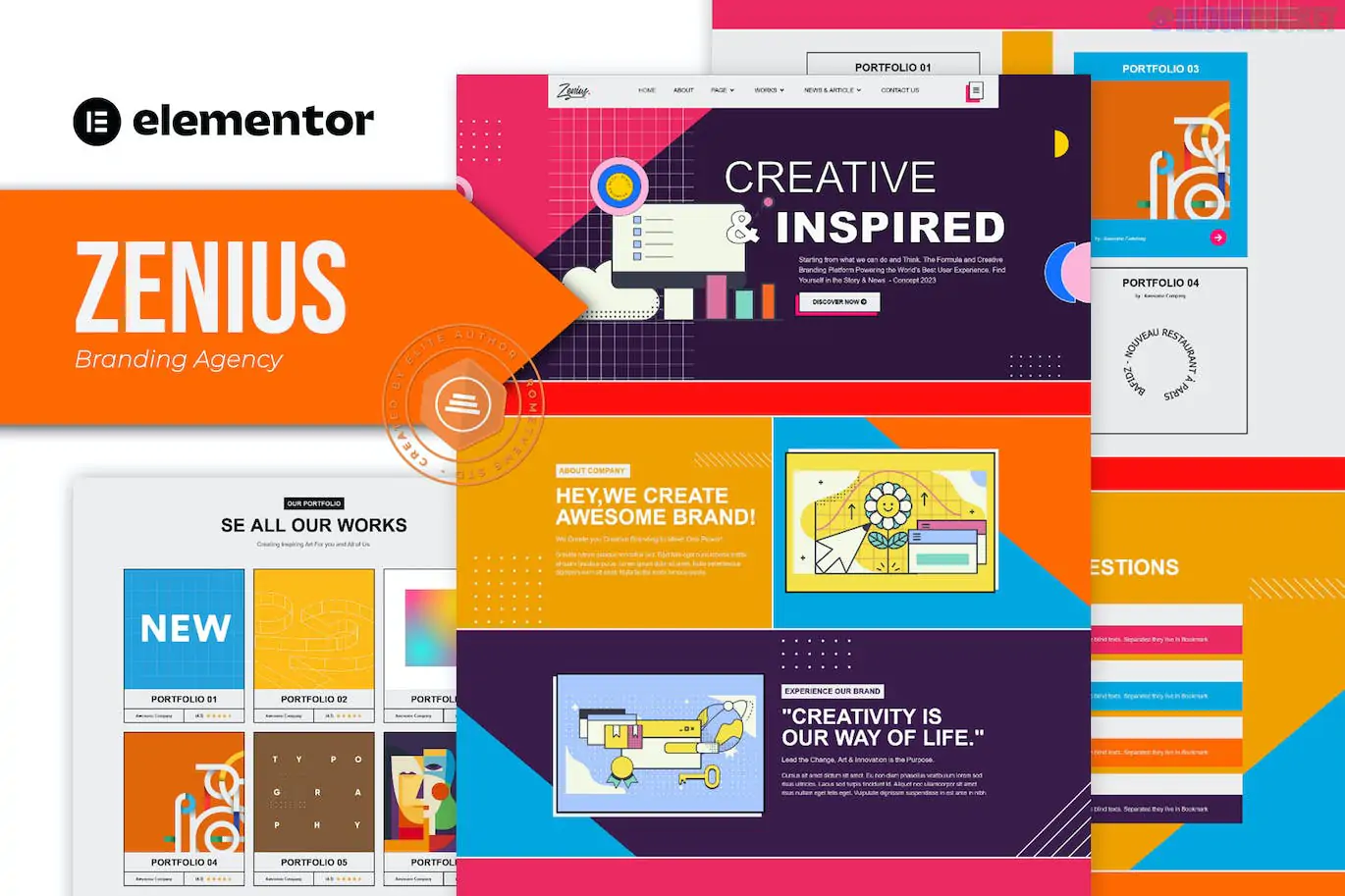
Zenius is a vibrant, sleek, and modern Elementor Template Kit designed for branding agencies, creative portfolios, design studios, and freelance professionals.
Developed by Rometheme, Zenius is known for its high-energy "colorful" aesthetic, using bold gradients and clean layouts to make creative work stand out. It is particularly popular because it provides premium agency features without requiring a paid Elementor Pro license.
13+ Pre-designed Templates: A complete collection of pages designed to build a professional agency presence in minutes.
No Elementor Pro Needed: Built using free plugins, saving you the cost of a Pro subscription while maintaining advanced functionality.
Modern & Colorful Design: High-impact visuals with a focus on high-resolution graphics and retina-ready layouts.
Global Style Control: Easily change the entire site's color scheme and typography in one place to match your specific brand.
Category
Page / Section Templates
Core Pages
Home, About Us, Our Team, Pricing.
Portfolio & Services
Services, Portfolio (Project Showcase), Single Project Detail.
Engagement
Contact Us, FAQ, Blog Archive, Single Post.
Functional Blocks
Header, Footer, Off-Canvas Menu, Contact Form.
To ensure the kit looks and functions exactly like the demo, you will need to install these free plugins from the WordPress repository:
Elementor: The core website builder.
RTMKit (RomethemeKit): The developer's exclusive addon that provides the Theme Builder (Header/Footer), premium icons, and advanced widgets.
RTMForm: A specialized form builder used to create the contact and subscription forms within the kit.
Preparation: Install the free Hello Elementor theme and ensure your site is using a clean WordPress installation.
Import Tool: Install the Envato Elements plugin (or the Template Kit Import plugin).
Upload: Go to Elements > Installed Kits (or Tools > Template Kit) and upload your Zenius .zip file.
Install Requirements: Click the "Install Requirements" banner to automatically activate the RTMKit and RTMForm plugins.
Global Styles First: Critical. Import the "Global Kit Styles" before any other templates to set the colorful design system.
Import Pages: Import the Home page and internal pages one by one.
Form Setup: Go to RTMKit > Theme Builder > Forms. Create a new form, then insert the "Contact Form Block" from your saved templates into the form builder.
By 2026, branding agencies need to prove they are cutting-edge and bold. Zenius excels by moving away from "corporate blue" and embracing a multi-color, fluid design. Because it uses the RTMKit Theme Builder, you have full control over the mobile "Off-Canvas" menu, which is essential for providing a premium user experience on smartphones.
Would you like me to help you set up the Off-Canvas menu for mobile devices, or do you need assistance configuring the RTMForm for your client inquiries?
Subscribe to access unlimited downloads of themes, videos, graphics, plugins, and more premium assets for your creative needs.
.jpg) Help Us to Buy More New Theme/Plugin
Help Us to Buy More New Theme/Plugin
Published:
Jan 22, 2026 11:56 AM
Category:
Author:
OtherLicense:
GPL v2 or Later